
Quick Answer
The M5 Pro MacBook Pro is still the fastest renderer in this three-way comparison, but the base M6 Mac mini delivered the fastest H.264 export.
In a 16-minute 4K60 Final Cut Pro project, the M6 Mac mini rendered only 10 seconds behind the M4 Pro Mac mini, then exported about 1 minute 50 seconds faster than the M5 Pro MacBook Pro.
That does not mean M6 beats M5 Pro overall: the M5 Pro won the render stage and completed Photoshop AI denoise far faster.
For value and Final Cut exports, the M6 Mac mini is the surprise pick. For heavier multitasking, GPU work, memory capacity and portability, the Pro-class Macs remain safer choices.
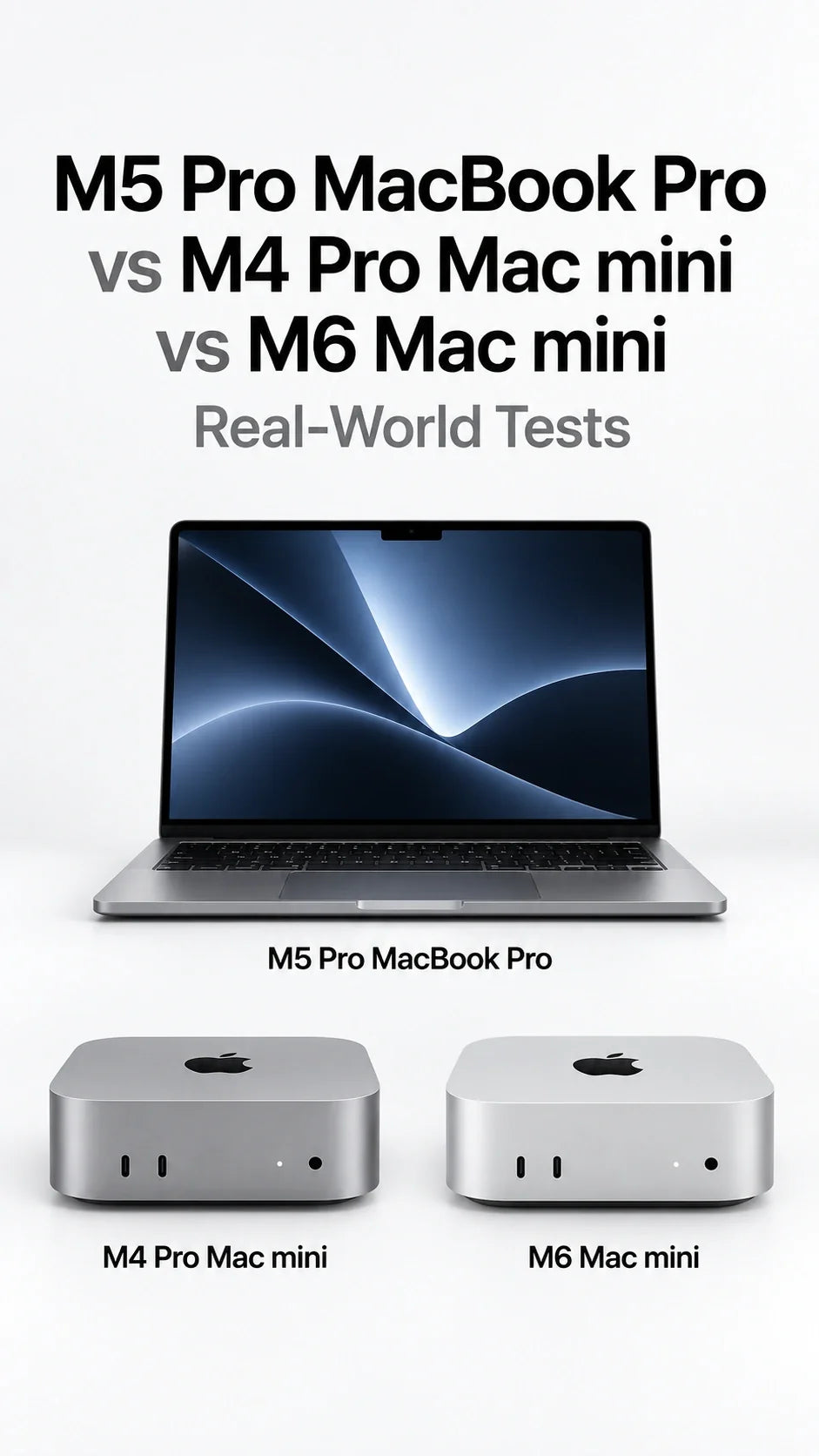
M5 Pro MacBook Pro vs M4 Pro Mac mini vs M6 Mac mini: What Was Tested?
This comparison is based on a Japanese launch-day video. The reviewer(Appleが大好きなんだよ) tested a retail base M6 Mac mini and compared the results with his earlier measurements from an M5 Pro MacBook Pro, an M4 Pro Mac mini and several other Macs.
This is third-party testing, not a ZEERA lab test. The video also warns that some historical results were recorded with different macOS and Final Cut Pro versions. Treat the numbers as useful real-world evidence, not a perfectly controlled laboratory ranking.
Main Test Machine
M6 Mac mini
$899 / ¥149,800 test unit
12-core CPU, 12-core GPU, 16GB unified memory, 256GB SSD and Thunderbolt 4.
Desktop Comparison
M4 Pro Mac mini
Previous Pro desktop
Apple offered 12/16-core and 14/20-core CPU/GPU versions, 273GB/s bandwidth and Thunderbolt 5.
Laptop Comparison
M5 Pro MacBook Pro
Current Pro notebook
Apple offers 15/16-core and 18/20-core CPU/GPU versions, 307GB/s bandwidth and Thunderbolt 5.
Configuration note: the transcript does not identify the exact CPU, GPU, memory or SSD configuration of the M4 Pro Mac mini or M5 Pro MacBook Pro used for the historical comparisons. Their official specification ranges are shown above; they should not be mistaken for confirmed test configurations.
Apple's current specifications confirm the 12-core CPU and 12-core GPU in M6 Mac mini. Apple's archived specifications show the available M4 Pro Mac mini configurations, while the current M5 Pro MacBook Pro specifications confirm its higher memory bandwidth and Pro-class configuration range.
Final Cut Pro Rendering: M5 Pro Wins, but M6 Nearly Matches M4 Pro
The reviewer used a roughly 16-minute 4K60 Final Cut Pro project, deleted the existing render files, and timed the render stage before export.
M5 Pro MacBook Pro
3:40
M4 Pro Mac mini
4:24
M6 Mac mini
4:34
Lower is faster. Bars use the M6 Mac mini's 4:34 result as the reference.
The M6 Mac mini took only 10 seconds longer than the M4 Pro Mac mini—about 3.8% more time. The M5 Pro MacBook Pro still led this render by 54 seconds.
A second, more complex project produced a different order. The M5 Pro MacBook Pro finished in 5:00, the M6 Mac mini in 5:10, and the reviewer said M6 beat his earlier M4 Pro Mac mini result by roughly 35 seconds. That places the older M4 Pro result at about 5:45, but that figure is inferred from the stated gap rather than shown as a directly transcribed time.
Practical meaning: M5 Pro retains a rendering advantage, yet the standard M6 chip can land surprisingly close to M4 Pro—or move ahead in a specific project. For a broader generation-to-generation view, see our M6 Mac mini vs M4 benchmark and upgrade guide.
H.264 Export: The Base M6 Mac mini Delivers the Surprise Win
After rendering the same 16-minute 4K60 project, the reviewer exported it using H.264 single-pass encoding. The base M6 Mac mini completed the export in 12 minutes 1 second.
Fastest Result in the Reviewer's History
12:01
M6 Mac mini — around 1:50 faster than the M5 Pro MacBook Pro result for this project.
The reviewer said the M6 required 86.8% of the M5 Pro MacBook Pro's export time. That implies an M5 Pro result of approximately 13:51. Because the M5 Pro time is derived from the stated difference and ratio, it should be treated as an approximate historical result.
This is the article's biggest headline, but also its easiest result to overstate. It shows that M6 is extremely strong in this Final Cut Pro H.264 workflow. It does not prove that a base M6 is faster than M5 Pro in every codec, effect stack, GPU task or sustained professional workload.
The likely buying lesson is narrower: if your daily work is editing standard 4K footage and exporting H.264 from Final Cut Pro, the M6 Mac mini may deliver more performance than its non-Pro name suggests.
AI Photo Tests: M6 Wins One Test and Loses Badly in Another
The reviewer disabled Wi-Fi and ran two offline image-processing tests. The results moved in opposite directions, showing why one “AI performance” number cannot predict every app.
Photomator Super Resolution
39.13 sec
M6 processed seven images and placed first, although the lead over M5 Pro was described as small.
Photoshop Neural Filter Denoise
3:17 on M6
M5 Pro MacBook Pro finished in 1:55, while an M5 MacBook Air took 2:02.
In Photoshop, M6 took about 71% longer than M5 Pro. The reviewer suggested that Adobe may not yet have optimized this filter for M6, but that explanation was not proven. App optimization, the compute blocks actually used, memory behavior and software version can all change the result.
Do not use these two tests to predict local LLM or diffusion performance. If memory capacity is part of your decision, our separate M6 Mac mini 16GB vs 24GB vs 32GB local AI guide focuses on model size, image generation and agent workflows.
Geekbench 6 and SSD Results for the M6 Mac mini
The reviewer used Geekbench 6 rather than Geekbench 7 so the M6 scores could be compared with his older database. These figures should not be mixed with Geekbench 7 results.
CPU Single-Core
4,600
CPU Multi-Core
20,954
GPU Metal
91,871
In the reviewer's history, the M6 multi-core score was roughly 20% above a regular M5 and near his M3 Max result. Its Metal score landed above M2 Pro but below M4 Pro. That helps explain why M6 can feel Pro-class in selected workflows while still lacking the wider GPU, memory and I/O envelope of a Pro chip.
The base 256GB SSD measured roughly 4,600MB/s write and 3,192MB/s read. The write result was strong for a base drive, but the reviewer still found it slower overall than his 512GB M5 MacBook Air SSD. A 512GB M6 Mac mini may behave differently; that configuration was not tested in this video.
16GB Memory Is the M6 Mac mini's Bigger Limitation
The reviewer connected the M6 Mac mini to three 5K displays and edited in Final Cut Pro while Adobe Illustrator was also open. Basic editing and voice-over work remained responsive, but Final Cut Pro crashed once while he attempted to copy and paste a larger group of clips.
After Illustrator was closed, the same operation succeeded. That is a useful warning for heavy multitasking, but it is not proof that 16GB alone caused the crash. The video did not include a crash log or a complete memory-swap trace.
Best M6 configuration for creators
24GB unified memory + 512GB SSD is the more balanced configuration for regular Final Cut Pro work, multitasking and internal project storage. Choose 32GB if larger local AI models or heavier parallel apps already form part of the workflow.
The reviewer reached the same basic conclusion. He considered the standard M6 chip fast enough, but recommended upgrading memory to at least 24GB and storage to 512GB for serious creative use. In Japan, his suggested configuration reached ¥222,800—close to the old M4 Pro Mac mini price tier.
Thunderbolt 4 vs Thunderbolt 5 Is a Real Deal-Breaker for Some Buyers
The M6 Mac mini has three rear Thunderbolt 4 ports. Both the M4 Pro Mac mini and M5 Pro MacBook Pro offer Thunderbolt 5. If your workflow depends on very fast external SSD arrays, high-bandwidth docks, capture hardware or clustered systems, the Pro machines keep a meaningful connectivity advantage.
The M6 Mac mini also lacks an SD card slot. The M5 Pro MacBook Pro includes one, along with its built-in Liquid Retina XDR display, keyboard, trackpad and battery. Those extras make its higher price easier to justify for a creator who works away from one desk.
For long desktop exports or rendering sessions, cooling may matter more than it does in a short benchmark. Our Mac mini M6 cooling stand guide explains when the built-in cooling is enough and when active cooling can add useful thermal headroom.
Which Mac Should You Buy?
Buy M6 Mac mini if...
- You want the best value for Final Cut Pro H.264 export.
- You already own a display and desk accessories.
- Your work fits within 24GB or 32GB of memory.
- Thunderbolt 4 is fast enough for your storage.
Buy M4 Pro Mac mini if...
- You find it at a strong clearance or refurbished price.
- You need Thunderbolt 5 and 273GB/s memory bandwidth.
- Your GPU-heavy apps favor the wider Pro design.
- You want a desktop with more than 32GB of memory.
Buy M5 Pro MacBook Pro if...
- You need a portable professional workstation.
- Rendering, AI filters and heavy multitasking matter most.
- You need Thunderbolt 5, SDXC and an XDR display.
- 307GB/s bandwidth and higher memory options justify the cost.
ZEERA's verdict: the M6 Mac mini is the best value in this specific comparison, especially for Final Cut Pro users. The M4 Pro Mac mini remains compelling as a discounted high-bandwidth desktop, while the M5 Pro MacBook Pro is the most complete professional machine—not because it wins every export, but because it combines stronger rendering, wider memory and connectivity with a full mobile workstation.
FAQ
Is the M6 Mac mini faster than the M5 Pro MacBook Pro?
Not overall. The M6 was faster in the reviewer's H.264 export, but the M5 Pro rendered the same project faster and completed Photoshop AI denoise much faster.
Is the M6 Mac mini faster than the M4 Pro Mac mini?
It depends on the task. M6 was 10 seconds slower in one 16-minute 4K60 render and about 35 seconds faster in another complex render. M4 Pro still has more memory bandwidth, higher memory capacity and Thunderbolt 5.
Is 16GB enough for Final Cut Pro on M6 Mac mini?
It can handle normal 4K editing and exports, but the video recorded one crash during heavier multitasking. For regular creative work, 24GB is the safer starting point.
Should I buy 256GB or 512GB storage?
Choose 512GB if you want active projects and applications on the internal drive. The tested 256GB model was fast, but capacity fills quickly and pushes more of the workflow onto external storage.
Was this tested by ZEERA?
No. The performance results come from the linked Japanese third-party review. ZEERA verified the device specifications against Apple and separated measured results from inferred times and editorial buying advice.
Is the M5 Pro in this article a MacBook Pro or Mac mini?
It is an M5 Pro MacBook Pro. The video did not directly compare the M6 Mac mini with the new M5 Pro Mac mini.
Related Reading
Build a Better Mac mini Workstation
Explore CNC aluminum cases, stands and cooling accessories for Mac mini M6, M5 Pro and M4.
Shop Mac Accessories





