
Quick Answer
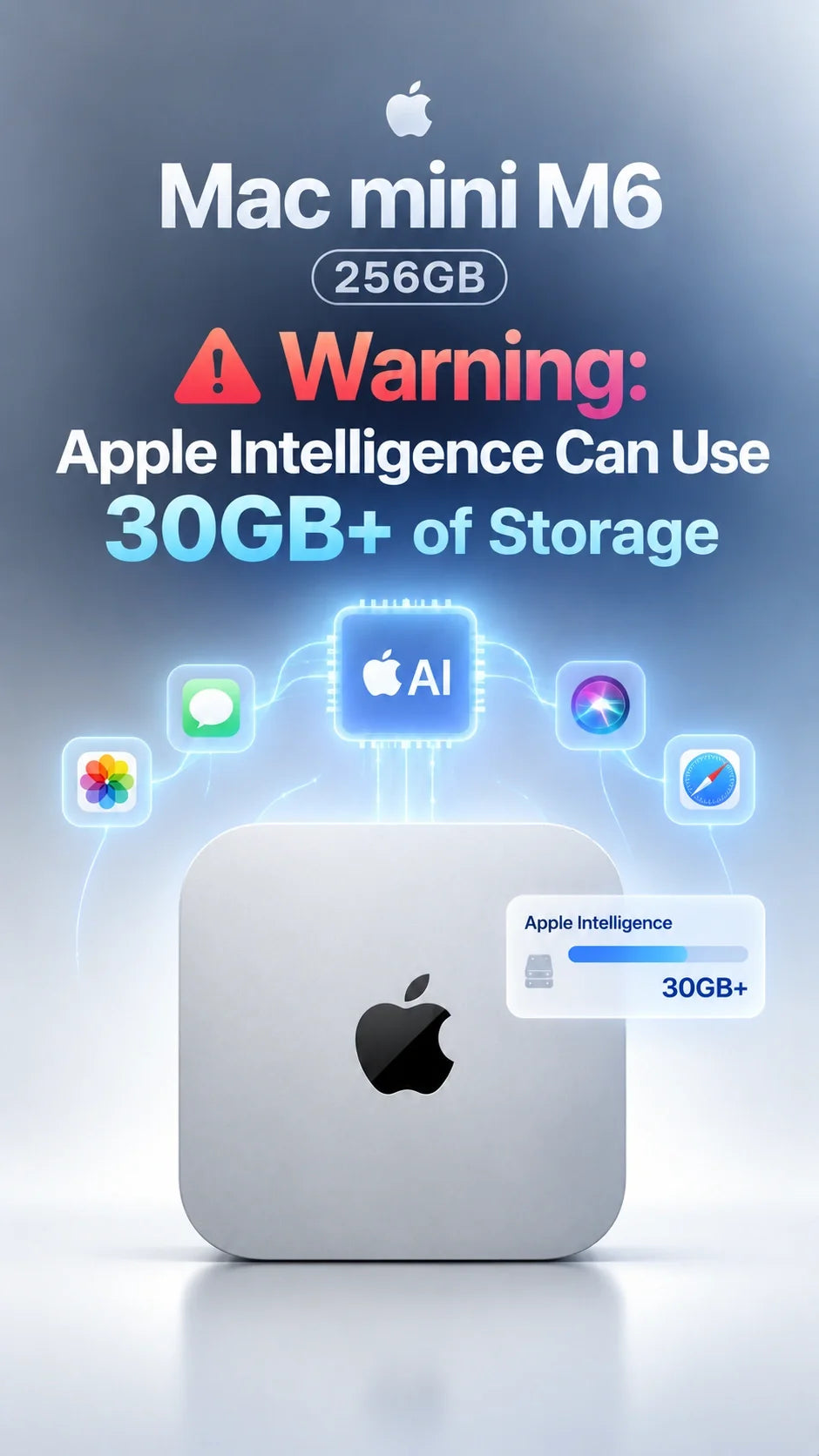
Apple lists up to 14GB of on-device storage for Apple Intelligence on an M6 Mac mini with macOS 27.
Yet some Macs show 20GB to 30GB+ in the Apple Intelligence storage category; the 30GB+ report is not an M6-specific test.
On a nominal 256GB SSD, 30GB would represent about 12% of capacity before macOS, apps, or your files.
Buy 512GB if this is your main Mac or you expect growing apps and local projects. The 256GB model remains workable for a light desktop with planned external storage.
Why are some Macs showing more than Apple's 14GB estimate?
Apple's current requirements say that macOS 27 Apple Intelligence uses up to 14GB on a Mac with M3 or later and at least 12GB unified memory. The M6 Mac mini qualifies. Other eligible Macs have an up-to-8GB requirement. These are Apple's stated requirements, not a promise that every storage screen will display exactly that figure.
In its own macOS 27 observation, MacRumors recorded 20.67GB on an M4 Pro Mac mini. It also cites Ars Technica's 22.42GB reading on an M3 MacBook Air and a separate user's 30.16GB screenshot from a release candidate. Those machines and software builds differ from the base M6 mini.
The gap remains unexplained. Apple has not established that the “up to 14GB” requirement and the number shown in the macOS Storage interface measure the same files in the same way. It would be misleading to say every M6 mini uses 30GB, or that 30GB is a new Apple specification.
The numbers, in context
What does a 30GB reading mean on a 256GB M6 Mac mini?
Apple sells the M6 Mac mini with a 256GB SSD and offers 512GB and larger configurations. Using the advertised 256GB capacity as a simple reference, 14GB is about 5.5%; 20.67GB is about 8.1%; and 30.16GB is about 11.8%. These percentages are illustrations, not measured free space.
Your usable space is lower after formatting, macOS, built-in apps, updates and personal files. A storage reading can also change after an update or model download. Do not subtract 30GB from 256GB and present the result as what a new M6 owner will actually have available.
The purchasing issue is headroom. Large photo libraries, video files, Xcode, games, iPhone backups and locally downloaded AI models can each consume much more than Apple's built-in AI allocation. If you already run close to full, an extra 10GB or 20GB matters.
Is 256GB enough, or should you buy 512GB?
An external SSD can hold libraries, archives and many working files. It should not be treated as a guaranteed way to relocate macOS's built-in Apple Intelligence assets. The internal SSD capacity is chosen at purchase; plan around the space you need on the startup disk.
Capacity is only one question. Our separate M6 256GB vs 512GB SSD speed analysis examines published performance tests. This article is about space used by macOS 27 AI features, not a fresh SSD benchmark.
How do you check Apple Intelligence storage on your Mac?
- Open Apple menu → System Settings → General → Storage.
- Wait for the storage categories to finish calculating.
- On macOS 27, inspect the macOS category and its information button for an Apple Intelligence reading, if shown.
- Record both the reading and your available storage; recheck after an update or after the system finishes background downloads.
Apple's Mac storage guide explains that System Data is a broad category covering Apple and third-party files that do not fit elsewhere. A large System Data number is not proof that Apple Intelligence alone caused it.
If space is tight, use Apple's Storage recommendations, remove unused downloads and apps, and move large personal libraries to a suitable external drive with a backup. Avoid deleting system model files by hand: macOS may need them again, and a future update can restore them.
Does 512GB improve Siri AI itself?
More storage gives you room to keep the operating system, models and your work together. It does not by itself make Siri AI's answers smarter. The base M6's 16GB of unified memory meets Apple's requirement for its more capable on-device model. For separate local AI tools and larger third-party models, our 16GB vs 24GB vs 32GB memory guide addresses a different buying decision.
Apple says Siri AI is rolling out in English, and feature availability varies by language and region. A storage decision should be based on your actual Mac workload, not the assumption that every feature will be available to you on day one.
FAQ
Does Apple officially say Apple Intelligence needs 30GB on the M6 Mac mini?
No. Apple's published requirement is up to 14GB for eligible M3-or-newer Macs with at least 12GB of unified memory. The 30GB+ figure is a reported reading on another Mac, not an official M6 specification.
Will turning off Siri AI recover all of that space?
Do not count on it. Apple Intelligence is integrated into macOS 27, and declining to use Siri AI is not a reliable storage-recovery plan. Check your own Mac's Storage view after setup.
Can an external SSD replace the 512GB internal upgrade?
For personal files and large project libraries, often yes. It is less convenient for apps and data that must remain on the startup disk, and it does not guarantee you can move Apple's system AI allocation.
Is the 30GB number the same as “System Data”?
No. System Data is a much wider category. Compare the Apple Intelligence reading, where macOS displays one, with your total available space.
Related Reading
Sources and disclosure
- Apple: Apple Intelligence requirements
- Apple: Mac mini specifications
- Apple: free up Mac storage
- MacRumors: observed storage readings and cited user screenshot
Updated September 24, 2026. ZEERA has not measured Apple Intelligence storage on an M6 Mac mini. Reported readings reflect other Macs or user submissions; they can change with software versions.









