
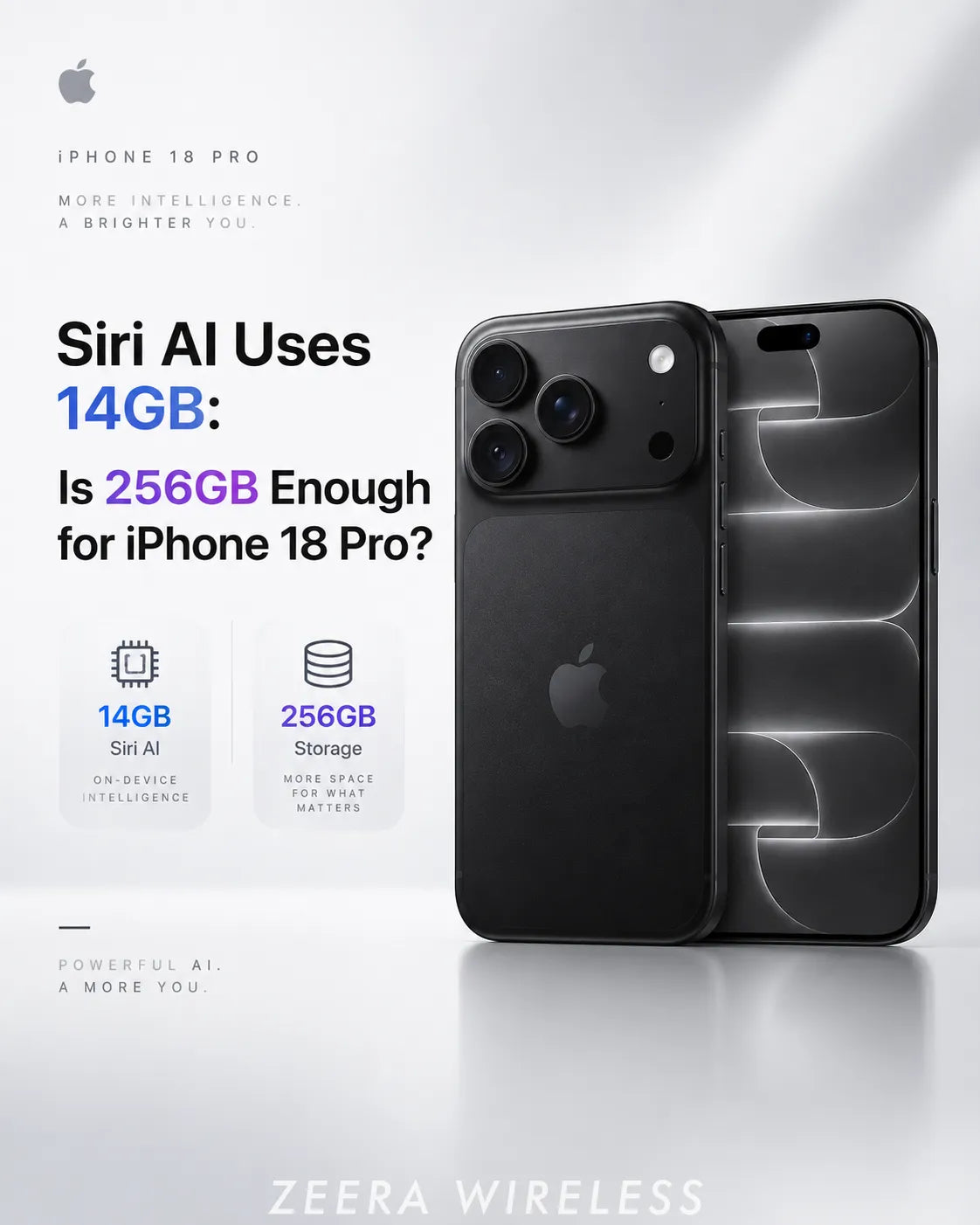
Yes—256GB is still enough for most iPhone 18 Pro buyers even if Siri AI uses up to 14GB.
Fourteen gigabytes is about 5.5% of the iPhone 18 Pro's base 256GB capacity. It is an upper figure for certain advanced on-device AI resources—not proof that every iPhone 18 Pro permanently loses exactly 14GB.
Choose the 512GB iPhone 18 Pro if you keep large photo libraries, offline games, 4K or ProRes video, or plan to keep the phone for years. Siri AI alone is not a strong reason to pay for more storage.
Updated September 19, 2026: This guide separates Siri AI model storage from iOS 27 update files and the variable System Data category. Apple says available storage varies by software version, settings and iPhone model.

Does Siri AI Really Use 14GB on iPhone 18 Pro?
Apple's updated Siri AI requirements say certain advanced devices may need up to 14GB of local storage. That space is used by on-device models and supporting assets that let Apple Intelligence process some requests directly on the iPhone.
However, Apple's general iPhone comparison page still says Apple Intelligence on-device models use approximately 7GB. The two figures should not be treated as a universal contradiction.
ZEERA assessment: The safest interpretation is that roughly 7GB remains a useful baseline for Apple Intelligence, while newer high-end devices can require a larger package approaching 14GB for advanced Siri AI models and assets. Buyers should budget for the upper figure, but should not assume every iPhone will show exactly 14GB.
Is 256GB Enough for Siri AI on iPhone 18 Pro?
For most iPhone 18 Pro buyers, yes. A 14GB allocation equals roughly 5.5% of the advertised 256GB capacity. That is noticeable, but it does not turn the base iPhone 18 Pro into a low-storage phone.
The more important question is what else you store. Photos, downloaded movies, large games and 4K video can consume far more space than Siri AI over the life of the phone.
If you normally keep at least 40–50GB free, Siri AI should not change your iPhone 18 Pro buying decision. If your current 256GB iPhone is already close to full, moving to 512GB is reasonable—but your photos, video and apps are the real reason, not one 14GB AI package.
Which iPhones May Need the Larger Siri AI Download?
The updated storage language has been associated with advanced-device models including iPhone 17 Pro, iPhone 17 Pro Max and iPhone Air, along with newer high-memory iPads, Macs and Apple Vision Pro hardware.
Apple also lists the iPhone 18 Pro, iPhone 18 Pro Max and iPhone Duo among current Apple Intelligence-compatible iPhones. Because model downloads can vary, owners should check the number shown on their own device instead of assuming that every supported iPhone uses the same amount.
Owners of older hardware should also remember that an iPhone may support iOS 27 without supporting the full Siri AI experience. See ZEERA's guide to iPhone 17 Siri AI limitations.

Is Siri AI Storage the Same as iOS 27 System Data?
No. These numbers can appear close together in the storage screen, but they describe different things. Confusing them is one reason users think iOS 27 itself suddenly became 14GB larger.
Apple explains that the Other or System Data category can include Siri voices, fonts, dictionaries, logs, caches and Spotlight indexes. You can inspect the breakdown under Settings → General → iPhone Storage.
If storage growth arrived with battery drain or unusual heat, read ZEERA's iOS 27 problems, battery drain and overheating guide. Post-update indexing can temporarily affect both storage reporting and power use.
Can You Delete Siri AI and Reclaim the Storage?
Apple says its on-device Apple Intelligence models can be deleted when Apple Intelligence is turned off. Turning the feature on again downloads the models again.
- Open Settings.
- Tap Apple Intelligence & Siri.
- Turn off Apple Intelligence or Siri AI.
- Restart the iPhone and leave it connected to power for a while.
- Return to Settings → General → iPhone Storage and check the updated total.
The storage number may not refresh immediately. iOS can take time to remove assets and recalculate categories. Do not erase the entire iPhone solely to chase a storage figure unless you already have a verified backup and a separate reason to reset it.
If you turn Siri AI back on, expect the download to return. Keep the phone on reliable Wi-Fi and power until setup finishes.
What If Siri AI Says There Is Not Enough Storage?
Do not try to free exactly 14GB. The iPhone may need additional working room for the download, extraction, installation and normal system operation.
Apple's storage tools can offload an app while keeping its documents and data, or delete the app and its related data. Start with content you recognize rather than trying to manually remove system files.
Should iPhone 18 Pro Buyers Choose 256GB or 512GB?
Apple sells iPhone 18 Pro and iPhone 18 Pro Max in 256GB, 512GB, 1TB and 2TB capacities. For most buyers, 256GB remains the best-value configuration.
Move to 512GB if you regularly record 4K video, shoot ProRes, download several console-size games, keep an offline photo library, or expect to use the phone for four or five years without relying on cloud optimization.
Siri AI does not make 512GB mandatory. Even at the 14GB ceiling, the upgrade from 256GB to 512GB adds far more space than the AI package consumes.
When setting up a new phone, transfer only after making a backup. ZEERA's iPhone 18 Pro Quick Start and eSIM guide explains how to move a large library safely.
Many shoppers still search for iPhone Ultra, but Apple's foldable phone is sold as iPhone Duo. The same storage rule applies: do not choose a larger tier solely because Siri AI may use up to 14GB.
A Duo buyer is more likely to need extra storage for downloaded movies, games, multitasking files and photos than for the AI models alone. If you use the large inner display mainly for reading, web browsing and streaming, 256GB can still be practical.
Cases are not interchangeable between the foldable iPhone Duo and iPhone 18 Pro. If you searched for an iPhone Ultra case, shop for an iPhone Duo case designed around both screens and the hinge. ZEERA also covers the main iPhone Duo and iPhone Ultra drawbacks.
Does Siri AI Storage Affect Battery Life, Heat or Performance?
The stored files themselves do not continuously drain the battery. The initial download, model preparation, Photos and Spotlight indexing, and other post-update work can temporarily increase network use, processor activity and heat.
ZEERA has observed that early iOS 27 complaints often mix several events together: installing the operating system, downloading Siri AI, restoring an iCloud backup and indexing a large photo library. Let the phone finish this work before judging long-term battery life.
Charging does not change the amount of Siri AI storage, but keeping the iPhone on power and Wi-Fi can help the download complete. For an iPhone 18 Pro charger decision, see our guide to 20W vs 30W vs 60W charging.
Do You Need a Different Case or Charger for Siri AI?
No. Siri AI storage does not change physical case fit or charging compatibility. Choose an iPhone 18 Pro case or iPhone Duo case for protection, grip, MagSafe alignment and the exact phone model—not because one phone has a larger AI download.
The same applies to an iPhone charger. A compatible USB-C, MagSafe or Qi2 charger does not add storage, remove AI models or make Siri answers better. Cooling can help manage charging heat during demanding use, but it cannot override the iPhone's own thermal limits.
For navigation, Wireless CarPlay and charging together, see ZEERA's MagSafe car mount guide for iPhone 18 Pro and iPhone Duo.
Is 256GB Enough for iPhone 18 Pro? Our Verdict
Buy the 256GB iPhone 18 Pro if it already matches your photo, video, game and offline-download habits. Siri AI using up to 14GB does not make the base model inadequate for normal use.
Buy 512GB when your existing storage history supports it. If your current phone routinely has less than 30–40GB free, the larger tier provides useful breathing room for future apps, camera files and AI features.
The practical rule is simple: budget for Siri AI, but make the purchase based on your total library—not the headline number.
Frequently Asked Questions
How much storage does Siri AI use on iPhone 18 Pro?
Siri AI can use up to 14GB for advanced on-device resources. Actual usage can vary by language, enabled features and software version, so not every iPhone 18 Pro will show exactly 14GB.
Is 256GB enough for iPhone 18 Pro with Siri AI?
Yes, for most users. A 14GB package is about 5.5% of 256GB, so photos, video, games and offline downloads matter more to the buying decision.
Can I delete Siri AI files?
Apple says its on-device Apple Intelligence models can be deleted by turning Apple Intelligence off. Turning it back on downloads the models again.
Does Siri AI use iCloud storage?
The on-device model package uses local iPhone storage, not your iCloud storage allowance. Your photos, backups and synced files can separately use iCloud space.
Is Siri AI storage part of System Data?
Not necessarily as one clearly labeled number. iOS storage categories can include Siri voices, models, caches and other system assets, so check the total after downloads and indexing finish.
Should I buy a 512GB iPhone 18 Pro because of Siri AI?
No—not for Siri AI alone. Choose 512GB if you also store large media libraries, games, 4K video or ProRes files locally.
Is iPhone Ultra the same as iPhone Duo?
In current searches, iPhone Ultra commonly refers to the foldable Apple phone that launched as iPhone Duo. Use iPhone Duo when checking official specifications and accessory fit.
Related Guides






