
Updated: August 28, 2026
Quick Answer
If your iPhone 16e Bluetooth audio stutters, drops, or refuses to reconnect, first update iOS and the accessory firmware, then test one Bluetooth device at a time. Early reports often involved multiple connected accessories, but similar symptoms can also come from stale pairings, low accessory battery, app permissions, or local interference. Forget and re-pair the problem device before resetting network settings, because a network reset also removes saved Wi-Fi and VPN settings.
iPhone 16e Bluetooth Issues: Key Facts
| Question | What You Need to Know |
|---|---|
| Common symptoms | Audio stuttering, brief cutouts, failed pairing, random disconnects, or delayed reconnection. |
| Most useful first test | Disconnect every Bluetooth accessory except one and test the same audio again. |
| Best first fixes | Update, restart, forget the accessory, and pair it again. |
| When to reset networks | Only after simpler steps fail; saved Wi-Fi passwords, cellular settings, VPN, and APN settings are removed. |
| When to contact Apple | Bluetooth is grayed out, no accessories connect, or several known-good devices fail only with the iPhone 16e. |
Apple released the iPhone 16e on February 28, 2025. Soon afterward, some owners reported Bluetooth audio interruptions across headphones, speakers, wearables, and car systems. The most useful way to troubleshoot the problem is not to assume one universal cause, but to identify whether the failure follows the iPhone, one accessory, or a multi-device setup.

iPhone 18 Pro Max MagSafe Charger & Stand
ZEERA MagTri Gen2 Qi2.2 Foldable MagSafe Charger
- 25W Qi2.2
- 3-in-1 fold
- Active cooling
- Travel size
- 3-device ready

ZEERA MagSion 5-in-1 Dual MagSafe Charger Stand
- Dual MagSafe
- 5-in-1 stand
- Watch charging
- Angle adjust
- Clean setup

ZEERA SuVolt Gen5 Qi2.2 Active Cooling Car Charger
- 25W Qi2.2
- Active cooling
- Strong magnet
- CarPlay ready
- Heat control

Why Does the iPhone 16e Have Bluetooth Audio Stuttering or Disconnects?
Direct answer
There is no single cause that explains every iPhone 16e Bluetooth problem. The most likely categories are an iOS or pairing-state problem, outdated accessory firmware, competition between several connected devices, radio interference, or a fault limited to one accessory.
Evidence
Early reports in the Apple Support Community described brief audio pauses across more than one Bluetooth product, including cases that continued after a restart or reset. Some reports also found the problem more noticeable when several third-party accessories were connected.
Apple's current Bluetooth troubleshooting guidance recommends checking distance and power, restarting the accessory, confirming app permission, unpairing and pairing again, and testing whether the accessory connects to another device. Those steps are useful because they separate a phone-side issue from an accessory-side issue.
What this means for you
Bluetooth stuttering does not automatically mean that your iPhone 16e has defective hardware. If one headset fails but another works, the accessory or its firmware is the stronger suspect. If several known-good accessories fail only on the iPhone 16e, the phone's software, settings, or hardware becomes more likely.
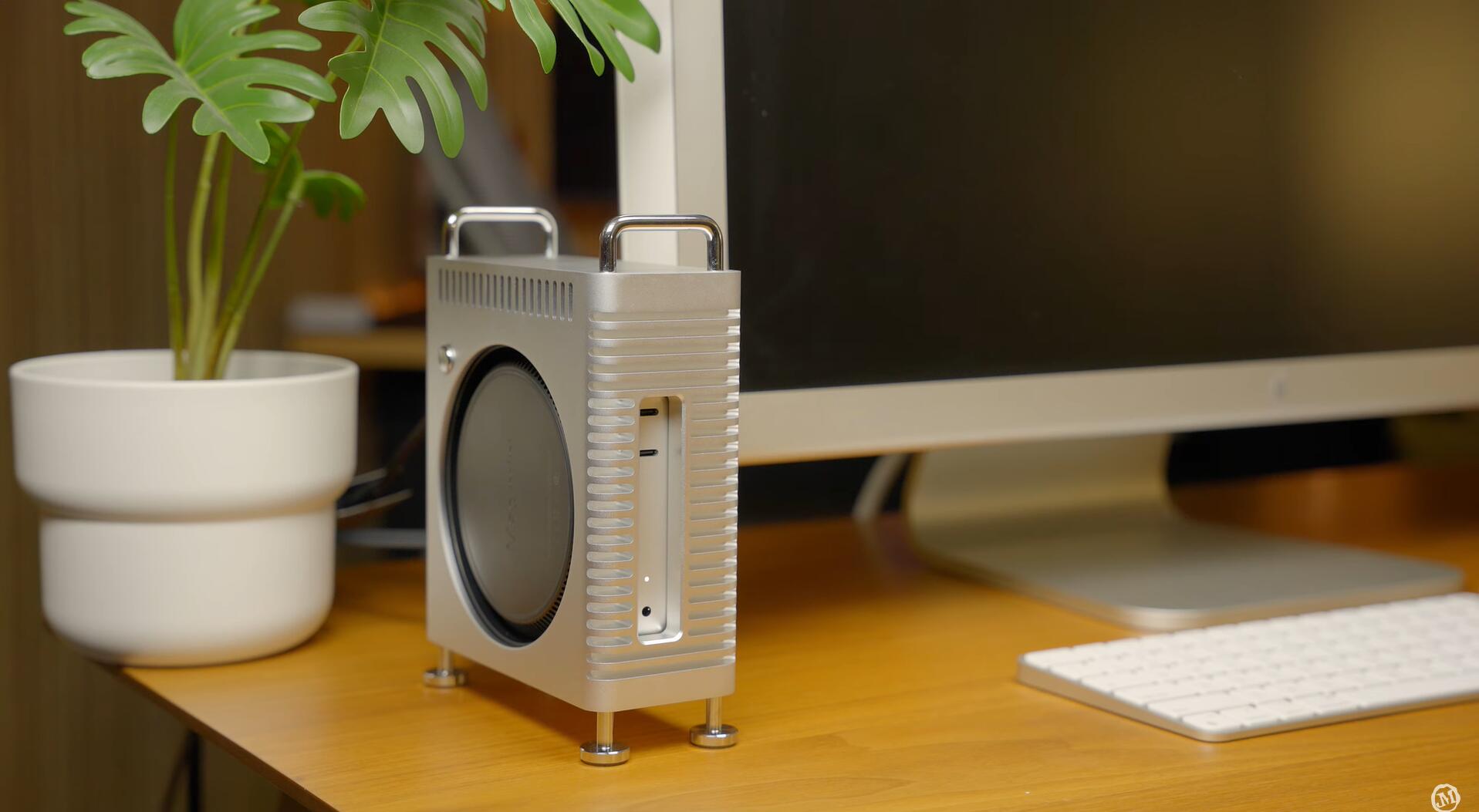
Mac Mini M4 & Mac Studio Aluminum Cases
ZEERA MacForge CNC Mac Studio Aluminum Case
- CNC aluminum
- Mac Pro style
- Cooling grille
- Tool-free fit
- Studio guard

ZEERA MacForge Gen3 CNC Aluminum Mac Mini Case
- Mac Pro grille
- CNC chassis
- Better airflow
- SSD expansion
- Front ports

How Do You Fix iPhone 16e Bluetooth Problems?
Direct answer
Start with the least disruptive fixes and test after every step. Do not jump directly to a factory reset, because that takes much longer and often does not identify the actual cause.
- Update the iPhone. Go to Settings > General > Software Update and install the latest stable iOS version available for your device.
- Update the Bluetooth accessory. Check the manufacturer's app or support page for headphone, speaker, watch, car-system, or adapter firmware.
- Test one Bluetooth device at a time. Temporarily disconnect your watch, car, controller, speaker, and other saved accessories. Leave only the problem device connected.
- Restart both devices. Power the accessory off completely, restart the iPhone, then turn the accessory back on.
- Forget and re-pair the accessory. Open Settings > Bluetooth, tap the information button beside the device, choose Forget This Device, place the accessory in pairing mode, and reconnect it.
- Check Bluetooth app permission. Go to Settings > Privacy & Security > Bluetooth and make sure the relevant app has access.
- Reduce interference. Test away from crowded Wi-Fi equipment, USB 3 hubs, wireless cameras, and other active Bluetooth devices. Keep the iPhone and accessory close during the test.
- Reset network settings only if necessary. Go to Settings > General > Transfer or Reset iPhone > Reset > Reset Network Settings. This does not erase photos or apps, but it removes saved Wi-Fi networks and passwords, cellular settings, VPN, and APN settings.
- Contact Apple Support. Do this if Bluetooth is unavailable or grayed out, no accessories will connect, or multiple working accessories fail only with this iPhone.
Important: If the issue occurs only inside one app, test locally downloaded audio in Apple Music or another app before resetting anything. A streaming, app, or network interruption can sound like a Bluetooth dropout.
Data and comparison
The result of each cross-check is more valuable than repeatedly toggling Bluetooth. Comparing the same accessory with another phone—and a second accessory with the iPhone 16e—usually identifies which side of the connection needs attention.
Conclusion
For most users, the best sequence is: update, isolate one device, restart, forget and re-pair, then reset network settings only if the earlier steps fail. A full erase should be reserved for cases where Apple Support recommends it after diagnostics or a backup has been completed.
Original ZEERA Diagnostic Recommendation
Run this 10-minute isolation test before buying a replacement accessory or erasing the iPhone:
- Disconnect every Bluetooth device except the problem accessory.
- Play a downloaded audio track for five minutes to remove streaming quality from the test.
- Connect a second known-good Bluetooth accessory to the iPhone 16e and repeat the test.
- Connect the original accessory to another phone and play the same track.
If two accessories fail only on the iPhone 16e, focus on iOS, network settings, or Apple diagnostics. If one accessory fails on both phones, update or replace that accessory. If the problem appears only when several devices are active, reconnect them one by one until the conflict returns.
iPhone 16e Bluetooth Issue Comparison Table
| Test Result | Most Likely Area | Best Next Step |
|---|---|---|
| Only one accessory fails | Accessory pairing or firmware | Update, forget, re-pair, and test it with another phone |
| Several accessories fail only on the iPhone 16e | iOS, phone settings, or iPhone hardware | Update iOS, reset network settings, then contact Apple if needed |
| Audio fails only when multiple devices are connected | Connection or audio-routing conflict | Reconnect devices one at a time and remove unused pairings |
| Problem occurs in one app only | App permission, app bug, or streaming connection | Check Bluetooth permission and test downloaded audio in another app |
| Bluetooth is grayed out or no device is detected | System-level or hardware problem | Restart, update, and contact Apple Support |
Can a Product Fix iPhone 16e Bluetooth Issues?
No case, charger, or Bluetooth accessory can repair an iOS Bluetooth problem. ZEERA does not recommend buying a replacement until the isolation test shows that your current accessory is the source of the failure.
If you need uninterrupted audio immediately, compatible USB-C headphones or a USB-C audio adapter can temporarily bypass Bluetooth. This is a workaround for listening, not a repair for wireless connectivity. For a car-only problem, first determine whether the failure involves Bluetooth pairing, wireless CarPlay, wired CarPlay, or audio routing; these use different troubleshooting paths.


Frequently Asked Questions
Why does my iPhone 16e Bluetooth audio keep cutting out?
Common causes include a stale pairing record, outdated iOS or accessory firmware, interference, an app-specific problem, or a conflict involving several connected devices. Test one accessory at a time and use downloaded audio to separate Bluetooth trouble from streaming interruptions.
Did iOS 18.4 fix the iPhone 16e Bluetooth problem?
Some early users reported improvement while testing iOS 18.4, but Apple did not publish an iPhone 16e-specific Bluetooth fix in its public release notes. iOS 18.4 is now outdated, so install the latest stable iOS version offered under Software Update instead of targeting that older release.
Why is Bluetooth worse when my Apple Watch and headphones are both connected?
Multiple active connections can expose a pairing or audio-routing conflict. Disconnect every Bluetooth accessory, connect the headphones alone, and then reconnect your watch and other devices one at a time to identify the combination that triggers the problem.
Will Reset Network Settings delete my photos or apps?
No. It does not erase personal files, photos, or apps. However, it removes saved Wi-Fi networks and passwords, cellular settings, VPN settings, and APN settings, so record anything important before using it.
How do I know whether my iPhone 16e has a hardware problem?
A hardware or system-level issue becomes more likely if Bluetooth is grayed out, no accessories can be discovered, or several known-good accessories work with other phones but repeatedly fail with the iPhone 16e after an update and re-pairing.
Does the iPhone 16e work with Bluetooth headphones and speakers?
Yes. The iPhone 16e supports Bluetooth accessories such as headphones and speakers. Put the accessory in discovery mode, open Settings > Bluetooth, and select it from the available devices list.
Related Articles






