Quick Answer
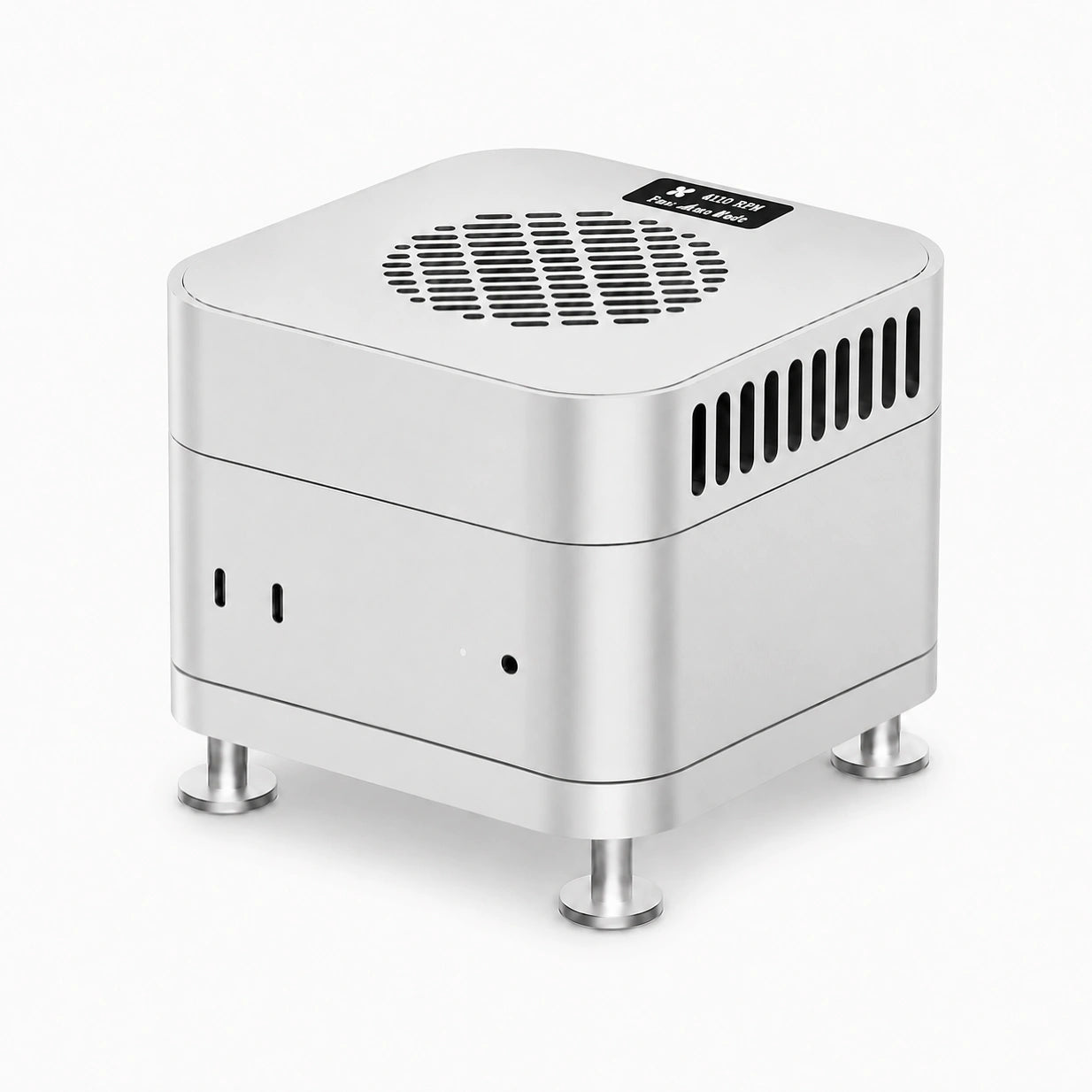
ZEERA and FlexMix introduce MacFrost Pro, a thermoelectric active cooler and aluminum stand for Mac mini M6, M5 Pro and M4. The system pairs an upper cooling unit with a separate lower stand: one draws heat from the aluminum enclosure, while the other creates clearance beneath the computer. With 7W, 20W and 30W settings, Auto mode and an OLED status display, it is designed for people who keep their Mac mini working through extended video exports, local AI sessions, rendering and code builds. Choose the complete set for both components, or select an individual unit.
ZEERA × FlexMix: A New Approach to Mac Mini Cooling
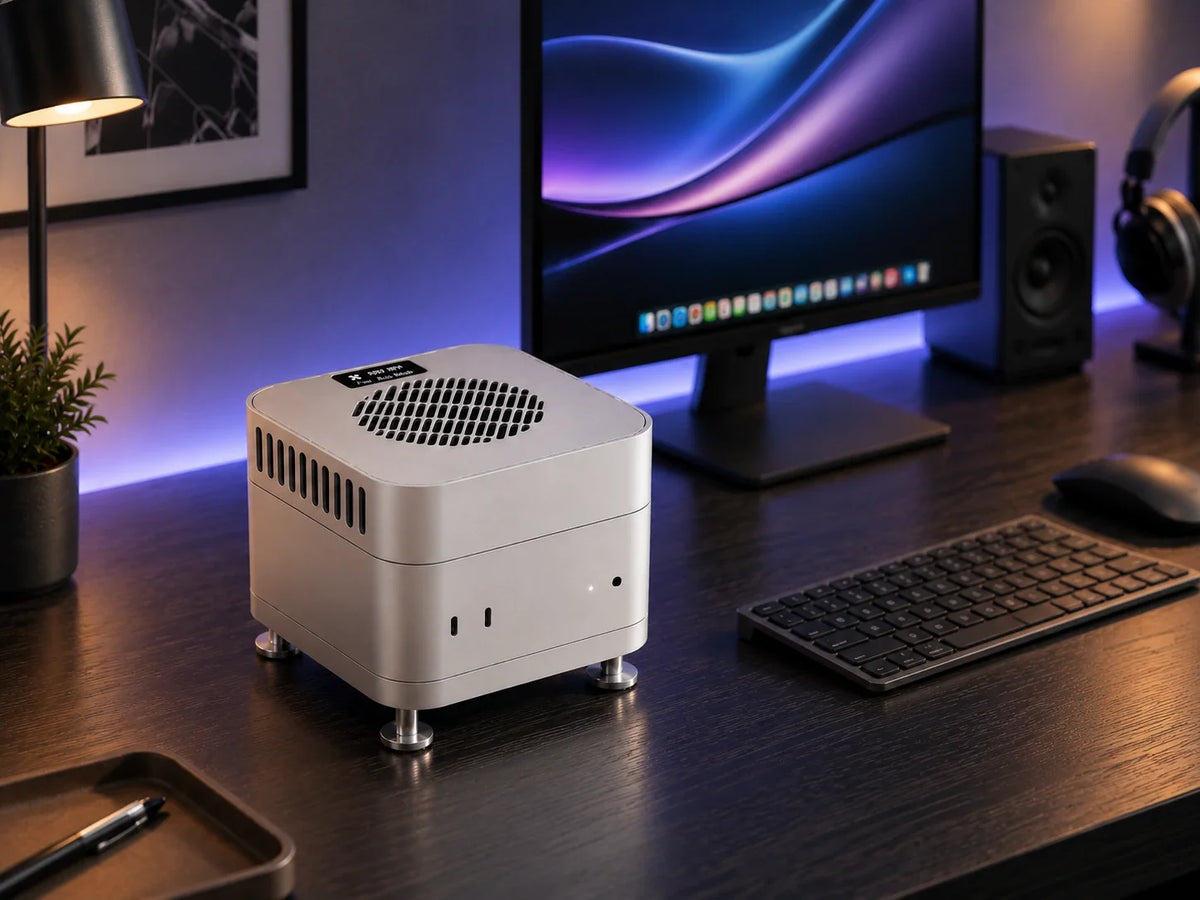
The ZEERA × FlexMix collaboration brings together two practical upgrades in one Mac mini accessory family: active semiconductor cooling above the computer and a matching aluminum stand below it. MacFrost Pro keeps the compact desktop profile while giving demanding workflows a dedicated external cooling option.
MacFrost Pro is the focus of this launch. For readers who prefer an enclosure with Mac Pro-inspired styling, MacForge Gen3 is the alternative below. They are separate Mac mini setups and are not installed together.

Direct-Contact Thermoelectric Cooling
A thermoelectric cooler uses a semiconductor module to move heat from its contact side toward a heat-dissipation assembly. In MacFrost Pro, the upper unit contacts the Mac mini through a thermal silicone pad, while its fan helps carry heat away from the cooler.
This creates a thermal path through the Mac mini’s aluminum enclosure. The accessory does not blow cooling air into the computer, and the Mac mini keeps its own internal cooling system. The benefit during a particular workload depends on the machine, room temperature, contact quality and selected mode.

A 100 × 100 × 3 mm Thermal Pad
The included silicone pad sits between the cooler and the Mac mini’s top surface. Its purpose is to bridge the contact surfaces so heat can pass into the cooling assembly. Install it on the cooler’s underside before first use.

Choose the Cooling Level for the Session
MacFrost Pro gives you a choice between lower-noise operation and stronger cooling. Start with the 7W setting for long everyday sessions, then use a higher level when your workflow justifies the additional fan noise.
7W: Everyday Cooling
Available with 5V input or the first 12V level. This is the recommended starting point for extended working sessions when acoustic comfort matters.
20W and 30W: Sustained Work
The higher levels require 12V input and run the fan faster. They suit long processing sessions where stronger cooling matters more than keeping the desk quiet.
Auto: Temperature-Based Adjustment
Auto mode varies fan behavior according to the cooler’s temperature-control system, giving you an adaptive option as operating conditions change.

OLED Monitoring Without Opening an App
The 0.96-inch OLED makes the cooling unit’s status visible at the desk. It displays sensor temperature, fan RPM, voltage and power, so you can check the operating mode and supply at a glance. The temperature shown is the cooler’s own sensor reading, rather than an internal Mac CPU or GPU measurement.

An Aluminum Stand That Keeps the Bottom Clear
The lower unit raises the Mac mini while leaving its original bottom ventilation open. A silicone contact ring cushions the computer, and a dedicated opening keeps the Mac mini’s power button reachable. It is a useful part of the complete setup even though the active refrigeration happens in the upper unit.
Both components use CNC-machined aluminum and a matching 127 × 127 mm footprint. The cooler is 29.4 mm tall; the stand measures 18 mm tall, including its base and support feet. The result is a coordinated metal stack with clearance where the Mac mini needs it.


Where MacFrost Pro Fits Into Your Workflow
The most relevant scenarios involve repeated or sustained processing. A quick document edit and an hour-long export place different demands on a desktop, so match the accessory to the work you actually do.
Video Editing and Batch Exports
Use MacFrost Pro during long 4K/8K exports, repeated encodes or a queue of deliverables. These sessions keep the computer processing well beyond a brief performance burst.
Local AI and 3D Rendering
Extended local-model sessions and render queues are natural settings for dedicated external cooling. The accessory addresses heat management; model capacity and project complexity still depend on your Mac’s hardware.
Development and Large Builds
Long compilations and repeated builds can keep a Mac mini busy throughout a working session. Choose a cooling level that fits both the processing load and the noise you can accept at your desk.

Power and First-Time Setup
- Position the lower stand, if selected. Use a stable desk surface and seat the Mac mini securely without covering its ventilation.
- Fit the thermal pad. Attach the supplied pad to the cooling surface on the underside of the upper unit, then place the cooler on top of the Mac mini.
- Connect USB-C power. For the full 30W setting, use a USB-C PD adapter with a 12V output profile; a compatible 45W adapter is recommended. Check the available voltage profiles, because the adapter’s wattage alone does not confirm 12V support.
- Power on and select a mode. Hold the cooler’s rear power button for three seconds to switch it on or off. Short-press the button to cycle through the available settings.

Pick the MacFrost Pro Configuration You Need
The MacFrost Pro product page offers three configurations: Upper Unit – Active Cooler, Lower Unit – Aluminum Stand, and Complete Set – Active Cooler + Aluminum Stand. Select the complete set if you want the arrangement shown throughout this article.
For a different desktop direction, the MacForge Gen3 aluminum case focuses on enclosure design, port access and passive airflow. Choose according to whether your priority is direct active cooling or a Mac Pro-inspired enclosure.

FAQ
Does MacFrost Pro need a macOS driver?
No. The cooling unit uses its physical controls and integrated OLED display; there is no companion app required for operation.
Do I need to open the Mac mini to install it?
No. MacFrost Pro sits outside the computer. Installation uses the upper contact pad and, for the complete set, the lower stand.
Will the cooler make every task faster?
A cooling accessory does not guarantee shorter completion times. Its purpose is to provide additional external thermal headroom during sustained workloads; the effect varies with the task and operating conditions.
Related Reading