Updated June 23, 2026
Apple has released iOS 27 Developer Beta 2. It is available to eligible iPhones enrolled in developer testing.
Beta 2 is the first follow-up build after iOS 27’s WWDC debut. The key questions are what changed from Beta 1, which problems early testers are watching, and whether updating gives you access to Siri AI.

Quick Answer
iOS 27 Developer Beta 2 is now available as Build 24A5370h.
Apple has not published a large consumer-facing list of features exclusive to Beta 2. Most headline iOS 27 additions, including Siri AI and broader Apple Intelligence changes, were introduced with the first developer beta.
Early testers are watching for improvements to long indexing, screenshot crop failures, Home Screen gesture issues, Wi-Fi or cellular instability, and Messages problems.
Installing Beta 2 does not change Siri AI eligibility or guarantee immediate access. For most people, it is a testing update rather than a major new-feature update.
Ultra-Thin MagSafe Back Plate Series
ZEERA MagSkin Air Ultra-Thin Magnetic Plate
- Only 0.3mm thin
- MagSafe compatible
- Preserves Air feel
- Light back guard
- Case-free carry

ZEERA MagSkin Pro Ultra-Thin Magnetic Back Plate
- Ultra-thin Pro fit
- MagSafe compatible
- Bare-phone feeling
- Camera deco guard
- Minimal daily carry

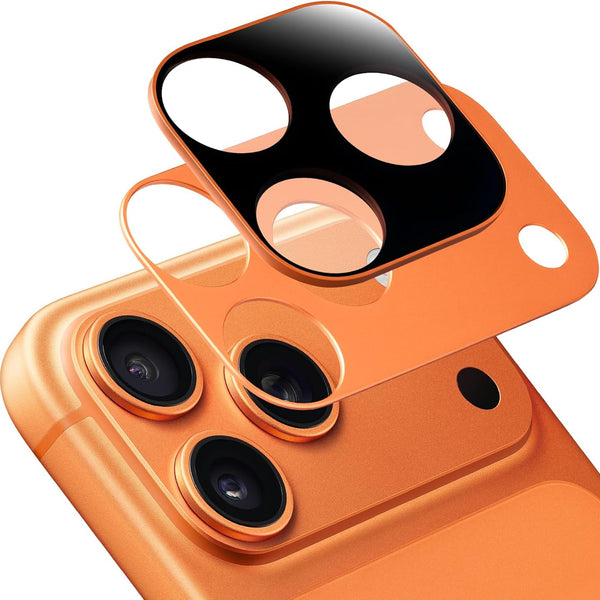
ZEERA AirFlat Lens Cover for iPhone Air
- Makes back flat
- Stops desk wobble
- Protects camera lens
- Slim matching look
- Easy clean design

What’s New in iOS 27 Beta 2?
At publication, Apple had not released a full consumer-facing list of Beta 2-only additions.
Siri AI, the new Siri experience, Apple Intelligence improvements, Liquid Glass refinements, and other headline iOS 27 changes were announced with the first developer beta. Beta 2 may include smaller interface adjustments, compatibility work, and fixes, but those changes should be treated carefully until Apple documents them or multiple testers can reproduce them.
What Changed from iOS 27 Beta 1 to Beta 2?
iOS 27 Beta 2 does not appear to add a major new consumer feature set.
Most headline changes, including Siri AI, Apple Intelligence updates, and Liquid Glass refinements, arrived with Beta 1.
Beta 2 is mainly a follow-up build for testing stability, compatibility, and smaller system changes. Apple has not published a full list of confirmed fixes yet.
Issues Reported by Early iOS 27 Beta Testers
These are early tester reports, not Apple-confirmed issues and not confirmed Beta 2 fixes. These reports fall into five main categories of issues observed by early testers.
-
Long indexing after installation. Some testers report that indexing remains incomplete for days, sometimes appearing to stall near the end. This can be frustrating when Photos search, system search, and other background tasks do not feel settled after an update.
-
Screenshot crop issues. A number of users say cropped screenshots do not save correctly. Others report trouble copying text from images, which can be noticeable when you need to send a receipt, address, booking detail, or code quickly.
-
Home Screen gestures and keyboard lag. Early feedback includes occasional difficulty swiping back to the Home Screen and a delayed keyboard. These may sound minor, but they affect routine actions throughout the day.
-
Wi-Fi, cellular, and DNS instability. Reports include Wi-Fi dropouts, inconsistent 5G behavior, and network problems that may be connected to VPN use in some cases. Not every connection issue has the same cause.
-
Messages, notifications, and 2FA texts. Some testers mention incorrect message counts, ghost notifications, or verification texts that do not appear as expected. This is one of the strongest reasons not to install a developer beta on a main phone used for banking, work logins, or travel accounts.


iOS 27 Beta 2 Siri AI Access: Do You Get It After Updating?
Not necessarily.
Installing iOS 27 Beta 2 does not change Apple’s published Siri AI hardware requirements, language availability, or regional limits. It also does not guarantee that access will appear immediately after updating.
Apple says Siri AI requires Apple Intelligence-capable hardware and a supported language. Siri AI will reach users later this year as a beta, starting with supported devices set to English.
Some early testers report that they are still waiting for Siri AI access after installing an iOS 27 developer beta. That is an access and rollout question, not proof of an Apple-confirmed Beta 2 software bug.
For the full supported iPhone list, Apple Intelligence limits, and the difference between iOS 27 compatibility and Siri AI eligibility, see our iOS 27 device compatibility guide.

How to Install iOS 27 Beta 2
iOS 27 Beta 2 is currently a developer release. Before installing it, make a current backup and make sure you can manage without your iPhone if a key app, Messages, or mobile connection stops working normally.
- Use the Apple Account authorized for developer beta testing on your iPhone.
- Open Settings > General > Software Update > Beta Updates.
- Select iOS 27 Developer Beta.
- Return to Software Update, then download and install the available update.
Apple’s public beta site still lists iOS 27 as coming soon. Apple has said the first public beta is planned for July, which will be the safer entry point for most non-developers.
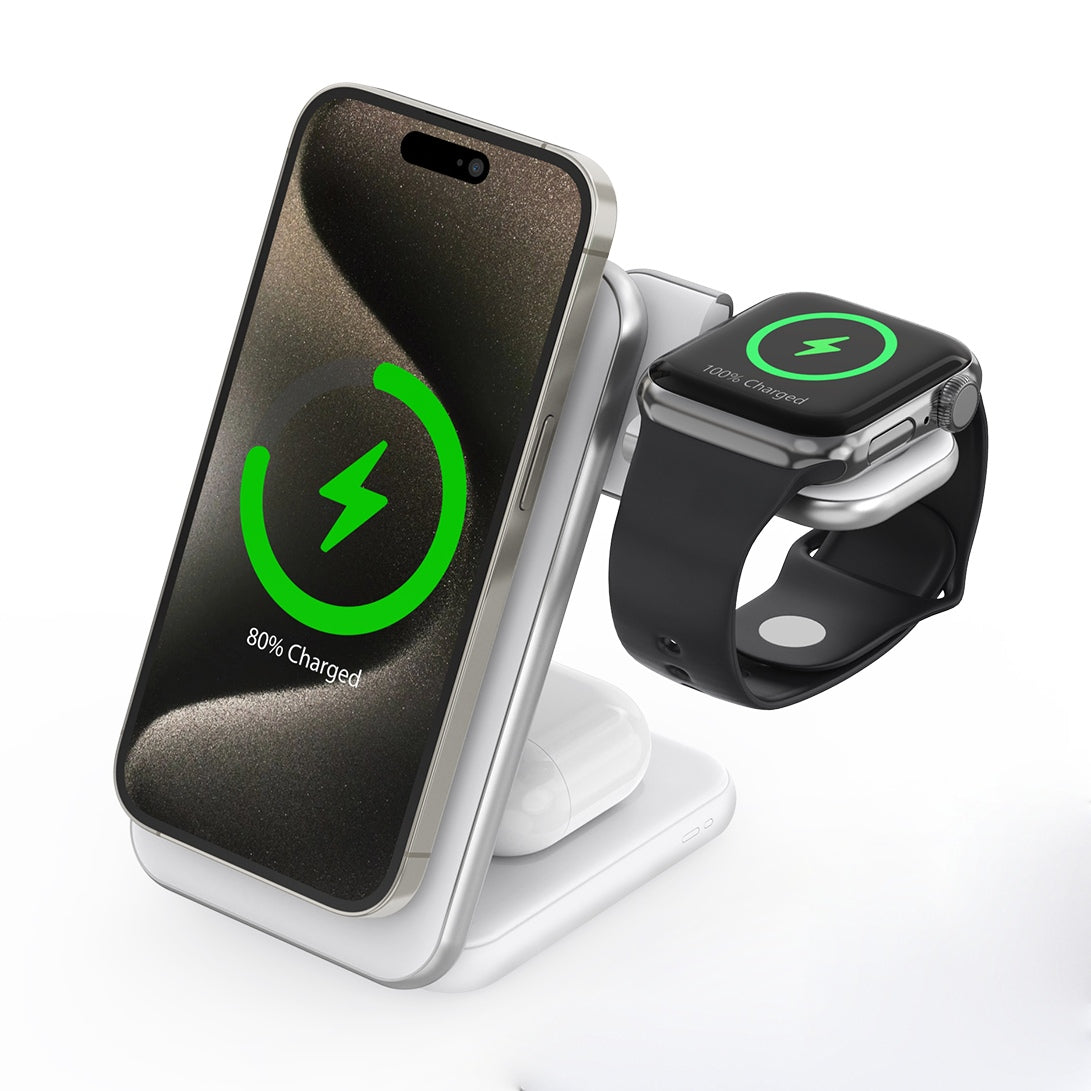
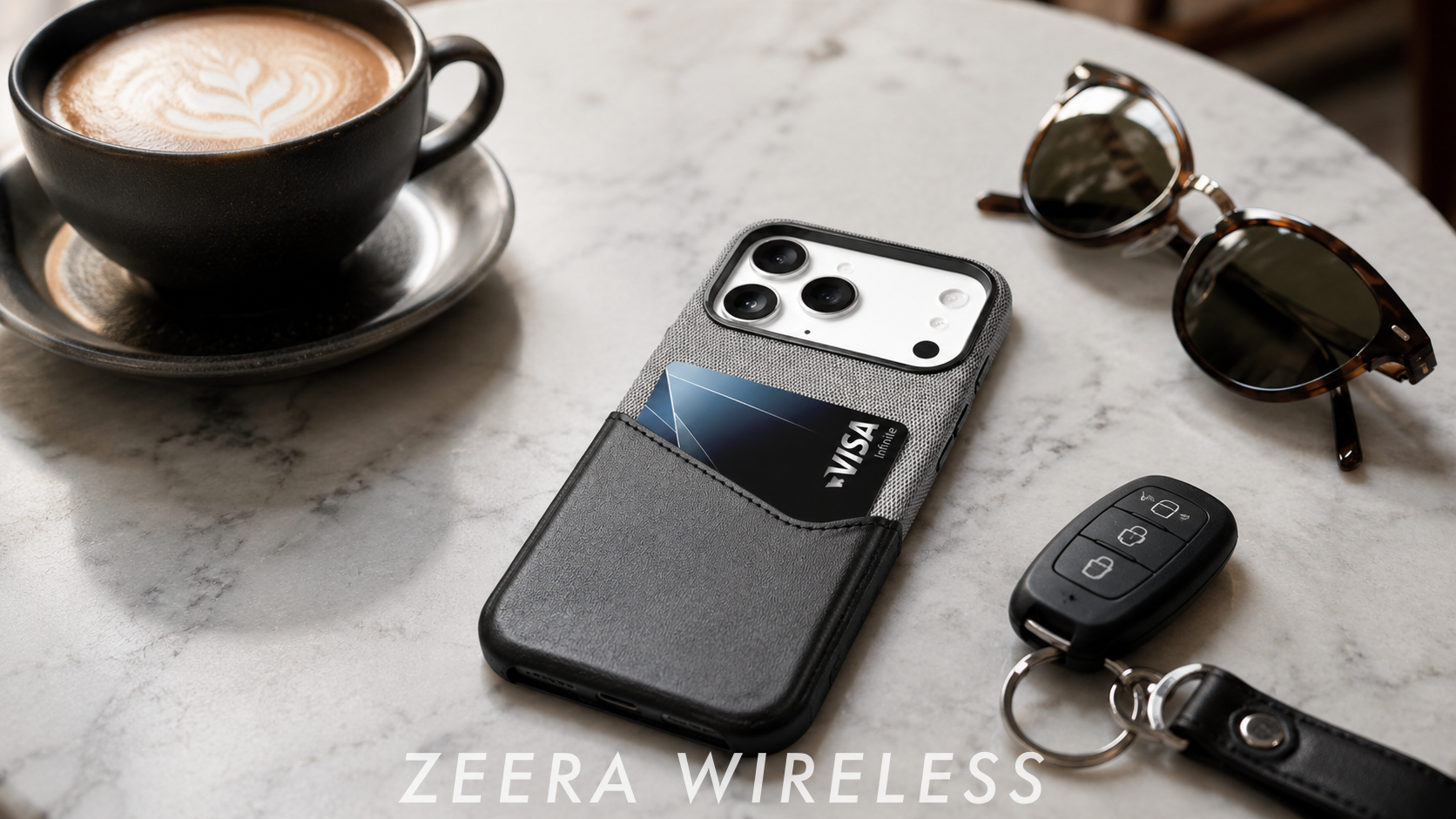
For users running beta software on a secondary device, accessories such as a reliable MagSafe case and a stable wireless charger can improve day-to-day usability by ensuring consistent charging and reducing interruptions during system indexing and background tasks. ZEERA MagSafe Case and MagSafe Charger are designed for stable magnetic alignment and efficient wireless charging.

Should You Install iOS 27 Beta 2?
Install it if you are already on Beta 1, need to test an app or accessory, or have a spare iPhone. Beta 2 is useful for checking whether your apps, charging setup, CarPlay connection, and normal daily workflows behave properly on iOS 27.
Wait if this is your only phone and you depend on reliable Messages, two-factor authentication, mobile data, navigation, or work apps. A missed verification text or cellular problem can matter more than trying an early feature a few weeks sooner.
For primary-phone users, the practical risk is not missing a feature. It is instability in core services such as Messages, cellular data, or authentication.
If your main reason for updating is immediate Siri AI access, Beta 2 may not meet your expectations. At this stage, it is better understood as a continuing test release than a major new consumer-feature update.
Related reading:
- iOS 27 Device Compatibility: Supported iPhones, iPhone 11 Status and Beta Release Date
- iOS 27 Siri AI Waitlist / Supported iPhones
- Unable to Check for Update on iPhone
- iOS 27 Battery Drain and Overheating