Quick Answer
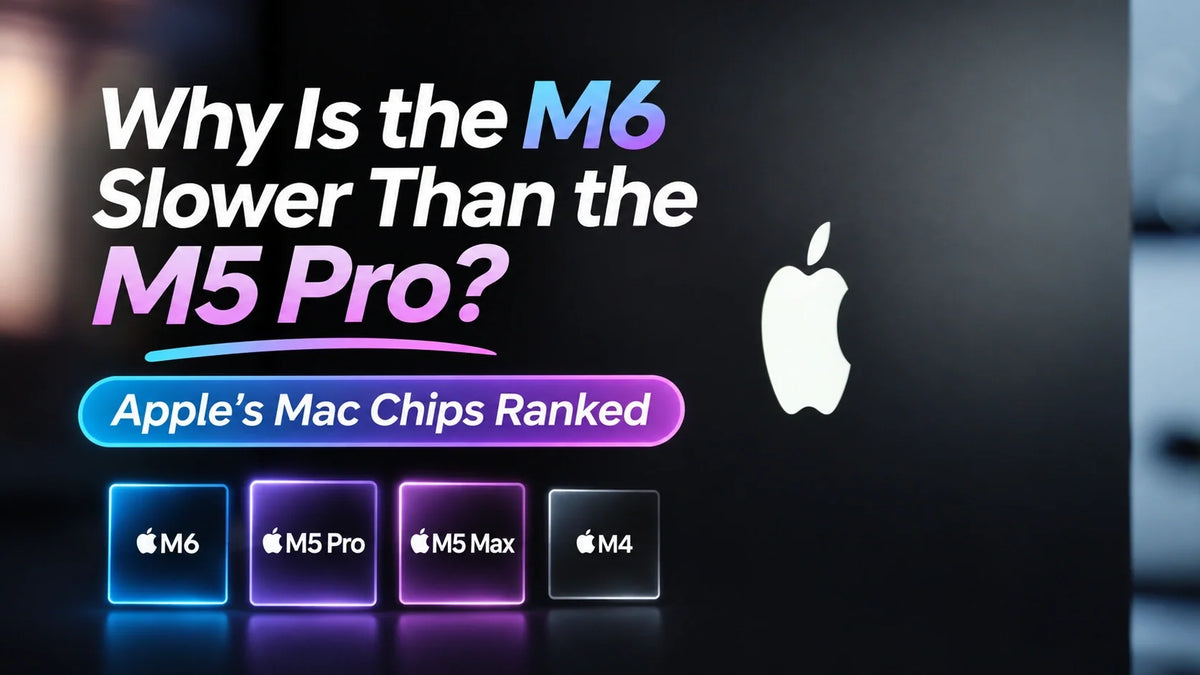
The base M6 is faster than the M5 Pro in single-core performance, while the M5 Pro is faster in multi-core CPU and Metal GPU tests. In the 2026 Mac mini, the M6 averages 4,004 single-core, ahead of 3,659 for the 18-core M5 Pro. The M5 Pro reaches 33,387 multi-core and 137,354 Metal, roughly 53% ahead of the M6 in both tests. Apple’s number identifies the chip generation, and Pro, Max and Ultra identify its tier. The rankings below show how those two parts of the name play out in 25 Mac configurations. Geekbench Mac Benchmark Chart
Why is the M6 slower than the M5 Pro in some tests?
In its MacBook Pro PROLED XDR review, MediaStorm (影视飓风) described two assumptions colleagues made from Apple’s chip names. Some expected M6 to beat M5 Pro or M5 Max because six comes after five. Others expected M2 Ultra to lose to every newer Max. Both comparisons depend on which part of the chip the work uses. MediaStorm’s original review
The 2026 Mac mini gives us a direct comparison within the same product line. Apple lists the M6 with a 12-core CPU, a 12-core GPU and 153 or 170 GB/s of memory bandwidth, depending on configuration. M5 Pro comes with 15 or 18 CPU cores, 16 or 20 GPU cores and 307 GB/s of memory bandwidth. The M6’s stronger single-core result favors lightly threaded work. The M5 Pro’s extra CPU and GPU resources give it more room when work runs in parallel. Apple’s Mac mini specifications
What do Base, Pro, Max and Ultra mean?
Base. The chip name has no tier suffix. Base chips serve general-purpose Macs, and a newer base chip can deliver the strongest single-core result. M6 does exactly that in this comparison.
Pro. Apple generally adds CPU and GPU resources and increases memory bandwidth. The 15-core and 18-core M5 Pro configurations show why the exact core count matters even when the badge is identical.
Max. The gains often come from graphics and the memory system. The M5 Max configurations below have identical CPU scores in Geekbench’s chart, but the 40-core GPU scores about 25% higher in Metal than the 32-core GPU.
Ultra. Apple’s top desktop tier scales parallel performance and unified memory. In the Mac Studio, M5 Ultra scales to 36 CPU cores, 80 GPU cores and 512 GB of unified memory. Apple’s Mac Studio specifications
Read the generation and tier together, then look up the configuration. Apple uses both the 15-core and 18-core M5 Pro name, just as it uses M5 Max for versions with 32 and 40 GPU cores. The same principle explains Apple’s choice of chips for the OLED MacBook Pro. Why the OLED MacBook Pro uses M5 Pro and M5 Max
Apple Mac chip performance ranking from M1 to M6
These are Geekbench 7 Mac model averages from the chart accessed November 5, 2026. The table covers 20 M-series chip names and five additional configurations. It is sorted by multi-core CPU score. Each score also shows its rank within these 25 rows, with equal scores sharing a rank. The numbers after each chip name are CPU and GPU core counts. A dash means the chart groups that older model without identifying the GPU core count. MBP stands for MacBook Pro. Source and aggregation method
| Chip and Mac | Single-core | Multi-core | Metal GPU |
|---|---|---|---|
| M5 Ultra 36/80 · Mac Studio ’26 |
3,726 #4 |
51,829 #1 |
343,306 #1 |
| M5 Ultra 30/64 · Mac Studio ’26 |
3,714 #5 |
47,116 #2 |
334,368 #2 |
| M3 Ultra 32/80 · Mac Studio ’25 |
2,920 #14 |
39,123 #3 |
248,342 #3 |
| M3 Ultra 28/60 · Mac Studio ’25 |
2,921 #13 |
35,274 #4 |
224,617 #5 |
| M5 Max 18/40 · Mac Studio ’26 |
3,734 #2 |
35,005 #5 |
239,154 #4 |
| M5 Max 18/32 · Mac Studio ’26 |
3,734 #2 |
35,005 #5 |
191,566 #8 |
| M5 Pro 18/20 · Mac mini ’26 |
3,659 #7 |
33,387 #7 |
137,354 #12 |
| M5 Pro 15/16 · Mac mini ’26 |
3,668 #6 |
29,537 #8 |
126,188 #13 |
| M4 Max 16/40 · Mac Studio ’25 |
3,497 #9 |
29,107 #9 |
203,924 #7 |
| M2 Ultra 24/76 · Mac Studio ’23 |
2,550 #19 |
28,154 #10 |
221,104 #6 |
| M4 Pro 14/20 · Mac mini ’24 |
3,300 #11 |
24,824 #11 |
115,594 #14 |
| M3 Max 16/40 · 16-inch MBP ’23 |
2,825 #15 |
24,716 #12 |
167,152 #9 |
| M1 Ultra 20/— · Mac Studio ’22 |
2,219 #22 |
23,521 #13 |
147,218 #10 |
| M4 Pro 12/16 · Mac mini ’24 |
3,324 #10 |
21,963 #14 |
102,228 #16 |
| M6 12/12 · Mac mini ’26 |
4,004 #1 |
21,875 #15 |
89,408 #17 |
| M5 10/10 · 14-inch MBP ’25 |
3,648 #8 |
17,951 #16 |
72,771 #20 |
| M2 Max 12/38 · Mac Studio ’23 |
2,555 #18 |
17,336 #17 |
145,112 #11 |
| M3 Pro 12/18 · 16-inch MBP ’23 |
2,817 #16 |
16,937 #18 |
76,836 #19 |
| M2 Pro 12/19 · 14-inch MBP ’23 |
2,416 #20 |
16,538 #19 |
82,799 #18 |
| M4 10/10 · Mac mini ’24 |
3,278 #12 |
15,299 #20 |
54,230 #22 |
| M1 Max 10/— · 16-inch MBP ’21 |
2,215 #23 |
14,159 #21 |
109,040 #15 |
| M1 Pro 10/— · 14-inch MBP ’21 |
2,200 #24 |
13,911 #22 |
65,542 #21 |
| M3 8/10 · 14-inch MBP ’23 |
2,771 #17 |
11,538 #23 |
47,817 #23 |
| M2 8/10 · Mac mini ’23 |
2,401 #21 |
9,739 #24 |
43,536 #24 |
| M1 8/— · Mac mini ’20 |
2,192 #25 |
8,556 #25 |
28,490 #25 |
These figures are averages for the listed Macs. The same chip in a different chassis can score differently, and the live averages can shift as results are added. Small gaps, such as the 88 multi-core points between M6 and the 12-core M4 Pro Mac mini, are best read as a near tie. For the 14-inch M6 MacBook Pro specifically, Tom’s Guide measured 4,752 single-core and 21,184 multi-core in Geekbench 6. Those numbers belong to a different benchmark version and sit outside this table. Tom’s Guide M6 MacBook Pro review
Three comparisons that explain the ranking
M6 vs M4 Pro
The M6 nearly matches the 12-core M4 Pro in multi-core, but the 14-core M4 Pro is about 13% ahead. Both M4 Pro versions beat the M6 in Metal. Anyone considering an upgrade from an M4 Pro Mac mini should check their core count and whether their work leans on the GPU.
M2 Ultra vs M4 Max and M5 Max
The 40-core M4 Max Mac Studio scores slightly higher in multi-core than the 76-core GPU M2 Ultra Mac Studio. Switch to Metal and the M2 Ultra comes out about 8% ahead. It also scores above the 32-core GPU M5 Max in Metal, while the 40-core GPU M5 Max moves back ahead. The GPU configuration changes the answer.
M5 Max vs M3 Ultra and M5 Ultra
The M5 Max Mac Studio has the stronger single-core score against both M3 Ultra configurations. The 80-core GPU M3 Ultra still leads it in both multi-core and Metal. M5 Ultra combines newer core performance with more parallel resources and tops both of those tests here.
Which benchmark matters for your work?
- Interactive and lightly threaded work. Single-core is the closest column to the CPU side of responsiveness in tasks that spend much of their time on one main thread.
- CPU rendering and large parallel builds. Multi-core is the better starting point when the software can distribute work across many CPU cores.
- GPU rendering and effects. Metal measures GPU compute in Geekbench. Check the same app and project type for the best estimate of how much of that gap you will see.
- Video exports and local AI. For video, check the codec, media engine and export stage. For local AI, check whether the model fits in unified memory, then compare throughput using the same model and settings.
A real Final Cut Pro comparison illustrates why the benchmark column matters. The M5 Pro MacBook Pro finished the render stage first, while the M6 Mac mini finished the H.264 export first in that project. An app can use different hardware at different stages of the same job. ZEERA’s Final Cut Pro and Photoshop comparison
Related Reading
- Mac mini M6 vs M5 Pro buying guide
- M6, M5 and M4 compared in real performance tests
- Mac mini M6 memory and bandwidth by configuration
- Apple’s November 6 lineup, specs and prices
FAQ
How much faster is the 18-core M5 Pro than the 15-core M5 Pro?
In the 2026 Mac mini averages, the 18-core configuration is about 13% ahead in multi-core CPU and about 9% ahead in Metal. The single-core scores are essentially tied. The GPU also changes from 16 to 20 cores, so the upgrade affects both processors. Geekbench Mac Benchmark Chart
Does a MacBook Pro always use a Pro-tier chip?
Apple uses MacBook Pro as the computer’s product name. The 14-inch M6 MacBook Pro uses a base M6, while MacBook Pro models with PROLED XDR use M5 Pro or M5 Max. Look for the exact chip in the configuration details. Apple’s MacBook Pro lineup
Can a 32 GB M6 catch the M5 Pro in a memory-heavy project?
A 32 GB M6 can keep more of a large project in memory than a 16 GB M6. Apple also gives the higher-memory M6 Mac mini configurations 170 GB/s of bandwidth, versus 153 GB/s at 16 GB. M5 Pro has 307 GB/s and can be configured with up to 64 GB. Capacity matters first if the project is spilling into swap. Once it fits, the app’s use of CPU, GPU and bandwidth determines where the faster configuration helps. Apple’s Mac mini memory specifications