Quick Answer
In MediaStorm’s tests, the 16-inch MacBook Pro with PROLED XDR Display was about 300 g lighter and reached a peak surface temperature of 47.8°C after a 30-minute stress test, versus 56.4°C on the older M5 Max model. The OLED display hit 1,800 nits in bright ambient light on a 50% SDR window. After two hours of video, the OLED MacBook had 92% battery remaining and the Mini-LED model had 78%. Separately, Tom’s Hardware recorded 4,353 single-core and 29,430 multi-core in Geekbench 6 on its 16-inch M5 Max review unit.
MacBook Pro PROLED XDR Test Results
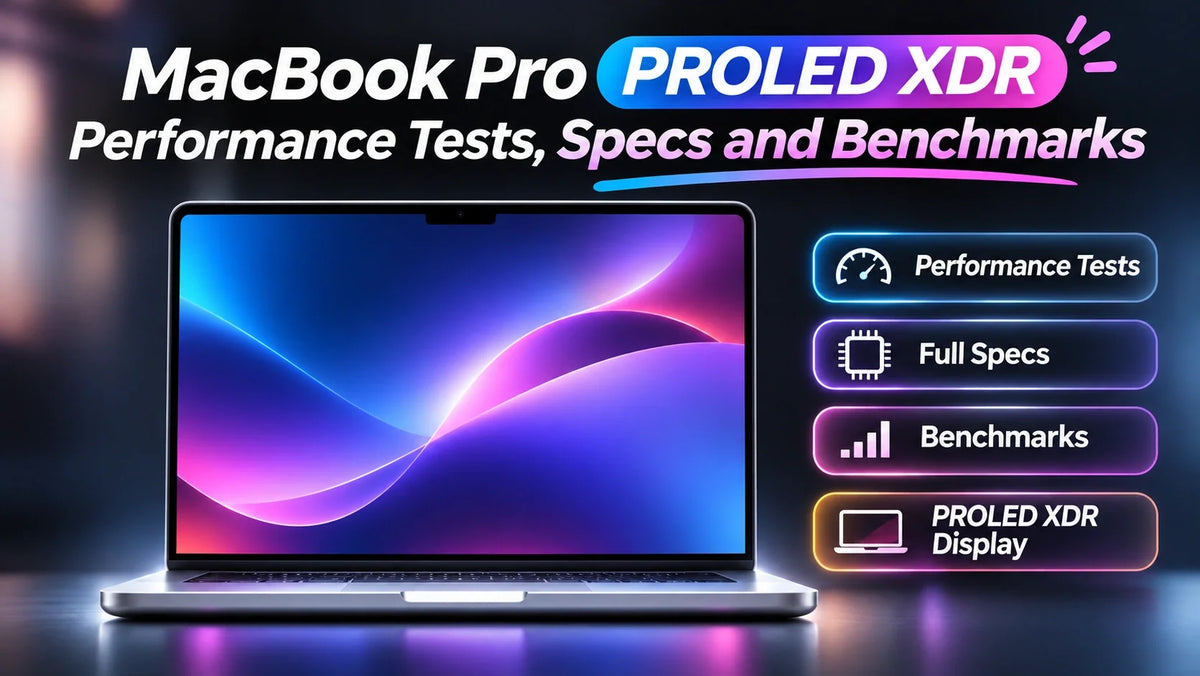
MediaStorm (影视飓风) compared the new OLED MacBook Pro with the previous Mini-LED design and included separate M5 Max, M4 Max and M1 Max chip comparisons. The figures below come from its hands-on video and Apple’s published specifications. Apple’s PROLED XDR specifications
The 16-inch model has a 16.3-inch tandem OLED panel at 3472 × 2266 and is available with M5 Pro or M5 Max. Apple lists up to 128 GB of unified memory and a 16 TB SSD on supported M5 Max configurations. Apple’s 16-inch configuration details
Stress Test: A Lighter 16-inch MacBook Ran Cooler
The new model’s hottest areas were near the center of the keyboard and the exhaust vents. Its peak exterior temperature was 8.6°C lower than the older non-touch M5 Max after the 30-minute test. The comparison measures chassis heat. Sustained CPU and GPU performance depends on the workload and power mode.
MediaStorm stress test. Lower means a cooler exterior.
MediaStorm highlighted the combination of less weight and a cooler-feeling chassis. The team also recorded the speakers with a binaural microphone and singled out the fuller bass. Apple attributes the hardware change to a redesigned six-speaker system with new woofers. Apple’s design and audio announcement · How the weight change compares across sizes
OLED Display: 1,800 Nits in SDR and ΔE 1.4
MediaStorm measured 1,800 nits in strong ambient light with a bright test patch covering half the screen. Apple rates the tandem OLED panel for up to 2,000 nits peak outdoors in SDR or with HDR content, and up to 1,000 nits sustained across the full screen. Those conditions matter if you’re comparing brightness figures. Apple’s brightness and ProMotion specifications
The reviewers found the panel easier to read outdoors and measured an average SDR color error of ΔE 1.4, where a lower value means the test colors are closer to their references. They also observed less brightness loss when viewing the screen from the side.
OLED dimming and flicker sensitivity
MediaStorm flagged PWM dimming after filming the screen with a high-speed camera. In a separate test, Notebookcheck detected 240 Hz flicker on its 14-inch PROLED XDR review unit. If display flicker has bothered you before, MediaStorm’s reviewer noted that the older Mini-LED model may feel more comfortable. Notebookcheck’s 14-inch display measurements
Battery Life and Charging in the Video Test
MediaStorm played a 16:9 video continuously for two hours. The OLED model finished 14 percentage points ahead of the Mini-LED MacBook Pro. The team said the battery gap narrowed during more demanding work, when the rest of the system accounted for more power draw.
MediaStorm playback test. Higher means more charge left.
In the same review, the new MacBook reached 50% in about 30 minutes from empty and took about 1 hour 46 minutes to reach 100%.
M5 Max CPU and GPU Benchmarks
In MediaStorm’s chip comparison, the M5 Max scored around 8,500 in the video’s multi-core CPU test, roughly 9% ahead of M4 Max and 148% ahead of M1 Max. The video reported GPU gains of about 25% and 138%, respectively. The spoken transcript leaves the benchmark name and version unspecified.
Geekbench 6 and Cinebench 2026 on the 16-inch M5 Max
Geekbench 6: Tom’s Hardware measured 4,353 single-core and 29,430 multi-core on a unit with an 18-core CPU, 40-core GPU and 128 GB of unified memory. The scores were close to those of its older M5 Max system.
Cinebench 2026: In a 10-run multi-core stress test, the same review unit started at 9,080 in Automatic mode and settled around 8,050. High Power mode started at 9,647 and recorded a low of 9,479, with more fan noise. That gap matters for repeated renders. Tom’s Hardware’s 16-inch M5 Max benchmarks
Related Reading
- Is the $400 Touchscreen MacBook Pro Premium Worth It?
- Why the OLED MacBook Pro Uses M5 Pro
- MacBook Pro Nano-Texture vs. Standard Glass
- Apple’s November 6 Lineup and MacBook Pro Configurations
FAQ
Which charger do you need to fast-charge the 16-inch OLED MacBook Pro?
Apple lists a 140W or higher USB Power Delivery source for fast charging on the 16-inch PROLED XDR model. The 14-inch model is rated for fast charging from 96W. Apple’s charging specifications by size
Does the 10–120 Hz ProMotion range describe OLED flicker?
ProMotion measures how often the screen refreshes the image. PWM frequency describes the pulses used to control perceived brightness. The two figures measure different behavior.