
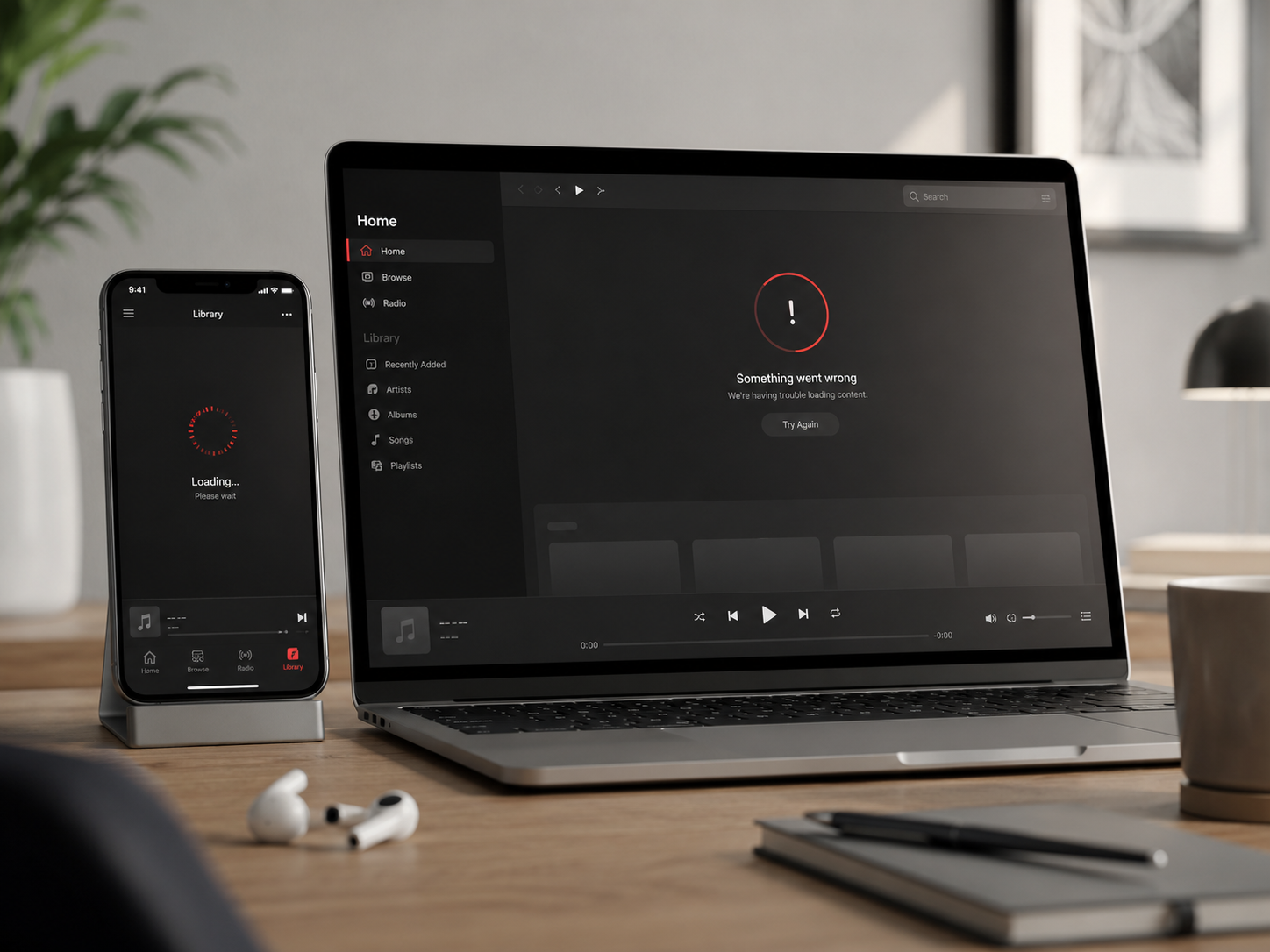
If Apple Music stopped working on May 29, 2026, the problem probably was not just your iPhone, Mac, Wi-Fi, or Apple ID.
Apple Music experienced a confirmed service outage that affected users across multiple countries.
For some people, songs would not load. For others, playlists kept buffering, stations stopped working, or Apple Music became unreliable across iPhone, Mac, CarPlay, HomePod, and Apple TV.
When music suddenly stops in the middle of work, driving, studying, or a workout, the first question is simple:
Is Apple Music down for everyone, or is something wrong with my device?
Quick Answer: Was Apple Music Down on May 29, 2026?
Yes. Apple Music was affected by a confirmed outage on May 29, 2026.
Public reports showed the outage beginning around 11:40 a.m. Eastern Time. Apple’s system status pages listed Apple Music as having an outage, with some users experiencing intermittent issues.
The outage was later marked as resolved.
If Apple Music failed during that window, the safest assumption is that it was a server-side problem, not necessarily a broken iPhone, Mac, HomePod, or Apple Music subscription.
First Check: Is It Apple’s Server or Your Device?
Before restarting everything, use this quick check.
| What You See | What It Usually Means | What to Do First |
|---|---|---|
| Apple Music fails on iPhone, Mac, and HomePod | Likely Apple-side issue | Check Apple System Status |
| Downloaded songs still play | Streaming or cloud issue | Use offline music and wait |
| Only one device has problems | Possible local app issue | Restart the app or device |
| Other apps are also slow | Possible network issue | Switch Wi-Fi / cellular |
| Other users report the same issue | Likely widespread issue | Do not reset account settings yet |
This step matters because the wrong fix can waste time.
If Apple Music is down on Apple’s side, deleting the app, changing Apple ID settings, or resetting your network settings will not bring the service back faster.
How to Check If Apple Music Is Down Right Now
Start with the sources that can confirm a wider outage.
1. Check Apple’s System Status Page
Apple’s official System Status page is the most important place to check.
If Apple Music is marked as having an outage or issue, the problem is likely not limited to your device.
2. Check Outage Trackers
Downdetector and similar services can show whether many users are reporting problems at the same time.
This is useful because outage trackers often show user complaints before a support page is fully updated.
3. Check Another Apple Device
Try Apple Music on another device signed in with the same Apple ID.
If Apple Music fails on your iPhone, Mac, and HomePod at the same time, the issue is more likely to be Apple-side or account-side rather than a single-device bug.
4. Try Downloaded Music
If downloaded songs work but streaming fails, Apple Music’s cloud service may be the problem.
This is one of the fastest ways to separate a local audio issue from a streaming issue.
ZEERA Mac Aluminum Case Series
ZEERA MacForge CNC Mac Studio Aluminum Case
- CNC aluminum
- Mac Pro style
- Cooling grille
- Tool-free fit
- Studio guard

ZEERA MacForge Gen3 CNC Aluminum Mac Mini Case
- Mac Pro grille
- CNC chassis
- Better airflow
- SSD expansion
- Front ports

What You Should Do When Apple Music Stops Working
Use the lightest fix first.
Do not jump straight to resetting your iPhone or changing your Apple ID.
Step 1: Force Quit Apple Music
Close the Music app fully, then reopen it.
This can fix a stuck local session, especially if the outage has already been resolved but your app has not reconnected properly.
Step 2: Switch Between Wi-Fi and Cellular
If Apple Music works on cellular but not Wi-Fi, your local network may be the issue.
If it fails on both, the problem may be wider.
Step 3: Restart the Device
Restarting your iPhone, iPad, Mac, or Apple TV can clear temporary playback problems.
But if Apple Music is also failing for other users, do not repeat this step again and again.
Step 4: Play Downloaded Music
Downloaded playlists are the best fallback during a streaming outage.
If you rely on Apple Music every day, keep at least one offline playlist for driving, travel, work, and workouts.
Step 5: Wait Before Changing Account Settings
Do not cancel your subscription, leave Family Sharing, or reset Apple ID settings during a confirmed outage.
Those changes can create new problems after the service comes back.
Why Apple Music Outages Feel So Disruptive
Apple Music is not just another app that people open once in a while.
It often runs in the background of daily life.
People use it while commuting, working, editing, studying, exercising, cooking, or driving with CarPlay.
That is why an outage feels bigger than a normal app bug.
It interrupts a routine that was already happening.
For Apple ecosystem users, the problem can also appear across several devices at once:
- iPhone during a commute
- CarPlay during a long drive
- Mac during a work session
- HomePod during background playback
- Apple TV during home listening
- Apple Watch during a workout
When that happens, it is better to check the service status first instead of troubleshooting every device one by one.
ZEERA MagSafe Wireless Charging Series
ZEERA MagTri Gen2 Qi2.2 Foldable MagSafe Charger
- 25W Qi2.2
- 3-in-1 fold
- Active cooling
- Travel size
- 3-device ready

ZEERA MagSion 5-in-1 Dual MagSafe Charger Stand
- Dual MagSafe
- 5-in-1 stand
- Watch charging
- Angle adjust
- Clean setup

ZEERA SuVolt Gen5 Qi2.2 Active Cooling Car Charger
- 25W Qi2.2
- Active cooling
- Strong magnet
- CarPlay ready
- Heat control

What Not to Do During an Apple Music Outage
During a confirmed outage, avoid heavy fixes unless you have strong evidence that the problem is local.
Do not:
- Delete your full Apple Music library.
- Remove all downloaded songs.
- Reset all network settings immediately.
- Change your Apple ID password only because music stopped playing.
- Cancel and resubscribe to Apple Music.
- Assume your iPhone, Mac, HomePod, or CarPlay setup is broken.
Most server-side Apple Music issues are solved by Apple, not by local device changes.
The smarter move is to confirm the outage, use downloaded music if possible, and wait for the service to recover.
Why Offline Music Still Matters in 2026
Streaming feels permanent until it stops working.
The May 29 outage is a reminder that offline music still has value.
If you depend on Apple Music every day, download a small fallback library for situations where cloud playback fails.
This is especially useful for:
- long drives
- flights
- gym sessions
- study playlists
- work focus music
- CarPlay and EV charging stops
You do not need to download your entire library.
A few reliable playlists are enough to prevent a streaming outage from interrupting your day.
Ultra-Thin MagSafe Back Plate Series
ZEERA MagSkin Air Ultra-Thin Magnetic Plate
- Only 0.3mm thin
- MagSafe compatible
- Preserves Air feel
- Light back guard
- Case-free carry

ZEERA MagSkin Pro Ultra-Thin Magnetic Back Plate
- Ultra-thin Pro fit
- MagSafe compatible
- Bare-phone feeling
- Camera deco guard
- Minimal daily carry

ZEERA AirFlat Lens Cover for iPhone Air
- Makes back flat
- Stops desk wobble
- Protects camera lens
- Slim matching look
- Easy clean design

When Apple Music Comes Back, Check These Things
After Apple Music is restored, the app may not feel normal immediately on every device.
If playback still feels unstable, try these simple checks:
- Close and reopen the Music app.
- Restart the affected device once.
- Check whether downloaded songs still appear in your library.
- Make sure your Apple Music subscription is still active.
- Turn off VPN temporarily if Apple Music still cannot connect.
If Apple Music works on one device but not another, the remaining problem may be local to that device.
If it fails everywhere, wait longer before changing account settings.


FAQ: Apple Music Down
Is Apple Music down right now?
Check Apple’s official System Status page first. If Apple Music is marked as having an outage or issue, the problem may be on Apple’s side.
Why is Apple Music not playing songs?
Apple Music may stop playing because of a server outage, weak network connection, app bug, Apple ID issue, subscription problem, VPN conflict, or temporary cloud playback error.
Why does Apple Music keep buffering?
Buffering can happen when Apple Music cannot maintain a stable connection to streaming servers. If many users report the same issue, it may be a wider outage.
Can downloaded Apple Music songs play during an outage?
Usually, downloaded songs are more reliable during an outage because they do not depend on live streaming in the same way. Keep a few playlists downloaded as a fallback.
Should I reinstall Apple Music if it stops working?
Not immediately. First check whether Apple Music is down for other users. Reinstalling the app will not fix an Apple-side server outage.
Why does Apple Music work on one device but not another?
If Apple Music works on one device but not another, the remaining issue may be local. Restart the affected device, update the app or system, and check your network settings.
Final Thoughts
The May 29, 2026 Apple Music outage showed how disruptive a streaming problem can feel when music is part of your daily routine.
When Apple Music stops working, do not rush to reset your iPhone, Mac, Apple ID, or subscription settings.
Check Apple’s system status first. Then confirm whether the issue affects multiple devices or only one device.
If Apple Music is down on Apple’s side, the best fix is usually patience.
If downloaded music still works, use it as a temporary fallback until streaming returns to normal.






