
Quick Answer
Some iPhone Duo fingerprints and oily marks will not come off with a quick dry wipe.
The nano-texture surface can retain residue, especially when sweat mixes with skin oils, skincare or makeup.
Use a clean display-safe cloth; Apple permits occasional cleaning with a cloth moistened with 70% isopropyl alcohol for stubborn smudges on the intact nano-texture surface.
ZEERA has started developing cleaning spray tools for this problem. Pressing harder with a dry cloth is not the answer.
Why Is the iPhone Duo Inner Screen So Hard to Clean?
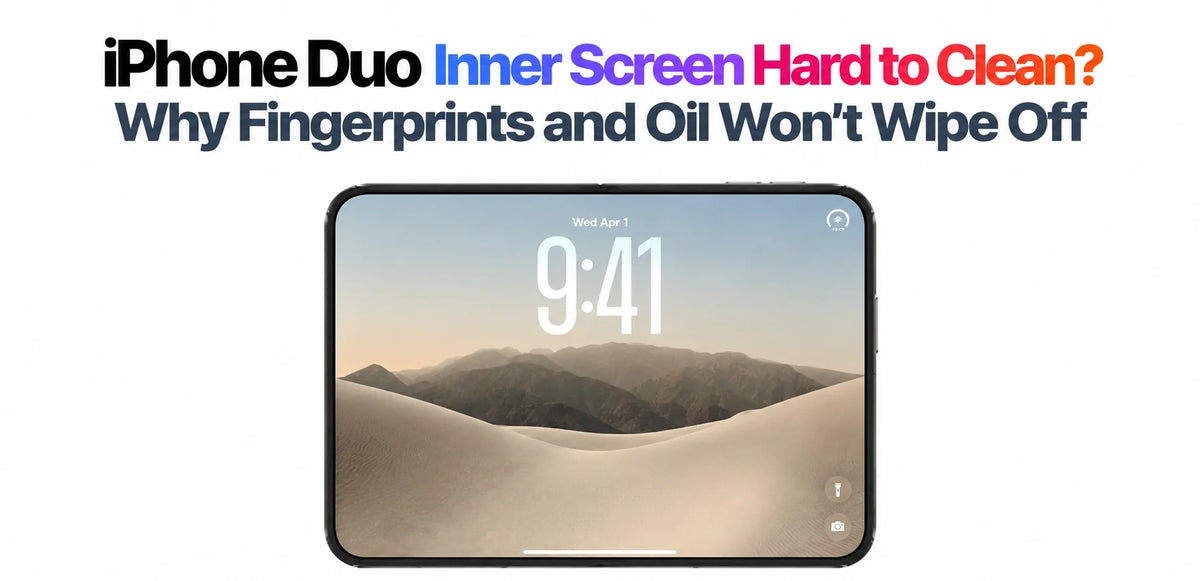
ZEERA is hearing from more iPhone Duo owners about the same frustration: wipe the open screen, and a fingerprint becomes a larger oily patch. The problem is especially noticeable when light catches the matte surface. For these stubborn deposits, a dry cloth alone can be insufficient.
That does not mean every fingerprint is difficult to remove. A light mark may disappear quickly; heavier residue can smear across the texture. The useful distinction is what your fingers left behind, rather than simply how many times you wiped.
What MediaStorm’s Microscopy Test Revealed
In its iPhone Duo in-depth review, MediaStorm (影视飓风) found that most fingerprints wiped away easily, while some colleagues’ sweat, oils and cosmetic residue were much more persistent.
The team investigated by replicating surface textures and having them examined with an atomic force microscope. Compared with the sampled iPad nano-texture glass and matte protector, Duo showed more pronounced peaks and valleys.

What this means: the review’s explanation is that residue can remain in the surface valleys while a quick dry wipe redistributes it. The microscopy maps texture; it does not chemically identify each stain.
This helps explain why an otherwise attractive anti-glare finish can demand more effort to keep clean. We covered the wider surface comparison in our iPhone Duo cover-layer and scratch guide.
Why Different People Leave Different Fingerprints and Stains
A fingerprint deposit is a mixture. NIST’s artificial-fingerprint research treats sweat and sebaceous material as distinct components when reproducing human fingerprint residue. What you touch before using your phone adds another variable.
Sweaty hands
Sweat carries dissolved substances as well as water. Once a wet mark dries, residue can remain. If sweat mixes with oil already on your fingers or screen, the resulting mark can behave differently from a fresh, light fingerprint.
Skin oils
Touching your face or hair can transfer oil to your fingertips. A cloth that has already collected oil may spread it back across the screen, making a small mark look like a cloudy streak.
Sunscreen, hand cream and makeup
These add their own ingredients to the deposit. A water-resistant cosmetic film can be harder to lift than a light fingerprint. This is a plausible reason cleaning becomes more troublesome after applying skincare, even when the same screen was easy to wipe earlier.
A useful first change is to clean and dry your hands after applying products, then use a fresh part of the cloth.
How to Clean the iPhone Duo Nano-Texture Inner Screen
Apple’s current iPhone cleaning instructions specifically include Duo. Its separate nano-texture cleaning guide, updated October 22, 2026, also names the Duo inner cover layer.
- Disconnect power and switch off. Support the open phone securely.
- Check for grit. Avoid dragging particles across the surface or applying concentrated pressure at the fold.
- Choose a clean cloth. Use an Apple Polishing Cloth or microfiber intended for electronic displays.
- Start gently. For routine cleaning, Apple permits a soft, slightly water-dampened, lint-free cloth. Keep moisture away from openings and the hinge; apply liquid to the cloth rather than spraying the phone.
- For an occasional stubborn smudge, use the specified solution. Apple allows a cloth moistened with 70% IPA on the intact nano-texture surface. Use light pressure and a clean area of cloth.
- Stop if the mark persists. Let the surface dry before assessing it. Ask Apple to inspect a persistent mark instead of escalating pressure or solvent strength.
Avoid abrasives, household glass cleaner, compressed air and improvised chemical mixtures. Keep the factory cover layer in place. Cleaning should remove residue without changing the surface finish.
The repair manual describes a different situation: after technicians remove the cover layer, Apple specifies ethanol wipes for adhesive cleanup and prohibits IPA on the exposed inner display. Our cover-layer replacement guide explains that distinction.
ZEERA Is Developing Cleaning Spray Tools for iPhone Duo
The growing feedback points to a practical accessory need. ZEERA and other third-party accessory manufacturers have begun developing cleaning spray tools suited to the Duo’s inner-screen cleaning problem.
The aim is easier removal of stubborn oils and everyday residue with a suitable cloth, without relying on repeated dry rubbing. This work is still at the development stage.
What matters in a dedicated cleaning product
Compatibility with the intact nano-texture cover, removal of oily and cosmetic residue, minimal streaking, and clear instructions for applying the solution to a cloth. A generic “screen cleaner” label alone does not establish those qualities.
Until a specific product has suitable compatibility guidance, follow Apple’s published method. A spray bottle is a way to dispense liquid; the formulation and cloth determine whether it is appropriate.
When a Stubborn Mark Needs More Than Cleaning
A mark that changes shape when gently wiped is consistent with surface residue. A fixed line, shiny patch or area that remains unchanged after appropriate cleaning deserves inspection. Black spots, flickering or touch problems also call for a display assessment.
Adding a film creates another surface and adhesive interface; it is not an established fix for oil trapped on the original layer. Read our iPhone Duo inner-screen protector guide before deciding to cover it.
For most owners facing this cleaning problem, the useful next step is a fresh cloth and the appropriate cleaning method. A persistent stain is a reason to seek help, not to keep rubbing until the matte finish changes.
iPhone Duo Cleaning FAQ
Do stubborn fingerprints mean the oleophobic coating has failed?
Not by themselves. Apple lists an oil-repellent coating, but fingerprint resistance does not mean every mixture of sweat, oil and cosmetics will wipe off equally easily. Persistent changes after cleaning should be assessed.
How should I clean the polishing cloth?
Apple says to wash its polishing cloth by hand with dish soap and water, rinse thoroughly, and air-dry it for at least 24 hours. Follow the maker’s care instructions for other cloths; do not clean the phone with a cloth that still contains detergent.
Related Articles
- iPhone Duo Inner Screen Scratched? The Replaceable Cover Layer Explained
- Can You Put a Screen Protector on iPhone Duo?
- Apple’s Cover-Layer Replacement Guide: Film Jig and Cleaning Rules
- iPhone Duo Official U.S. Repair Prices
- iPhone Duo’s Crease: Still There, Just Harder to See
- iPhone Duo Cases Compared: Materials, Stands and Protection
Sources: MediaStorm’s linked review for the microscopy investigation; Apple’s linked cleaning instructions for care methods; NIST for fingerprint-material background. Residue behavior and everyday scenarios are ZEERA’s interpretation. Cleaning-tool development information is provided by ZEERA.






