Quick Answer
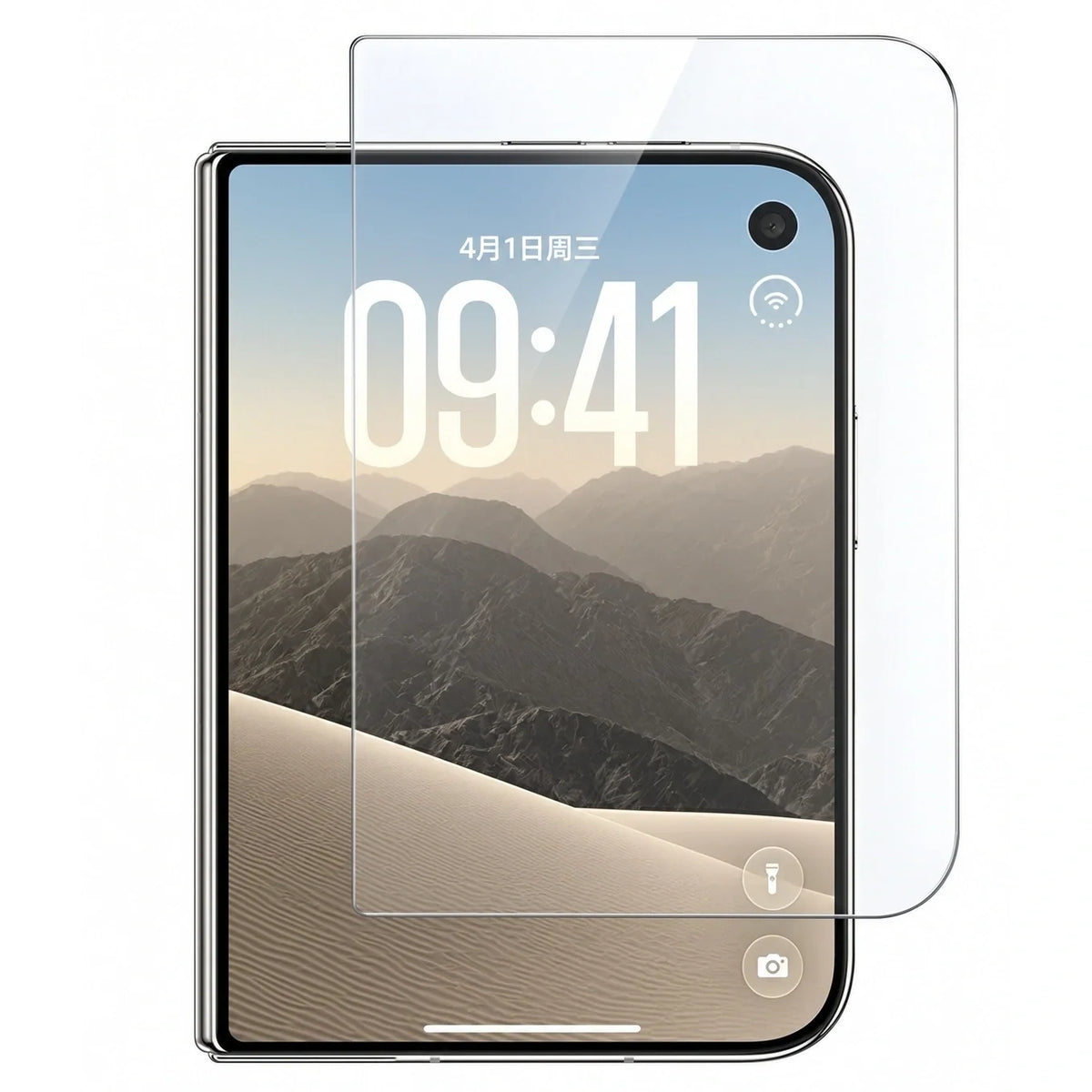
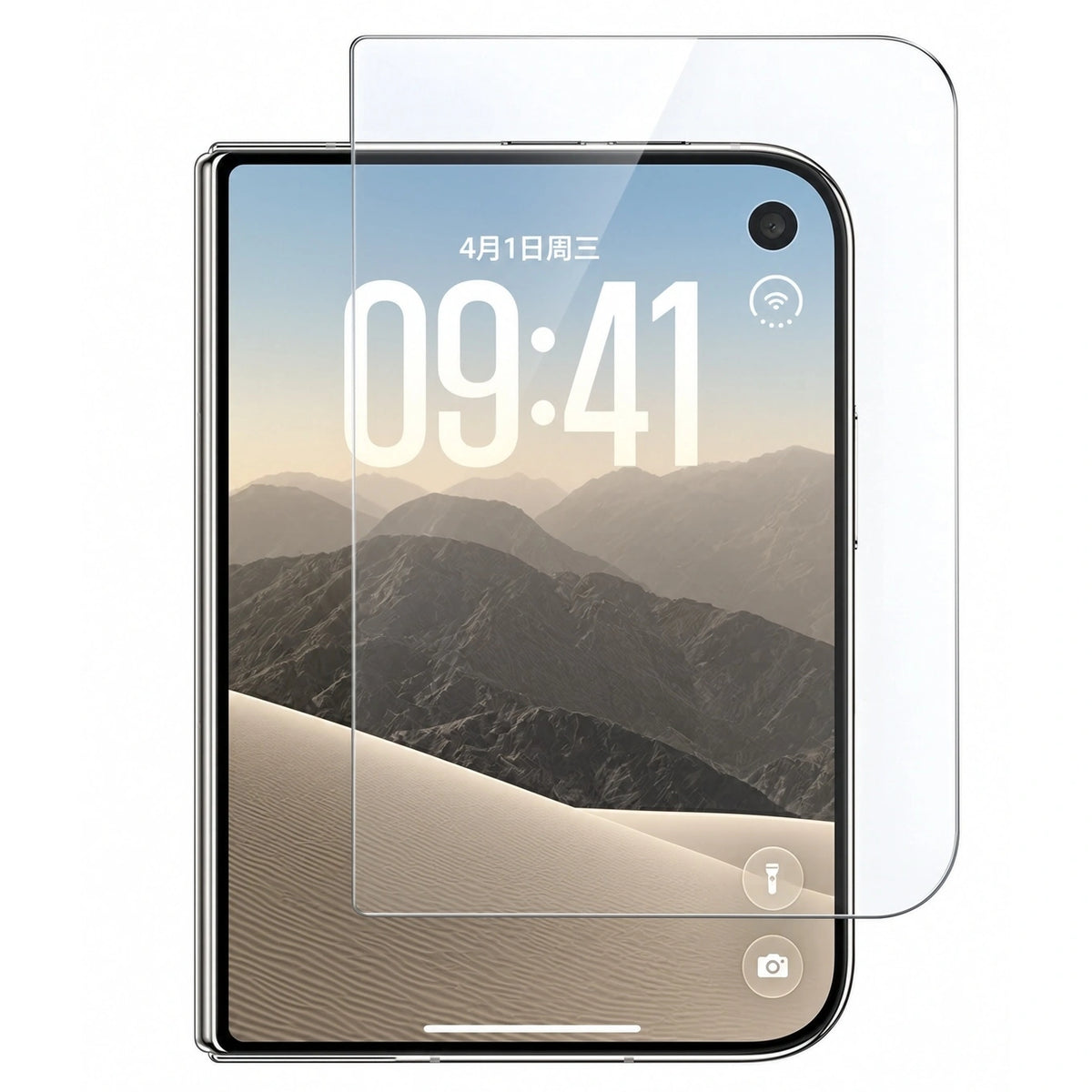
ZEERA ClariFit Pro works with all ZEERA iPhone Duo cases featuring an open front frame. Its 77.5 × 112.5 mm tempered glass covers the active outer display and extends slightly beyond it, leaving clearance for the case frame. That space helps prevent the frame from pushing the glass upward and creating edge bubbles. For another brand's case, check the exact front opening and protector compatibility before buying. A case with an integrated screen protector does not need an additional glass layer. Start by identifying your front-frame design, then check the glass dimensions and follow the installation steps below.
Which screen protector works with the iPhone Duo case?
Choose tempered glass designed to fit inside your case's outer-screen opening, with clearance around its edges. The phone model alone does not establish compatibility: the case's inner lip, corner shape and the protector's footprint also matter.
For a ZEERA open-front-frame case, ClariFit Pro case-friendly AR HD tempered glass is the matching option. It comes as a three-pack and is designed for the outer display.
Why does my screen protector lift when I put the case on?
The frame and glass may be trying to occupy the same space. When a protector extends under an inward-facing case lip, installing the frame can press against its edge. That pressure can separate the adhesive from the display and let air enter beneath the glass.
A protector placed slightly off-center can create the same problem on just one side. A front frame that is not seated correctly can also reduce the available clearance. The useful question is whether the frame touches or overlaps the glass when fully installed.
Does full-coverage tempered glass fit an iPhone Duo front frame?
Some combinations fit; others do not. “Full coverage” describes coverage rather than a universal compatibility standard. Glass that reaches far into the outer border can leave too little room for a case with an inward-facing front lip.
Full-coverage glass: may suit a case whose front opening was designed around that exact protector.
Case-friendly glass: brings the edges inward to provide clearance. Confirm the specific pairing instead of relying on the label alone.
A stronger adhesive cannot correct two parts physically overlapping. If the frame pushes on the protector, changing the fit is more useful than repeatedly pressing the glass down.
Why are there bubbles around the edges of my screen protector?
A bubble that appears after fitting the frame: inspect for contact between the frame and glass, especially if it keeps returning at the same edge.
A bubble with a visible speck: dust or lint may be holding the adhesive away from the display.
A clear bubble immediately after application: trapped air may need gentle smoothing toward an edge.
An edge that stays lifted without the frame: possible causes include contamination, damaged adhesive, misalignment or a protector that does not match the display surface.
These are troubleshooting clues rather than a diagnosis from appearance alone. Belkin's general bubble troubleshooting guide also distinguishes clear air bubbles from dust-centered bubbles and recommends checking whether the case is pushing on a lifting edge.
Does a smaller case-friendly protector still cover the screen?
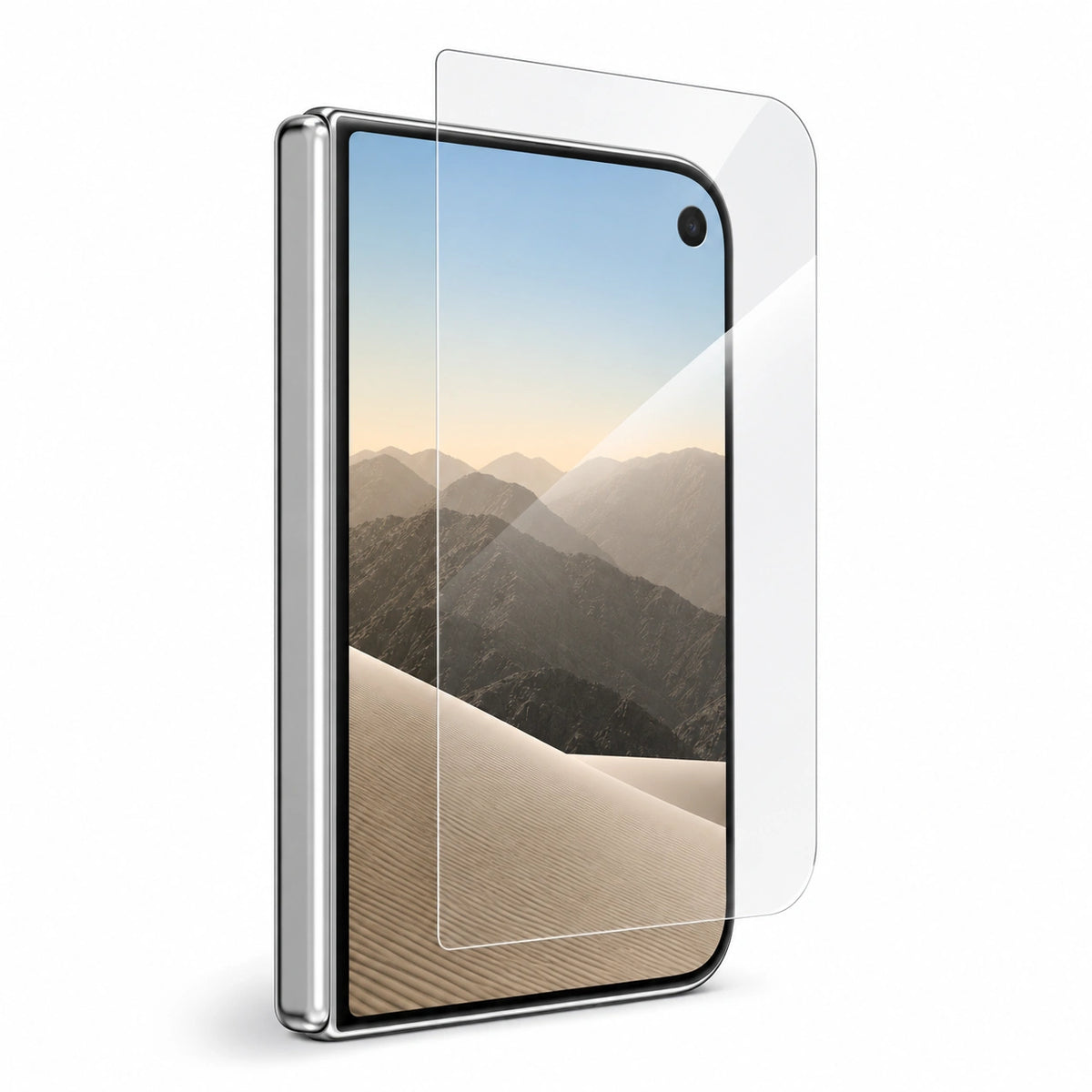
ClariFit Pro covers the illuminated outer display and extends slightly beyond it. Its reduced footprint leaves the surrounding perimeter available for the front frame. A clearance gap beside the case is therefore intentional; it should not require the glass to sit on top of the frame.
The published dimensions are 77.5 × 112.5 mm. Keep the protector centered so the available margin is distributed evenly. The product image below shows the glass dimensions, rather than a measured clearance gap for every case.

Which ZEERA iPhone Duo cases can use a separate glass protector?
An open front frame: has an opening over the outer display, allowing the separate protector to adhere directly to the phone. ClariFit Pro is compatible with all ZEERA iPhone Duo cases featuring this design.
A front frame with integrated glass: already supplies a protector. Use that assembly as intended instead of adding ClariFit Pro underneath it.
A case offered in multiple versions: check the selected variant. A shared model name does not mean every version has the same front assembly.
For a broader overview of materials and protection designs, use the iPhone Duo case resource hub.
Will ClariFit Pro work with Apple, Spigen or other brands?
Compatibility depends on the exact case model and front-frame opening. ZEERA specifies ClariFit Pro for its own open-front-frame cases; that does not establish compatibility with every Apple, Spigen, dbrand or other third-party case.
Ask the case maker whether its opening accepts a 77.5 × 112.5 mm protector with suitable corner geometry, thickness and clearance beneath the inner lip. Width and height alone cannot confirm the fit. Spigen's own compatibility guidance similarly limits assurances for combinations it has not tested.
Why does a corner lift when I open or close the phone?
If the bubble appears specifically during folding or unfolding, inspect whether the front frame shifts or flexes enough to contact the glass. Pressure from your grip or movement of a poorly seated frame can be a possible trigger; the timing alone does not prove a hinge fault.
Watch the affected edge while gently operating the phone normally. Stop if the frame catches the glass. Check the frame's seating and follow its attachment instructions rather than adding extra tape or forcing it tighter.
Should I install the case or the screen protector first?
For ClariFit Pro, fit the ZEERA open front frame first and keep iPhone Duo folded closed. The installed frame provides an alignment reference. The glass must land on the bare outer display, inside the opening.
- Clean and dry. Use the included alcohol wipe, then a clean lens cloth. Check for dust, lint, moisture and smudges under good light.
- Fit the front frame. With the phone folded, seat the open frame correctly. Recheck the screen for dust after handling the frame.
- Peel, align and lower. Remove the adhesive backing without touching the sticky surface. Use the top inner edge of the frame as a reference, leave even clearance and slowly lower the glass. Do not rest its edge on the frame.
- Smooth gently. Use a clean lens cloth to move remaining air from the center toward the nearest edge with light, even pressure.
Other products may require a different order. For example, Spigen's installation advice distinguishes hand-aligned protectors from models using an alignment tray, for which the case must be removed.
How do I fix screen protector lifting without making it worse?
- Check for contact. Look for a frame lip touching the glass or a protector sitting off-center.
- Compare with the frame removed, if practical. Follow the case's removal instructions. A bubble that eases without frame pressure is a clue that the fit needs correction. Existing adhesive damage may keep it lifted even after the pressure is removed.
- Inspect a bubble that remains. Look for dust, residue or an edge that will not bond. Follow the protector's instructions for correction; repeated peeling can damage the adhesive.
- Replace an unsuitable protector. Use glass with the right footprint if the frame overlaps it. Replace cracked glass or a protector whose contaminated adhesive no longer bonds.
Avoid pushing harder against a recurring edge bubble. Do not cut or grind tempered glass, or put household glue, oil or liquid beneath it to hide a gap.
Can I add tempered glass under a case with a built-in protector?
Do not stack ClariFit Pro beneath a case-integrated protector or over another screen protector. The front assembly is designed around a specific screen clearance. A second layer can interfere with seating and add unwanted pressure or touch-response problems.
If you want separate replaceable glass, choose an open-front-frame case. If you prefer integrated protection, use the supplied front assembly. Attachment methods also vary; our guide to iPhone Duo case adhesive and front-frame designs explains that separate question.
Does AR glass prevent bubbles or remove all reflections?
AR means anti-reflective; it does not describe the case fit. ClariFit Pro combines clear AR HD tempered glass with an inset footprint. The AR treatment addresses reflections, while the reduced dimensions address frame clearance.
It is a clear protector rather than a matte or privacy filter. AR does not eliminate every reflection, and it cannot compensate for dust, misalignment or a case pressing against the glass.
Related Reading
FAQ
Can I use this glass on the inner folding screen?
No. ClariFit Pro is designed for the iPhone Duo outer display. It is not an inner-screen protector.
Can I remove the front frame while keeping the protector on?
It may be possible with an open-frame case, but remove the frame carefully according to its instructions. Avoid catching the glass edge or using the protector as a leverage point.
What should I send support if I am unsure about the fit?
Send the exact case model and variant, the protector name and dimensions, and clear photos of the front opening and affected corner. Say whether the bubble started during application, after frame installation or when opening the phone.