
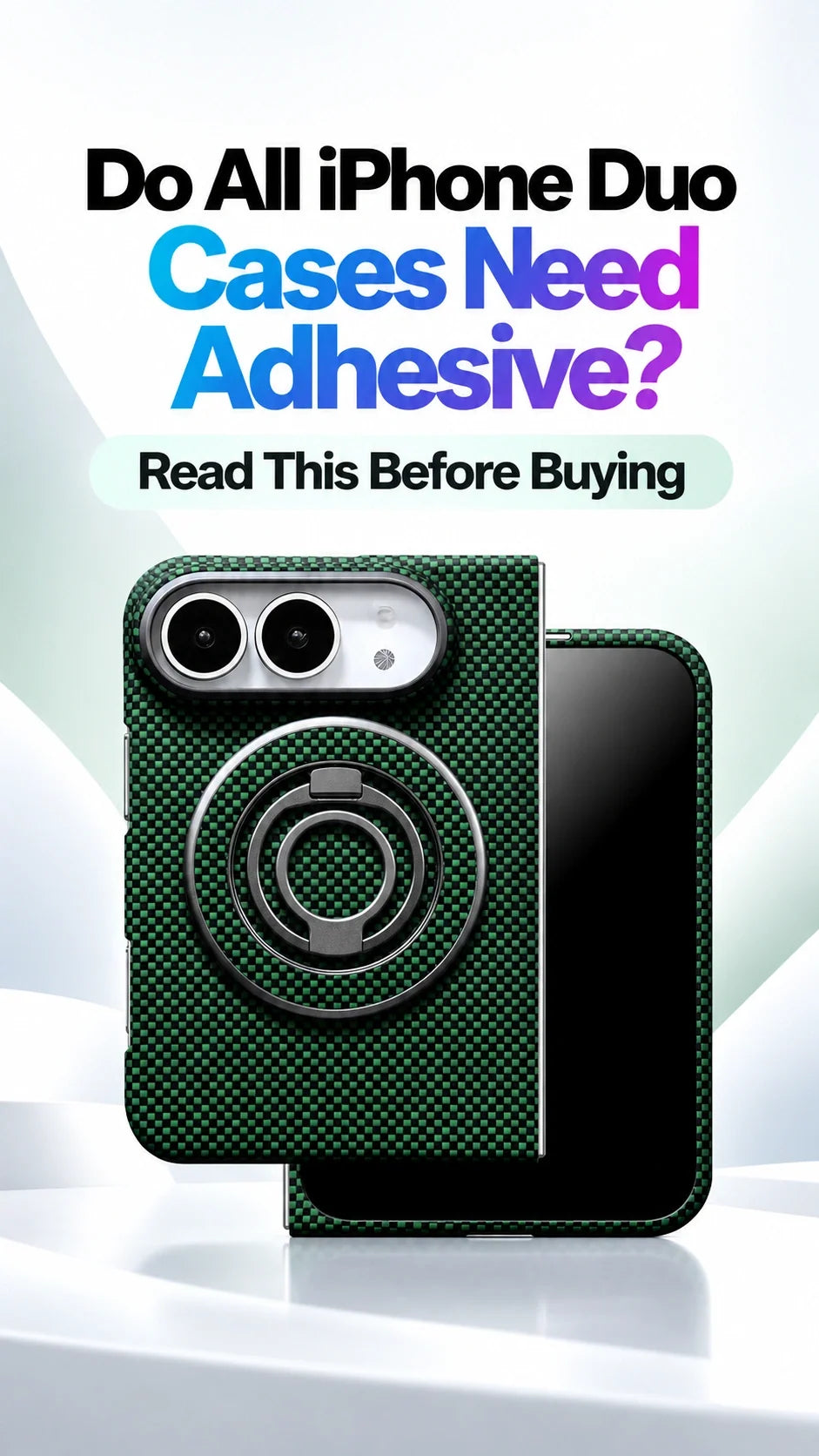
Quick Answer
No—not all iPhone Duo cases need adhesive strips. The key difference is how the outer-screen front section is built.
A narrow, independent front frame generally needs adhesive-assisted attachment; without its intended strips, it can shift or catch on a pocket edge.
A frame combined with a built-in outer-screen protector forms a more stable assembly and can be designed to fit without front-frame adhesive.
ZEERA confirms no adhesive front-frame attachment for FoldArmor Pro, FoldStand Pro, FoldFolio Pro, FoldWallet Pro, FoldFlex Pro, FoldSlim Pro and FoldPivot Pro.
FoldAero Pro uses adhesive strips. Compare the designs in the ZEERA iPhone Duo case collection before choosing.
Why do frame-only iPhone Duo cases usually need adhesive?
A conventional phone case can wrap around the back and four sides as one shell. A foldable case has to leave the folding area free, and its outer-screen section may be little more than a thin border around a large opening. That narrow frame has less structure to keep its shape and resist movement.
Adhesive strips help hold that border against its intended contact points. On a design that relies on them, skipping the strips can leave the frame loose even when the rear shell seems secure. This is an attachment choice driven by the case structure, rather than a simple sign of good or bad material.
Front attachment at a glance
Independent border frame: generally uses adhesive-assisted retention; check the exact installation instructions.
Integrated frame and outer-screen protector: can use a more stable assembly that does not need front-frame attachment tape.
ZEERA FoldAero Pro: adhesive strips are fitted inside both the outer-screen border and rear panel.
The seven ZEERA models listed below: integrated front protection with no adhesive required to attach the front frame, as confirmed by ZEERA.
Can a front frame come off in a pocket or during a drop?
Yes, a loose frame can be displaced by ordinary handling. A tight pocket opening may catch a raised corner while the phone continues moving. A drop can also load the frame suddenly and pull it away from its seating points. Leaving required adhesive unused removes part of the attachment system the case was designed around.
Two situations worth thinking about before buying
Pocket use: a thin frame that already moves can snag on fabric when you slide the phone in or out. The relevant issue is the frame's fit, not simply whether the case feels slim.
Accidental drops: frame retention matters because a displaced front section may leave edges exposed. Adhesive-assisted and adhesive-free designs still depend on correct installation; neither label guarantees a particular drop outcome.
If your existing case already moves or lifts, use our loose iPhone Duo front-frame troubleshooting guide to identify the fit problem. This buying guide focuses on choosing the attachment design before you order.
Why can an integrated screen-protector case have a no-glue front frame?
In an integrated design, the outer-screen protector and its surrounding frame are supplied as one front assembly. The protector spans the opening instead of leaving only a narrow border to maintain its shape. ZEERA's design explanation is that this combined structure is more stable, allowing the specified models to attach without front-frame tape.
That is why a case with built-in outer-screen protection can have a different installation method from an ultra-thin frame-only case. Adding separate glass underneath a frame does not turn it into the same integrated structure.
What “no adhesive” means in this guide
It means you do not need adhesive strips to secure the specified front frame to the phone. It does not mean that every component in the product is manufactured without adhesive, or that a screen protector has no bonding layer.
The integrated protector discussed here covers the outer display. It is separate from the flexible inner display and its factory surface layers.
Built-in screen protection alone is not a universal no-glue promise across every brand. Confirm the exact model. For more on the combined setup, see our iPhone Duo case and integrated screen-protector guide.
Which ZEERA iPhone Duo cases do not need front-frame adhesive?
ZEERA confirms that the following seven models use integrated front protection and do not require adhesive strips to attach the front frame. Choose among them by the handling features you want, rather than treating every model as the same case.
ZEERA FoldArmor Pro
Front-frame attachment: no adhesive required.
Best fit for: Hinge stand and MagSafe.
An integrated outer-screen protector, hinge coverage and a hinge stand for everyday hands-free viewing.
ZEERA FoldStand Pro
Front-frame attachment: no adhesive required.
Best fit for: Two-way hinge stand and MagSafe.
Choose this integrated-protector design when a two-way hinge stand is a priority.
ZEERA FoldFolio Pro
Front-frame attachment: no adhesive required.
Best fit for: Wallet, stylus storage and hinge protection.
A 2-card folio wallet, kickstand and stylus storage, combined with an integrated outer-screen protector. This model does not support MagSafe.
ZEERA FoldWallet Pro
Front-frame attachment: no adhesive required.
Best fit for: Vegan leather wallet and kickstand.
A 2-card wallet that doubles as a stand, plus an integrated outer-screen protector and hinge coverage.
ZEERA FoldFlex Pro
Front-frame attachment: no adhesive required.
Best fit for: Kickstand with Integrated Finger Strap.
Choose it for the rear ring stand, integrated finger strap, MagSafe compatibility and hinge coverage, together with the integrated front protection confirmed by ZEERA for this guide.
ZEERA FoldSlim Pro
Front-frame attachment: no adhesive required.
Best fit for: Slim MagSafe setup with built-in screen protection.
A straightforward option if you want an integrated outer-screen protector and a slim profile without a rotating stand mechanism.
ZEERA FoldPivot Pro
Front-frame attachment: no adhesive required.
Best fit for: 360° rotating stand and MagSafe.
An integrated outer-screen protector with a rotating rear stand for buyers who want more flexible hands-free positioning.
Model-specific confirmation: the adhesive classifications above are ZEERA's current product guidance for this article. They are not a blanket claim about every case pictured in the collection module or every case with a built-in protector. Follow the instructions supplied with your exact case version.
Does ZEERA FoldAero Pro use adhesive?
Yes. FoldAero Pro is the adhesive-assisted option in this comparison. Its outer-screen accessory is an independent border frame, without a built-in glass or film protector. The product page specifies double-sided adhesive strips inside both the front border and the rear case panel.
This fits its design priorities: a genuine aramid-fiber shell listed at 0.9mm and 18.2g, MagSafe compatibility and an open hinge. Choose it for its lightweight woven construction if you are comfortable with adhesive-assisted installation. Choose one of the integrated-protector models above if avoiding front-frame tape is your priority.
View ZEERA FoldAero Pro and its attachment details.
Does buying Apple's original case remove the need to check adhesive?
No. The same attachment question applies when considering Apple's original iPhone Duo case: check how its outer-screen section is secured. Apple's public product listing describes a two-part case that wraps around both sides of the phone, but does not explain front-frame adhesive installation.
An Apple logo, MagSafe support or a premium price does not by itself establish a tape-free front frame. Check the supplied fitting instructions or ask about the exact model before buying. Our general explanation of narrow independent frames should not be read as an Apple-published installation instruction.
Reference: Apple's iPhone Duo Case product listing.
How should you choose between adhesive and adhesive-free cases?
Choose an integrated, no-tape front assembly if…
You want to avoid fitting and replacing front-frame adhesive strips, prefer outer-screen protection supplied with the case, or expect to change cases occasionally. Start with one of the seven confirmed ZEERA models, then choose your preferred stand, wallet or grip.
Adhesive-free attachment does not mean unlimited removal without wear. Remove and refit the assembly as directed, and check its seating each time.
Choose an adhesive-assisted frame if…
You prioritize a very thin, frame-only setup and are comfortable following the adhesive installation instructions. FoldAero Pro is an example for buyers who want lightweight aramid construction and do not need built-in outer-screen glass.
Use the intended strips rather than leaving them covered or substituting household glue. Ask about approved replacements before assuming a removed strip can be reused.
Before ordering, ask three questions: Does the front frame need tape? Is outer-screen protection integrated or separate? Which features does this exact model include? MagSafe, hinge coverage and stands vary independently of adhesive use.
Browse the ZEERA iPhone Duo case collection to compare these designs. For a simple starting point, choose FoldSlim Pro for a minimalist integrated-protector setup, FoldArmor Pro or FoldStand Pro for a hinge stand, FoldFlex Pro for a finger strap, or the wallet models for card storage.
Related Articles
- iPhone Duo Case Falling Off? Loose Front Frame Explained
- iPhone Duo Cases with Integrated Screen Protection
- Ultra-Thin iPhone Duo Cases: Weight and Bulk
- iPhone Duo Case Materials: Aramid Fiber, PC and Vegan Leather
- iPhone Duo Case Buying Guide
- iPhone Duo Cases by Problem: Stand, Wallet, Grip and MagSafe
FAQ: iPhone Duo Case Adhesive
Can I leave the adhesive liner on a frame that requires tape?
No. If adhesive is part of the attachment system, leaving its protective liner in place prevents that strip from doing its job. Follow the case instructions instead of treating an adhesive-assisted frame as a no-glue case.
Can I add a separate screen protector to an integrated-protector case?
Do not assume the two layers will fit together. Extra glass can change the clearance and stop the front assembly seating correctly. Use the intended integrated setup unless ZEERA confirms compatibility with your additional protector.
Will an adhesive-assisted case definitely leave residue?
Not necessarily. FoldAero Pro is described as using residue-free double-sided strips, but that product description is not a guarantee for every removal condition. Follow the removal instructions and ask ZEERA for guidance if a strip does not release normally.
Can MagSafe magnets replace front-frame adhesive?
MagSafe compatibility concerns the magnetic connection to accessories at the back. It does not establish how the outer-screen frame attaches. A MagSafe case can use either adhesive-assisted or adhesive-free front retention.
Do the seven no-tape models all support MagSafe?
No. Adhesive-free front attachment and MagSafe are separate features. FoldFolio Pro does not support MagSafe. Check the individual product specification for charging, wallet and accessory compatibility.
Can a case with an integrated screen protector still come loose?
Yes. Correct model fit, an undamaged assembly and proper installation still matter. An integrated structure can avoid front-frame tape without guaranteeing that the case can never detach in a drop or after wear.
Product attachment guidance supplied by ZEERA; product pages and linked references checked October 18, 2026. Structural explanations are design guidance, not comparative drop-test results.
Reposting notice: Please credit Guichang Chen · ZEERA WIRELESS when sharing or republishing this article.






