
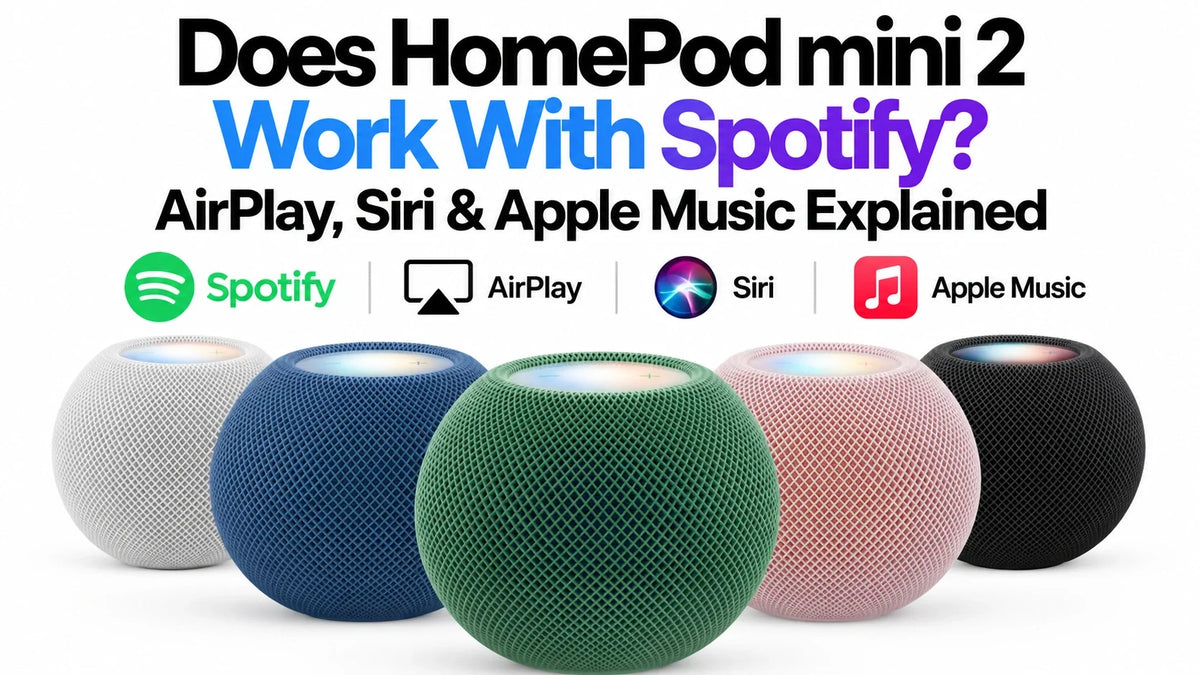
Quick Answer
Yes—HomePod mini 2 can play Spotify through AirPlay from a compatible Apple device.
Siri can initiate an AirPlay session from a nearby iPhone or iPad when configured.
That does not establish native Spotify integration or Spotify Connect support.
Apple says this phone-based session stops when its source device moves out of range.
You do not need Apple Music to use Spotify this way.
Does HomePod mini 2 Support Spotify Natively?
AirPlay playback is supported; native Spotify playback is not confirmed in the documentation checked. Apple's specifications list AirPlay and third-party services, but do not identify Spotify as a connected service. Spotify's native HomePod request remains a Live Idea.
For a purchase decision, treat Spotify as an AirPlay use case. A new speaker generation alone does not establish new service integration. Sources: Apple specifications and Spotify's native-support idea status.
How to Play Spotify on HomePod mini 2 With AirPlay
- Connect your iPhone or iPad and HomePod to the same Wi-Fi network.
- Open Spotify, sign in, and start something you want to hear.
- Open Control Center and expand the audio controls.
- Tap the AirPlay icon and select your HomePod.
Use Apple's system audio picker if you cannot find the speaker inside Spotify. This selects an audio destination; it does not install Spotify on HomePod. Apple's AirPlay instructions cover this route and selecting multiple speakers.
For a two-speaker purchase, check the separate HomePod mini stereo and multiroom compatibility guide before mixing generations.
Can Siri Play Spotify on HomePod mini 2?
Yes, through the supported Siri-to-AirPlay route. Set up HomePod voice recognition and personal content, keep the source device on the same Wi-Fi, and check that Find My's My Location uses that device.
Start with an explicit request
For example, ask Siri to play your Discover Weekly playlist on Spotify. Naming the service helps if Siri chooses a different app.
Spotify documents Siri requests for songs, albums, playlists and podcasts, plus playback controls. Features vary with the device, software and language. Its Apple Intelligence guidance for iPhone does not establish equivalent Spotify functionality on HomePod.
Sources: Apple's Siri and AirPlay setup; Spotify's Siri compatibility guide.
Is a Preferred Siri Service the Same as Native Spotify Support?
A remembered preference
Apple says Siri can learn the preferred service over time, so the app name may become unnecessary. That still can be an AirPlay session.
A connected HomePod service
Apple describes a separate process: add a supported service from its iPhone or iPad app, then manage it under your profile's Connected Media in Home Settings. A service must support this integration; remembering its name does not add that capability.
Spotify Connect is another distinct system: Spotify describes using one device to control playback on another. Seeing HomePod in an AirPlay picker does not prove it is a Spotify Connect endpoint.
Sources: Siri's learned preference, connected music services, and Spotify Connect.
Will Spotify Keep Playing When Your iPhone Leaves?
For the Siri-initiated iPhone or iPad AirPlay session, no. Apple explicitly says playback stops when the source moves out of HomePod's range.
Source: Apple's HomePod User Guide.
ZEERA's practical buying assessment
Before buying for shared household listening, ask whose device will provide the music. A speaker used mainly while you work beside your phone has a different job from a family speaker expected to continue after you leave for work.
Make that departure test part of your purchase evaluation. Starting a playlist successfully is only half the experience if someone else needs to keep listening.
Can You Use HomePod mini 2 Without Apple Music?
Yes. Apple Music is one audio source, not a mandatory subscription for the speaker. Apple's published source list also includes purchased iTunes music, Apple Podcasts, radio stations and AirPlay content. Individual services and content can have their own subscription requirements.
Spotify and Apple Music involve different buying choices
You can keep using Spotify through AirPlay. Subscribing to Apple Music is a separate decision about its catalog and HomePod experience.
For supported native services, playback uses HomePod's cloud-streaming integration rather than relying on audio relayed from a phone. That is the relevant architectural difference when evaluating independent household playback.
Sources: Apple's audio-source list, service subscription conditions, and Apple's HomePod cloud-playback explanation.
Also separate today's music playback from future AI features. Apple's October 13 announcement schedules Siri AI for a later software update; it does not announce native Spotify integration. For the wider purchase checklist, read HomePod mini 2 buying mistakes.
Can a Mac Play Spotify Through HomePod mini 2?
Yes. Apple lists Mac among HomePod mini 2's AirPlay sources. For audio from an app other than Apple Music, Apple's instructions use Control Center → Sound → AirPlay to choose the speaker.
A Mac-based session changes which device supplies the audio. Assess it as a desktop listening setup, including what happens when that Mac disconnects or sleeps. For the new default-speaker feature and its hardware requirements, see HomePod mini 2 for Mac mini.
Sources: supported audio sources and Apple's Mac AirPlay instructions.
Spotify Not Working on HomePod? Check the Failing Step
HomePod does not appear
Check power, software updates and the shared Wi-Fi network. Review Home Settings → Speakers & TV for AirPlay restrictions, then restart the devices if needed.
Manual playback works, but Siri chooses the wrong app
Name Spotify and the playlist or podcast explicitly. Update Spotify and restart the phone. Troubleshoot voice selection separately from the working audio connection.
Audio unexpectedly stops
Try resuming from the source device. Apple notes that another Siri request or task on a device acting as the main audio source can interrupt playback across speakers. Note what happened immediately before the interruption.
Sources: Apple's AirPlay troubleshooting and Spotify's Siri fixes. These are diagnostic steps, not claims that ZEERA has reproduced a HomePod mini 2 fault.
Should a Spotify User Buy HomePod mini 2?
Apple announced a $149 US price and October 30, 2026 availability. As of October 16, this is a guide to published capabilities, rather than a retail-unit review. Source: Apple's announcement.
Consider it for a personal Apple setup
If you normally choose music on your iPhone and also want Apple Home features, evaluate the speaker around that routine. Keeping your existing playlists may matter more to you than changing services.
Verify more before buying for the whole household
If independent Spotify listening is essential, require explicit confirmation for that exact capability before ordering. Our recommendation is to buy for documented behavior you can use, rather than an assumed future integration.
FAQ
Does Spotify Premium unlock native HomePod integration?
No native HomePod or Spotify Connect entitlement is documented in the sources checked. Do not upgrade a music plan expecting it to add speaker integration.
Can I set up HomePod mini 2 using only an Android phone?
Apple's requirements specify an iPhone or iPad running the latest software and Wi-Fi internet access. An Android-only household should resolve setup compatibility before buying.
Do Spotify's new AI Siri commands all work on HomePod?
Do not assume so. Spotify's current Apple Intelligence compatibility list names iPhone and related devices, while Apple's HomePod Siri AI rollout is still scheduled for a future update. Check the exact command and platform.
Does Sound Glow prove Spotify is running natively?
No. Apple describes Sound Glow as a visual audio feature. A light effect is not evidence of a connected music service or Spotify Connect support.
Related Reading
- HomePod mini 2: 7 Buying Mistakes to Avoid
- HomePod mini 2 vs Original HomePod mini
- Original mini + mini 2: Stereo or Multiroom?
- HomePod mini 2 for Mac mini: Requirements
- Apple TV Four-Speaker Surround: Compatibility & Cost
- Will Older Apple TV 4K Models Get Siri AI?
Sources and Information Status
Checked October 16, 2026. Core references are Apple's HomePod mini 2 specifications and announcement, HomePod software 27-or-later user guides, AirPlay instructions, and Spotify's current Siri and Connect documentation, linked beside the relevant statements. Spotify's Live Idea is cited only for its displayed status, not as a promised delivery date. Native Spotify support remains unconfirmed in the documentation reviewed. Purchase recommendations and household examples are ZEERA's editorial assessment. ZEERA has not tested a retail HomePod mini 2 or measured Spotify latency, battery use or sound quality on it.









