Quick Answer
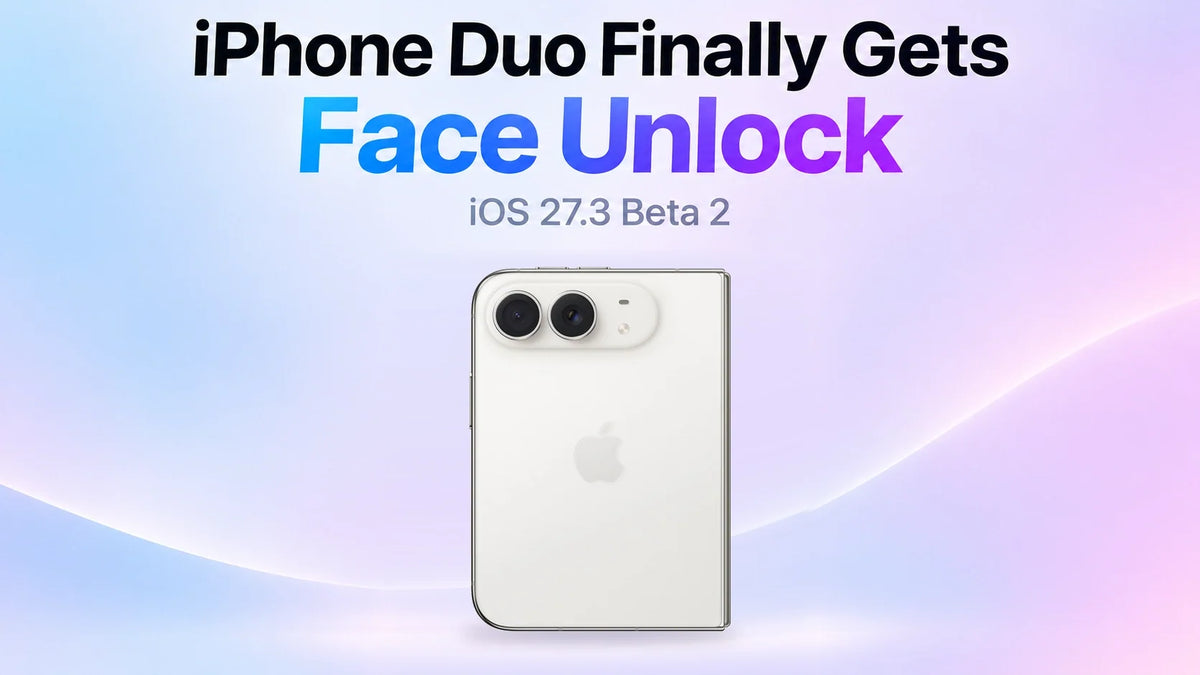
iPhone Duo can unlock with your face while folded shut, starting with iOS 27.3 developer beta 2. The feature uses the outer display’s selfie camera and requires a recent Touch ID or passcode check. It only opens the Lock Screen, so Apple Pay and saved passwords still use the existing authentication methods.
To try it, go to Settings → Touch ID & Passcode → Unlock with Front Camera. The same beta also adds an option to lock the phone automatically when you fold it. Together, the two settings let you close the Duo to lock it and glance at the outer display when you pick it up again.
What changed in iOS 27.3 beta 2?
Apple seeded iOS 27.3 developer beta 2 (build 24C5049d) on November 16, 2026. If you’re already enrolled in the developer beta, check Settings → General → Software Update. The new toggle is available in this beta as of November 17. Apple Developer release list · Apple’s beta installation guide
The previous beta made one-handed use of the outer display easier with horizontal Reachability. This update changes how you get past the Lock Screen in the first place. What changed in iOS 27.3 beta 1
How to turn on face unlock on iPhone Duo
Open Touch ID settings
On your updated iPhone Duo, open Settings → Touch ID & Passcode and enter your passcode.
Turn on Unlock with Front Camera
Tap Unlock with Front Camera and follow the setup prompts.
Set up face recognition
Position your face in the on-screen frame. Slowly turn your head left, right, up and down as prompted.
Try it on the outer Lock Screen
Authenticate once with Touch ID or your passcode, then fold and lock the phone. Wake the outer display and look toward its front camera. When the phone unlocks, swipe up to leave the Lock Screen.
How does iPhone Duo face unlock differ from Face ID?
TrueDepth and the selfie camera
Face ID uses Apple’s TrueDepth system to build a depth map and capture an infrared image of your face. The Duo uses its existing outer selfie camera. During setup, Apple rates camera-based unlock below Touch ID and Face ID for security. Apple says the recognition data stays on the device. Apple Support’s Face ID explanation · iClarified’s setup screenshots
Payments, passwords and protected apps
If Wallet, a saved password or a protected app asks you to authenticate, use Touch ID or your passcode as prompted. The camera check applies only to the device Lock Screen. 9to5Mac’s breakdown of the feature limits
Why is iPhone Duo asking for Touch ID again?
About 45 minutes of inactivity
If the Duo goes about 45 minutes without an unlock, use Touch ID or enter your passcode once to make camera-based unlocking available again. 9to5Mac’s report on the timeout
The Duo is unfolded
If you wake the inner display, unlock with Touch ID or your passcode. If recognition is unreliable while the phone is closed, check whether a front frame, film or folio flap covers the outer camera. ZEERA’s outer-screen and accessory fit guide
How to lock iPhone Duo when you fold it
Open Settings → Display & Brightness and enable Lock When Closed. Closing the Duo now locks it. With the switch off, folding can move the active content from the inner display to the outer screen.
This is a separate setting. Leave it off if you often start reading inside and want to pick up on the outer screen after folding. iClarified’s overview of both settings
Related Reading
FAQ
Can I unlock with my face right after restarting my iPhone Duo?
Enter your passcode first. iPhone requires it after you turn the device on or restart it. Apple’s iPhone passcode guide