
MacBook Pro buying guide · Updated October 29, 2026
Quick Answer
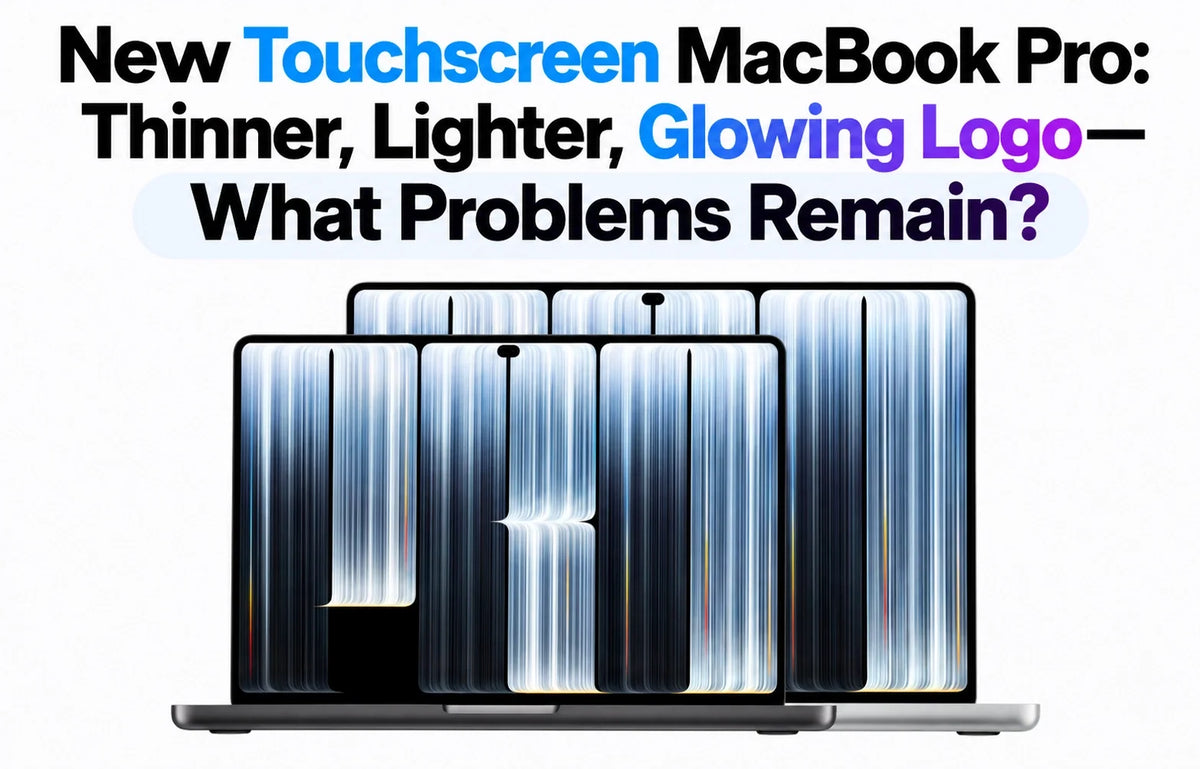
Apple's new touchscreen MacBook Pro looks like the redesign many people wanted, but it is not a perfect iPad-meets-Mac.
Announced October 28, 2026, it brings a thinner, lighter body, tandem OLED PROLED XDR display, touch controls, Dynamic Island and the returning glowing Apple logo.
The trade-offs: no Apple Pencil or Face ID, some Mac apps that still need touch-specific optimization, and a screen that can wobble under firm taps.
There are also practical questions about fingerprints, OLED burn-in, real-world battery life and whether the $400 premium is worth paying.
At $2,899 for the 14-inch M5 Pro model, these details matter more than the launch-day excitement.
1. Why Does the New OLED MacBook Pro Cost $400 More?
The 14-inch MacBook Pro with PROLED XDR starts at $2,899 in the US, compared with $2,499 for the existing 14-inch M5 Pro version with a conventional Liquid Retina XDR display. The $400 is a bundle premium, not just an extra charge for touch: it also buys tandem OLED, Dynamic Island and the lighter redesigned body.
Why it matters: If your MacBook spends most of its life connected to an external monitor, you may use the new screen far less than someone who edits photos, travels or presents work on the built-in display. See our full $400 touchscreen upgrade comparison.
2. Why Does the Newest MacBook Pro Still Use M5 Pro Instead of M6?
The redesigned OLED models use M5 Pro or M5 Max, even though Apple has also introduced an M6 MacBook Pro. That sounds backwards only if you compare the generation number without the chip tier. M5 Pro and M5 Max target larger workloads, higher memory capacities and more demanding graphics than a base-series chip.
Anyone upgrading from an existing M5 Pro should look at the display, weight and touch experience rather than expecting a new processor generation. Our M5 Pro vs M6 explanation compares the positioning in detail.
3. Are All Mac Apps Actually Ready for Touch?
Not equally. macOS 27 can translate screen taps into mouse clicks, so many existing apps respond immediately. Apple has also adjusted some system controls for fingertips and introduced APIs for developers to build proper touch interactions.
The real limitation: A desktop app's tightly packed buttons, small sliders and complex menus do not automatically become finger-friendly. Apple's Final Cut Pro, Logic Pro and Pixelmator Pro have announced touch workflows, but individual third-party features will vary by app and version.
That makes touch useful as a second input method, not yet a replacement for the keyboard and trackpad in every pro workflow.
4. Why Doesn't the Touchscreen MacBook Pro Support Apple Pencil?
This is one of the most obvious missed opportunities for people who expected a large drawing canvas. Apple's announced Touch experience centers on fingers, gestures, direct manipulation and onscreen instruments. The new MacBook Pro does not have Apple Pencil support at launch, a point also raised in The Verge's hands-on coverage.
You can make finger-based selections and gestures, but artists who depend on the pressure-sensitive Pencil workflow should not assume their iPad setup transfers to the MacBook screen. A separate supported drawing tablet or an iPad remains a different tool.
5. Does the New MacBook Pro Screen Wobble When You Tap It?
Yes, it can. Apple redesigned the hinge to improve stability, and early hands-on reporting says normal touch interactions work well. However, The Verge found that firm taps near the top of the display can still make it wobble.
What to expect: Light scrolling or occasional taps are different from repeatedly pressing small controls near the top of a laptop screen. A traditional clamshell hinge cannot provide the same physical support as a tablet resting flat on a desk.
6. Will Fingerprints Make the PROLED XDR Display Harder to Keep Clean?
More direct touches naturally mean more chances to leave fingerprints. The new display comes with standard glass or an optional nano-texture finish. Nano-texture is aimed at reducing reflections; it is not a fingerprint-proof coating or a faster touch sensor.
For work in controlled indoor lighting, standard glass keeps the glossy OLED look. In a bright office, nano-texture may reduce distracting glare. Choose based on your environment, then clean the panel with the method Apple recommends for your specific glass finish. Our nano-texture versus standard glass guide goes deeper into that choice.
7. Could the Tandem OLED MacBook Pro Develop Burn-In?
OLED pixels emit their own light, so long periods of uneven use create a different aging pattern from the previous mini-LED LCD display. Tandem OLED technology and Apple's display-management algorithms are designed to manage brightness and pixel use, but they do not make meaningful long-term risk measurements available on launch day.
What is known: Apple describes a pixel-use compensation system. What is not yet known: how the panel ages after years of fixed menu bars, dock icons, editing timelines and static windows. No reliable long-term burn-in rate for this newly released model exists yet.
Let the display sleep during long breaks and use normal automatic brightness behavior. There is no need to treat ordinary daily work as a proven screen-damage scenario.
8. Why Is There Still No Face ID on a $2,899 MacBook Pro?
The camera area has changed to Dynamic Island, but biometric authentication remains Touch ID. Apple lists a 12MP Center Stage camera and Touch ID, not Face ID.
That means you still use the keyboard's fingerprint sensor for supported logins and purchases. Dynamic Island can surface live activities, media controls and Siri AI, but the smaller camera cutout should not be mistaken for the depth-sensing hardware used by iPhone Face ID.
9. Can You Fold the Screen Back and Use It Like an iPad?
No. This is a standard MacBook Pro running macOS 27, not a detachable or 360-degree convertible computer. You gain the ability to tap, swipe, pinch and drag directly on the display while retaining a fixed keyboard and trackpad.
The distinction matters for note-taking, handheld sketching and long drawing sessions. A touchscreen on a laptop is convenient for quick direct interaction; it is not the same ergonomic experience as a tablet that can lie flat.
10. Will the Thinner Body Affect Battery Life or Cooling?
Apple says the 14-inch model starts at about 3.0 pounds and the 16-inch at about 4.0 pounds, with both slimmer than their predecessors. A redesigned thermal system is intended to maintain sustained M5 Pro and M5 Max performance while directing warm air away from the OLED screen.
Apple's headline of up to 24 hours refers to specific battery-test conditions and configurations, not 24 hours of heavy exporting, compiling or using an illuminated high-brightness screen at maximum load. Independent long-session cooling, fan-noise and battery comparisons are still needed after delivery begins November 6.
11. Does the Glowing Apple Logo Stay on All the Time?
The illuminated logo is back, but it is not an always-bright decoration. The Verge's hands-on report says its brightness follows the screen and can dim or turn off. There is no credible launch-day measurement showing a specific change in battery life caused by the logo alone.
It is an appealing visual detail, not a reason to choose a processor or memory configuration. Our glowing-logo launch guide
Should You Buy the New Touchscreen MacBook Pro Now?
Buy it for: the lighter chassis, OLED image quality and touch shortcuts you can use every day. It is especially appealing if the built-in screen is your main workspace.
Keep your current MacBook for: work that already runs well on an M5 Pro or M5 Max, or if you spend most of your time with a closed laptop connected to external displays.
Wait for owner testing if: hinge behavior, display durability, real-world battery life or long render temperatures will decide your purchase.
Preorders opened on October 28, 2026. Apple says the new 14-inch and 16-inch PROLED XDR models reach customers and stores on November 6, 2026. Until then, distinguish the visible feature gaps from problems that have not yet been observed in long-term ownership.
Related Reading
- Is the Touchscreen MacBook Pro Worth the Extra $400?
- Why the $2,899 OLED MacBook Pro Still Uses M5 Pro Instead of M6
- MacBook Pro Nano-Texture vs Standard Glass for Touch
- The Glowing Apple Logo Is Finally Back on the New MacBook Pro
- M6 MacBook Pro vs Discounted M5: Which Is the Better Buy?
- Apple M6 MacBook Pro Is Official: Specs, Price and Release Date
Sources: Apple, October 28 announcement · Apple technical specifications · The Verge, first hands-on.






