Quick Answer
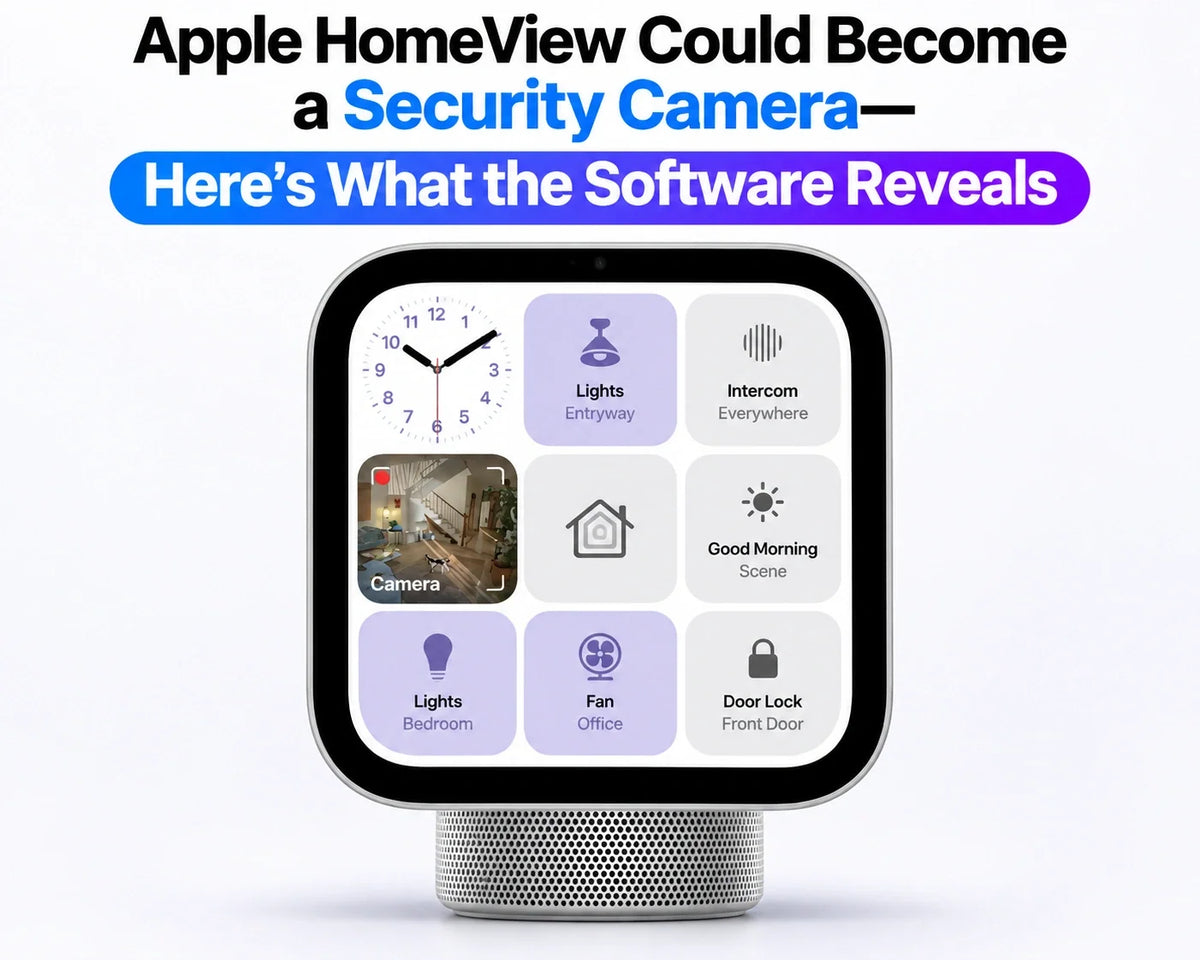
Apple HomeView could use its own built-in camera for home security, according to software discoveries by researcher pdfu, but Apple has not announced the feature or confirmed launch availability.
This is a different idea from showing footage captured by an external camera: HomeView itself would become the source of the video. The reported settings separate activity detection, live viewing and recording, with household access and visible or audible privacy signals. For buyers, the practical question is whether one shared display could also cover the room where it sits. Treat that as a possible addition while choosing a device around its announced capabilities.
Updated November 3, 2026
HomeView as a camera, rather than a camera viewer
Apple’s announced HomeView features include viewing compatible camera feeds and making FaceTime calls. Its built-in 12MP Center Stage camera is already part of that video-calling experience.
The new possibility is a room view captured by HomeView itself. Our HomeView camera and doorbell compatibility guide covers the separate question of which external devices can supply footage to the display.
Four camera states appear in the software
MacRumors reports that pdfu found camera-setting text in HomeView Software 27.2. The four states describe different levels of access:
Off
The proposed security-camera function would be disabled. This label alone does not explain how other camera uses, such as FaceTime, would be affected.
Detect Activity
An activity-detection state is listed separately from viewing and recording. Detecting activity should not be read as a promise that a saved video clip will be available.
Stream
A live-view state would let an authorized person see what the camera is capturing, without selecting the recording-enabled option.
Stream & Allow Recording
The most permissive listed state combines live viewing with permission to record. Permission to record does not establish continuous, all-day recording.
The useful distinction is what happens after an event: noticing movement, watching it live and having footage to review later are three different outcomes.
Why the privacy controls matter
The reported strings point to home-member access, a green indicator and sound when viewing or recording begins, and alerts when camera settings change. They also reference home, away and sleep schedules. Enabling streaming or recording while people are home appears to require action on HomeView itself.
For a display placed in a shared room, those controls would help answer two immediate questions: who can look in, and how does someone nearby know it is happening? Scheduling would also make the chosen behavior depend on household routines.
A preview can also involve the camera
In his own research notes, pdfu identifies Home app text about taking photos to refresh HomeView’s camera preview, accompanied by a green light. That suggests even updating a thumbnail could be a visible camera event, separate from starting a live session.
Apple’s published privacy design separately describes Secure Exclaves for processing recognition-related camera and microphone data. Those announced protections should not be used to infer the complete storage or access rules of an unreleased recording feature.
How strong is the evidence?
pdfu’s original discovery notes, posted October 31 and updated November 1, say the feature is not fully connected yet. They also identify a HomeView-specific configuration for 1080p video at 30fps and microphone input, selected for HomeKit Secure Video sessions.
That is a more specific clue than a generic camera label: it links local capture to a security-video pathway. It still describes software components rather than a demonstrated feature available to owners. The 1080p configuration also should not be mistaken for a final specification covering every camera use.
What would it change for a household?
If released, the feature could let a HomeView already sitting in a kitchen or living room provide a view of that space without adding another camera there. That is the potential convenience; its usefulness would depend on where the display faces and what it can actually capture.
A good position for video calls may not be a good position for monitoring an entrance. A display on a counter also cannot cover another room simply because it can show that room’s external camera feed. Consider placement alongside the differences in our HomeView wall mount versus stand guide.
What remains open
Apple has not published an activation date or final requirements for this mode. Recording-plan eligibility, retention, night-time performance and simultaneous use with other camera features still need a feature-specific answer. The software strings do not settle those buying questions.
FAQ
Is this an announced standalone Apple security camera?
No. The discovery concerns a possible additional role for HomeView’s existing built-in camera, rather than a newly announced camera accessory.
Is there a confirmed setup procedure to follow?
No public activation procedure is established by these findings. A menu name found in development software is not a walkthrough for the shipping product.
Related Reading