
Updated: September 16, 2026
iOS 27 is now available, and its CarPlay changes go beyond a new video feature. Apple has introduced new tools for video apps, media controls, voice-based apps and navigation.
What you see in your car depends on more than your iPhone update. Some changes require an app update; CarPlay video also requires a vehicle that supports video in the car.
This guide explains what changed, what you can check today and why a feature may be missing from your CarPlay screen.

Quick Answer: What Are the New CarPlay Capabilities in iOS 27?
iOS 27 adds CarPlay video app support, a MiniPlayer, richer media browsing, new options for navigation apps and support for voice-based conversational apps.
Will every car get CarPlay video? No. The vehicle must support video in the car, the app must support the relevant CarPlay capability, and video is intended for use while parked.
If you updated your iPhone and cannot see a video app, check the vehicle’s support first. The iOS update alone does not enable video on every CarPlay display.
Which iOS 27 CarPlay Features Will Work in Your Car?
Installing iOS 27 updates your iPhone, but CarPlay features also depend on the car and the apps you use. Think of compatibility in three layers:
Your iPhone: It must run iOS 27 for the new software capabilities.
Your apps: Developers must add support for features such as the new video browsing experience.
Your vehicle: CarPlay video requires support for video in the car. Standard CarPlay support alone does not confirm that your display can play video.
If a feature is missing, check the app’s update notes and your automaker’s software or compatibility information before assuming the iPhone update failed.
CarPlay Video Apps: The Biggest New iOS 27 Feature
In iOS 27, Apple provides developers with tools to build video browsing and playback experiences for CarPlay. In a vehicle that supports video in the car, people can browse compatible video apps on the vehicle display while parked.
This is especially useful during EV charging stops, airport pickups and other times when the vehicle is stationary.
This could be useful during:
-
EV charging stops
-
Road-trip breaks
-
Airport pickups
-
Camping trips
-
Waiting in a parked vehicle
Apple is also enabling AirPlay video streaming to compatible car displays.
That means supported iPhone apps may be able to stream video directly to the vehicle screen instead of relying only on the iPhone display.


Can You Watch YouTube or Netflix on CarPlay in iOS 27?
iOS 27 gives developers a way to offer video browsing in CarPlay, but it does not automatically add YouTube or Netflix icons to every car.
For a video app to appear and work, the app needs appropriate support and the vehicle must support video in the car. Playback is intended for when the vehicle is parked. An app that supports AirPlay video may offer a different way to send video from the iPhone; that is not the same as confirming it has a dedicated CarPlay video app.
Check the app’s current support information before expecting a specific service on your dashboard.
The key limitation is that CarPlay video playback is designed for parked use only.
Apple is not turning CarPlay into an in-motion entertainment screen. If the vehicle is moving or does not allow video playback, supported apps may switch to audio-only mode instead.
That can still be useful for podcasts, interviews, sports coverage, news programs and other long-form content where listening is more important than watching.
In short, iOS 27 makes CarPlay video apps possible, but users should not expect YouTube or Netflix to work in every vehicle immediately.
CarPlay video is designed for waiting, charging and resting — not for watching while driving.

Why Is CarPlay Video Not Showing Up After the iOS 27 Update?
Your Car May Not Support Video in the Car
A car can support ordinary CarPlay navigation and music without supporting video playback. Check your vehicle maker’s documentation or software update notes for explicit video support.
The App May Not Have a CarPlay Video Experience
Updating iOS does not add a video icon for every streaming service. App developers need to provide the relevant experience, and some apps may never add it.
The Vehicle May Not Allow Video at That Moment
CarPlay video is intended for parked use. If the car is moving or cannot make video available, the app may show no video or continue as audio only.
If your whole CarPlay connection is failing, that is a different issue. See the connection checks below.
Siri AI in CarPlay: Smarter Voice Interaction
Video support may attract the most attention, but Siri AI could become the feature drivers use most often.
With iOS 27, Siri is becoming more conversational and context-aware.
Instead of relying on fixed voice commands, drivers may be able to ask more natural questions and receive more useful responses.
These are examples of how more capable voice interaction could help in a car, not a list of features guaranteed on every iPhone or in every region.
Potential Siri AI use cases in CarPlay include:
-
Finding destinations mentioned earlier in a conversation
-
Adding stops along a route
-
Starting navigation using natural language
-
Searching for restaurants, gas stations or charging stations
-
Getting travel information without touching the iPhone
Availability may depend on Apple Intelligence support, device compatibility, language and region.

MiniPlayer and Better Media Controls
Apple is also improving the daily media experience in CarPlay.
The new MiniPlayer allows users to control music, podcasts and media playback without leaving their current app.
This makes it easier to switch between navigation and entertainment while keeping distractions to a minimum.
CarPlay apps can also display richer content, including:
-
Thumbnails
-
Playback progress indicators
-
Media overlays
-
Expanded content details
These changes should make CarPlay feel more modern and easier to use.
Navigation Upgrades and Route Sharing
Navigation apps are gaining new capabilities in iOS 27.
Apple is introducing navigation panels that allow apps to display route information while keeping maps visible.
This can make it easier to view:
-
Route details
-
Stops
-
Waypoints
-
Charging locations
-
Trip information
Apple is also introducing Route Sharing.
In supported implementations, sharing route information with the vehicle could help coordinate navigation with vehicle systems. The exact experience depends on the navigation app and automaker.

Which Cars Support iOS 27 CarPlay Video?
As of September 16, 2026, do not assume that a car supports video simply because it supports CarPlay. Look for an explicit announcement or software update from your automaker for the exact model and model year.
That means users should not assume every CarPlay-compatible vehicle will gain video playback support.
The feature requires additional vehicle-side support beyond standard CarPlay.
Vehicles most likely to support CarPlay video first include:
-
Newer infotainment platforms
-
Vehicles with large central displays
-
EVs that support advanced software features
-
Cars that receive OTA updates
-
Models with deeper Apple integration
Until automakers confirm compatibility, drivers should treat support as vehicle-dependent.
Will Existing CarPlay Cars Get Video Support Through a Software Update?
Possibly, but there is no guarantee.
Some vehicles may be able to gain support through software updates, while others may require hardware features that older systems do not have.
Apple has not confirmed which existing vehicles will receive CarPlay video support.
Drivers should wait for official announcements from their vehicle manufacturer before expecting video playback to become available.
CarPlay Not Connecting After iOS 27? Start Here
If CarPlay itself stopped connecting after the update, first check whether your iPhone still connects by cable or wirelessly, then restart both the iPhone and the vehicle’s infotainment system.
For wireless CarPlay, confirm that Wi-Fi and Bluetooth are enabled. For wired CarPlay, try the vehicle’s supported data port and a reliable cable. If the connection still fails, remove the car under Settings > General > CarPlay and pair it again.
Check your automaker’s support page for vehicle software updates. A connection problem is separate from a car that connects normally but does not support video.
CarPlay Video Apps vs Android Auto
CarPlay video support will naturally be compared with Android Auto.
Apple's approach focuses on supported vehicles and parked video playback.
This helps maintain safety while allowing automakers greater control over compatibility.
As a result, CarPlay video apps may initially support fewer vehicles, but the experience may feel more integrated when available.
What Drivers Will Notice Most
Not every iOS 27 CarPlay feature will matter equally.
For most users, the most noticeable upgrades will likely be:
-
Better Siri interactions
-
Improved media controls
-
Navigation enhancements
-
Cleaner app interfaces
Video playback may become useful for EV owners and frequent travelers, but it will remain dependent on vehicle support.
ZEERA MagSafe Wireless Charging Series
ZEERA MagTri Gen2 Qi2.2 Foldable MagSafe Charger
- 25W Qi2.2
- 3-in-1 fold
- Active cooling
- Travel size
- 3-device ready

ZEERA MagSion 5-in-1 Dual MagSafe Charger Stand
- Dual MagSafe
- 5-in-1 stand
- Watch charging
- Angle adjust
- Clean setup

ZEERA SuVolt Gen5 Qi2.2 Active Cooling Car Charger
- 25W Qi2.2
- Active cooling
- Strong magnet
- CarPlay ready
- Heat control

Where ZEERA Fits In: Longer CarPlay Sessions Mean More Heat
As CarPlay becomes more capable, iPhones may remain active for longer periods.
Wireless CarPlay, GPS navigation, Siri AI, media streaming and parked video playback can all increase heat and battery demand.
This is especially noticeable during summer driving and EV charging sessions.
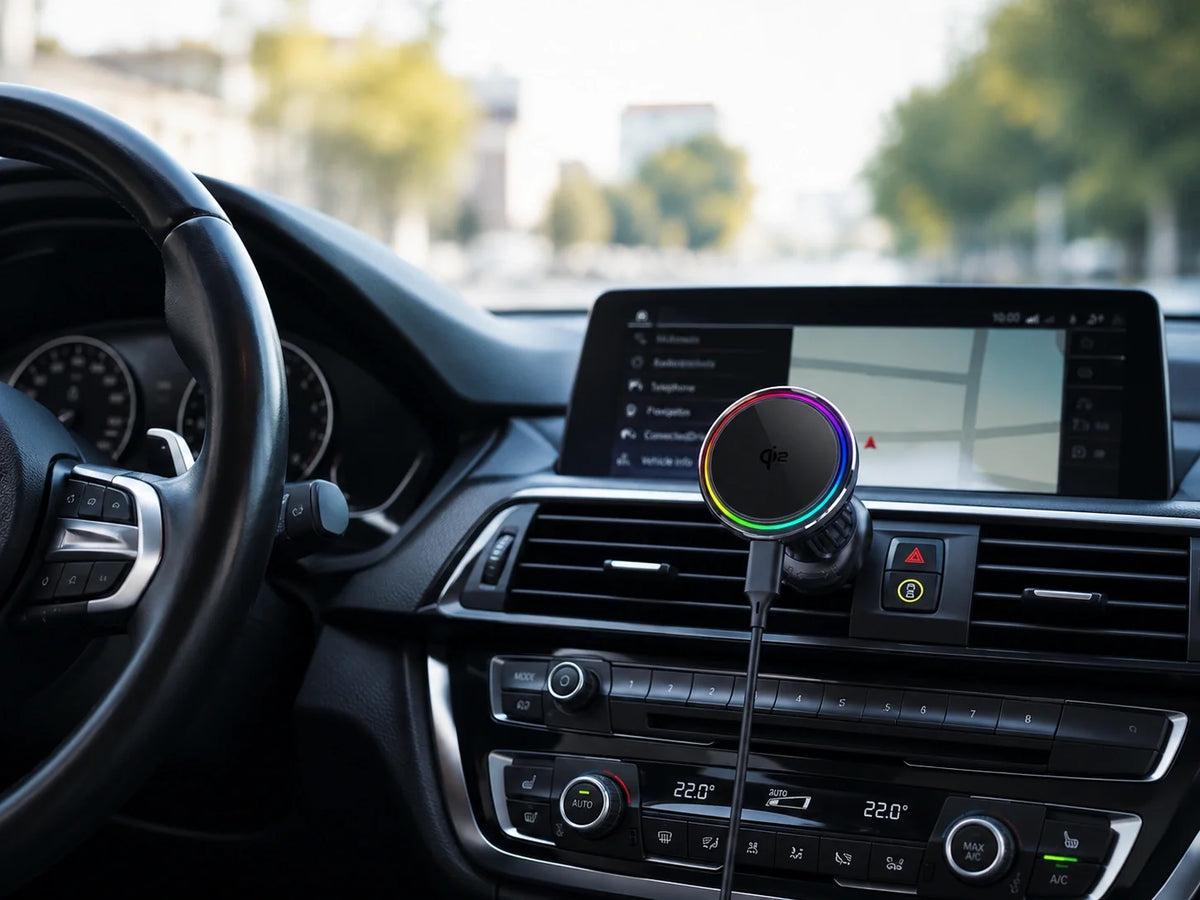
The ZEERA SuVolt Gen5 Qi2.2 25W MagSafe Car Charger uses active cooling technology to help manage charging temperatures while keeping your iPhone powered for navigation, calls, music and extended CarPlay use.

FAQ
Why is CarPlay video not showing after I updated to iOS 27?
Your vehicle may not support video in the car, the app may not offer a CarPlay video experience, or playback may be unavailable while the vehicle is moving.
Does iOS 27 make CarPlay video work in every existing car?
No. Ordinary CarPlay compatibility does not guarantee video support. Check your automaker’s information for your exact vehicle.
Does iOS 27 support CarPlay video apps?
Yes. Apple has introduced support for CarPlay video apps in supported vehicles.
Can you watch videos on CarPlay while driving?
No. CarPlay video playback is designed for parked use only.
Does YouTube work on CarPlay in iOS 27?
Only if YouTube chooses to support Apple's new CarPlay video framework and the vehicle supports video playback.
Does Netflix work on CarPlay?
Netflix support would require both app support and compatible vehicle hardware.
Which cars support CarPlay video?
Apple has not yet released a complete compatibility list.
Will older cars get CarPlay video support?
Some may receive support through software updates, but compatibility will depend on the vehicle manufacturer.
Final Thoughts
iOS 27 delivers one of the most significant CarPlay updates in recent years.
Video apps, Siri AI, navigation improvements and enhanced media controls make CarPlay more capable than ever.
However, many of the most exciting features depend on vehicle support.
Before expecting video playback, drivers should confirm compatibility with both their vehicle and the apps they use.
For most users, Siri AI improvements, navigation upgrades and better media controls will likely be the most practical benefits of iOS 27 CarPlay.






