Quick Answer
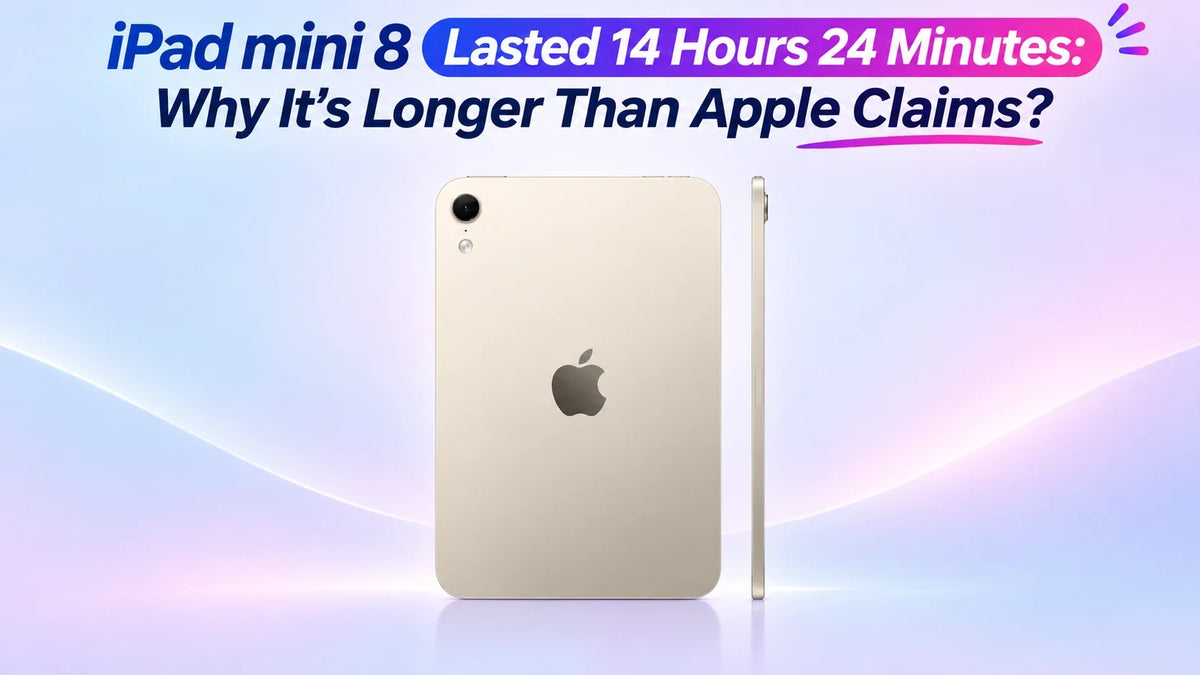
iPad mini 8 lasted 14 hours 24 minutes in Tom's Guide's first Wi-Fi browsing test, exceeding Apple's 10-hour rating.
The review used 150-nit brightness and had completed only one run, rather than its usual three-run average.
Battery results depend on the test conditions. Apple's figure describes its own workload; it is not a hard cutoff. Lower display power and an efficient workload can extend runtime, while brighter screens and demanding apps can shorten it. The exact contribution of each hardware change remains unmeasured.
What did the battery test measure?
In its November 3 review, Tom's Guide describes continuous web browsing over Wi-Fi. Its comparison lists 10 hours 36 minutes for iPad mini 7. The reviewer planned to add two more runs before reporting an average.
That makes the new result encouraging evidence for light browsing, with repeatability still to be established.
How much longer is that?
| Figure | Runtime |
|---|---|
| iPad mini 8: first review test | 14h 24m |
| iPad mini 7: review comparison | 10h 36m |
| iPad mini 8: Apple Wi-Fi/video rating | Up to 10h |
Calculated from those figures, the gap is 3 hours 48 minutes versus the previous mini and 4 hours 24 minutes versus the advertised figure. The first comparison is between review results; the second crosses two testing methods.
For the wider upgrade picture, see our iPad mini 8 vs iPad mini 7 comparison.
Why can a test exceed Apple's 10-hour rating?
Apple's technical specifications rate the mini for up to 10 hours of Wi-Fi browsing or video, and up to 9 hours browsing over cellular. These are workload-specific estimates. A different test can consume less energy per hour and therefore run longer.
Brightness changes the power budget
The same tablet can deliver different endurance at different screen brightness levels. A controlled indoor setting is a different task from reading outdoors with the display turned up. A brightness-slider percentage also does not identify a fixed nit value across devices.
"Web browsing" covers many workloads
A page left open for reading, a site playing video, and an interactive web app do not place identical demands on the display, processor and network. Page selection and timing matter when comparing two battery claims.
Hardware efficiency is a possibility, not an isolated finding
Apple lists an A20 Pro chip and an OLED display for the new mini. Either could affect the power used by a particular task. OLED consumption also depends on the image being shown. This is a possible explanation for improved endurance; a whole-device runtime test cannot assign the gain to the chip or panel individually.
Nor should a Wi-Fi result be treated as a measurement of the C2 modem's cellular efficiency. Establishing that would require a cellular test with controlled network conditions.
What should you expect in everyday use?
Match the workload before applying the number. Someone reading articles at comfortable indoor brightness has a more relevant reference here than someone gaming, editing video or making long camera calls. There is no sound conversion from this browsing result to hours of those other activities.
Use your own battery history. In Settings > Battery, look at which apps use energy and whether background activity explains a drain. For comparisons across days, keep brightness, connection type and main apps reasonably consistent.
Plan charging around your actual day. A travel day that mixes standby, reading and occasional video differs from continuous screen-on testing. Carrying a charger still makes sense when you cannot predict the workload or reach a socket.
Apple's battery guidance recommends adjusting brightness and using Wi-Fi to preserve power. Those practical choices are more useful than trying to reproduce a review score exactly.
FAQ
Does a faster charger make the battery last longer?
No. Charging speed determines how quickly energy is replenished; runtime depends on stored energy and power consumption. Apple advertises up to 50% charge in around 30 minutes with a compatible USB-C adapter supplying 35W or more. Our 20W vs 35W charging guide explains the adapter choice.
Can this result tell me how long the battery will last after years of use?
No. Runtime on a charge and battery lifespan measure different things. Aging changes the energy a battery can hold; a fresh review result does not predict an individual unit's capacity several years later.
Related Reading