
Quick Answer
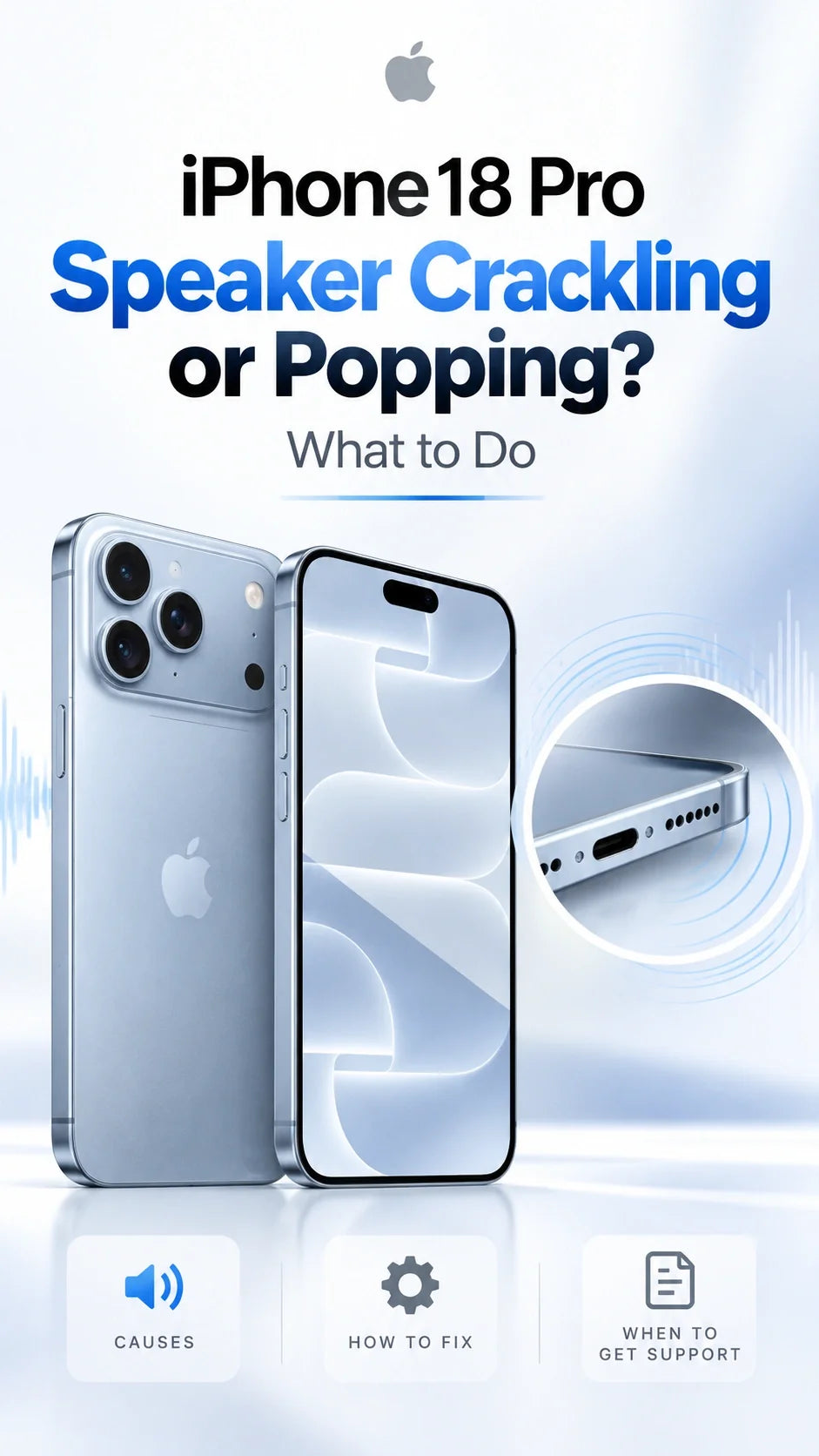
Some iPhone 18 Pro and iPhone 18 Pro Max owners report speaker crackling, popping or faint clicking, including during calls and ordinary screen interactions.
The reports do not establish a single cause or show how common the problem is.
Apple’s iOS 27.0.1 release notes do not list a speaker fix; owner feedback after updating is mixed.
Start with a restart, an obstruction check and a comparison of calls versus media at a comfortable volume.
If the noise persists or disrupts calls, contact Apple or your seller while your return options are still available.
What iPhone 18 Pro speaker problems are owners reporting?
A brief pop when opening an app is different from distorted music or static throughout a phone call. Identifying your pattern is more useful than trying every “speaker crackling fix” you find online.
In a Reddit owner discussion, the original poster described clicks during app switching and volume changes. A MacRumors forum thread began on September 18 with an owner reporting crackling during setup, including on a replacement phone.
Faint ticks or pops during screen use
Owners have described intermittent sounds while scrolling or opening controls. These reports are observations, not proof that the display or speaker is defective.
Earpiece crackling during calls
Some complaints concern the upper speaker during cellular calls. Note whether speakerphone or an internet call behaves differently.
Raspy or distorted media playback
The Reddit thread also includes a report of rough-sounding music at high volume. Compare another recording at a lower level before assuming this shares the cause of an intermittent pop.
MacRumors covered the complaints on September 29. Reports involve both Pro sizes, but forum participation cannot establish a failure rate for either model.
Is speaker crackling a hardware fault or an iOS 27 bug?
The available evidence does not settle that question. Similar sounds can have different causes, and an intermittent noise cannot identify a failed component by itself.
After reviewing Apple’s guidance and the owner discussions, ZEERA’s assessment is to separate call-only crackling, playback distortion and interaction-related pops before drawing a conclusion. This is an assessment of published evidence, not a ZEERA laboratory diagnosis.
Does iOS 27.0.1 fix the speaker problem?
Apple’s official release notes list fixes for Face ID-related restarts, a photo color artifact and a touchscreen issue. They do not identify a speaker repair.
Post-update forum feedback includes both continued popping and improved calls. Treat improvement on one phone as an individual result, rather than a confirmed fix for everyone.
Because the original forum complaint predates iOS 27.0.1, it would also be inaccurate to attribute all of these reports to that update. A future software remedy is possible, but no specific upcoming version should be promised as the solution.
How to check iPhone 18 Pro speaker crackling safely
Change one thing at a time and note the result. The checks below help narrow the symptom; they cannot certify that a speaker is healthy or repair damaged hardware.
1. Restart and check for a public iOS update
Restart normally, then check Settings → General → Software Update. Record the installed version before comparing behavior. Do not install a beta solely because a commenter reports that their noise disappeared.
2. Check the speaker and receiver openings
Apple recommends removing cases, films and screen protectors when troubleshooting distorted audio, and checking for obstruction. If dirty, use a clean, dry, soft-bristled brush on the opening. Avoid pushing tools into the grille.
3. Compare familiar media and an alert
Play two familiar recordings in different apps at a comfortable volume. Note whether both distort and whether reducing the level changes the sound.
Also try the Ringtone and Alerts slider in Sounds & Haptics. Apple says absent sound or a dimmed speaker control there may indicate a need for service.
4. Compare cellular calls with another audio path
Compare the receiver and speakerphone, then an internet call if available. Apple notes that reception can contribute to call static; try another location.
If cellular calls also drop or show SOS, follow the separate ZEERA eSIM and No Service guide. A connection symptom deserves its own investigation.
5. Try Standard Mic Mode for call-only symptoms
One Reddit commenter reported less crackling after switching from Voice Isolation to Standard. This is an anecdotal workaround, not an Apple-confirmed fix.
During a call, open Control Center, tap Phone Controls, then choose Standard under Mic Mode. Apple’s Mic Mode instructions explain that Voice Isolation changes microphone processing and that the selection persists for that app.
This comparison is relevant to calls. It does not explain or remedy every pop heard while browsing.
6. Identify where the sound comes from
If a click occurs when you move or set down the phone, note whether it seems to originate at the rear camera rather than the speaker. See the separate iPhone 18 Pro camera rattling and clicking guide.
For a faint pop during normal screen use, write down the app and action. Avoid repeatedly shaking the phone or rapidly toggling controls just to force a noise.
Apple’s speaker troubleshooting guide provides the general obstruction, alert and call checks above. The media and app comparisons are practical ways to document your particular symptom.
When should you contact Apple or request an exchange?
Arrange an inspection if crackling persists, interferes with calls or appears across multiple recordings at a comfortable volume. A brief, rare tick is less informative than a repeatable problem, but you can still raise it with Apple if it concerns you.
Prepare a useful support record
- Model, installed iOS version and when the symptom began.
- Whether it affects calls, media, screen interactions or all three.
- Whether the sound comes from the upper or lower speaker.
- Results after restarting and checking without accessories.
- A short recording from another device, if you can capture the noise.
Record an ordinary demonstration rather than a private conversation. An external recording can help capture a physical speaker sound; a screen recording may miss it.
Ask the seller about your actual return deadline and available options. Terms vary by seller and location. Do not let that deadline pass while waiting for an unannounced software fix.
A replacement may help if your unit has a fault, but the reports of similar behavior on replacement phones mean an exchange cannot be guaranteed to eliminate every intermittent pop.
Can a case, MagSafe charger or cooling accessory fix the noise?
There is no established evidence that buying an accessory resolves the reported iPhone 18 Pro speaker problem. Removing accessories for comparison is useful because it simplifies the test setup.
When choosing an iPhone 18 Pro case or iPhone 18 Pro Max MagSafe case, check that the speaker and microphone openings remain unobstructed. Choose a MagSafe or Qi2.2 charger for its compatibility and charging features.
If a sound appears only while charging, compare the same activity unplugged and identify whether the noise comes from the phone or the charger. If charging also pauses, the Charging On Hold guide covers that separate issue.
The ZEERA product modules on this page cover protection, charging, photography and desktop accessories. They are shopping recommendations for those uses, not treatments for speaker crackling.
FAQ
Does the noise mean my speaker is blown?
No. A pop alone cannot diagnose speaker damage. Repeated distortion across different recordings warrants inspection.
Why can I hear a pop when the phone is in Silent mode?
Some owners report this pattern. Silent mode does not identify the cause of an unexpected sound; note whether you were scrolling, opening an app or receiving an alert.
Should I factory-reset my iPhone to fix crackling?
Start with the simpler comparisons above. A factory reset is not an established remedy for these reports. If Apple recommends one during diagnosis, back up your data first.
Do clear AirPods calls prove the built-in speaker is faulty?
No. They show that another audio path behaves differently. That comparison is useful to support staff, but does not isolate a hardware fault.
Will Apple replace the phone free of charge?
Apple or your seller must assess the device and applicable terms. An online complaint alone does not establish eligibility for a free repair or replacement.
Are all iPhone 18 Pro and Pro Max models affected?
No such conclusion is supported. Reports involve both models, while other owners say they do not hear the noise. There is no reliable prevalence estimate in these discussions.
Related ZEERA guides
- iPhone 18 Pro Camera Rattling or Clicking: Normal or Faulty?
- iPhone 18 Pro Max SOS / No Service: eSIM Checks
- iOS 27.0.1 Widget Crash on iPhone 18 Pro
- iPhone 18 Pro Max Face ID Slow? The Setup Tip Explained
- iPhone 18 Pro Max Charging On Hold: What to Do
- iPhone 18 Pro Max MagSafe Charging: 15W vs 25W vs Cooled Qi2.2
- iPhone 18 vs iPhone 18 Pro: Performance, Camera and More
Updated October 2, 2026. Sources include Apple’s speaker guidance, Mic Mode documentation and iOS release notes, plus the linked firsthand Reddit and MacRumors forum discussions. Community reports are anecdotal; the sources reviewed do not establish a model-wide defect, a single root cause or a confirmed universal fix.









