
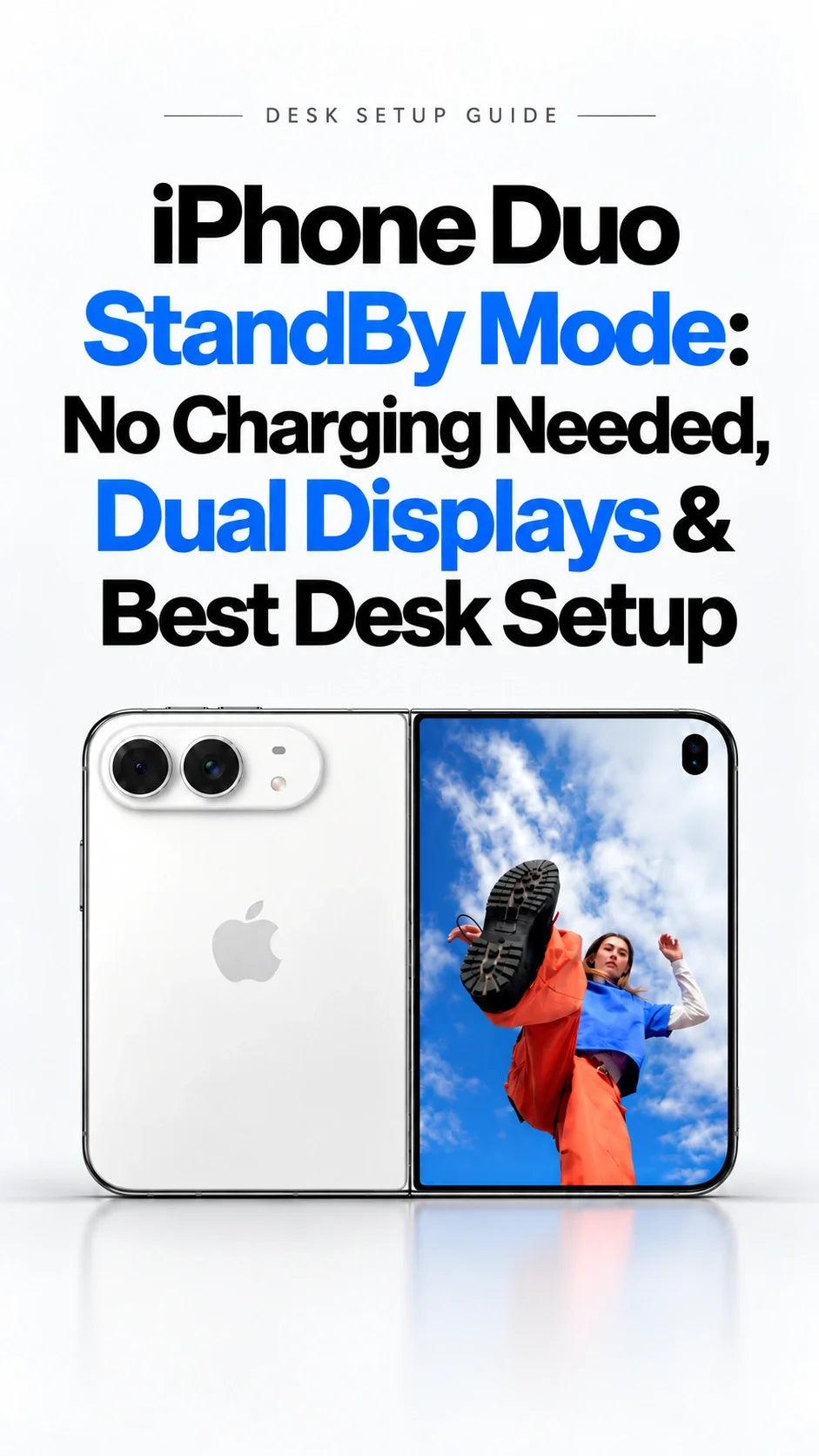
Quick Answer
Yes. Apple says iPhone Duo enters StandBy when you set it down, even without charging.
It works on either the 5.4-inch outer screen or the 7.6-inch inner screen.
Apple has confirmed Calendar, Weather, Clock, Modular and updated Photos faces.
“Stacked,” “Top,” “Middle” and “Bottom” are software strings, not released controls.
A stable case stand makes the feature useful anywhere; MagSafe adds charging when you want it.
Does iPhone Duo StandBy Mode Need to Be Charging?
No. Apple explicitly says the Duo can enter StandBy on either display even when it is not charging. That changes the usual iPhone habit of connecting power and placing the phone on its side for StandBy.
The practical difference is simple: unfold Duo on a desk for an at-a-glance calendar, or leave it closed as a smaller clock. You can move it from a charger to a table without making a charging cable a requirement for StandBy itself.
Confirmed by Apple
Unplugged StandBy, outer and inner display support, new Calendar and Weather faces, and more face customization.
Still to verify on a shipping device
Exactly which folding angles trigger StandBy, how long the display stays visible on battery, and whether each orientation offers the same controls.
“No charger required” does not mean an endlessly lit screen without battery cost. Apple has not published a dedicated unplugged StandBy runtime. Brightness, screen choice, widgets and display settings will matter.
What Can the Inner and Outer Screens Show?
Apple describes StandBy as a photo frame, widget hub and clock. The new Calendar and Weather faces join Clock and Modular; the Photos face can show Shared Albums. Apple also describes more colors, fonts and complications for customization. This is a concrete upgrade, even before the unannounced layouts are considered.
Closed: compact glance view
Use the 5.4-inch outer display when the phone is folded and desk space is tight. A clock, weather or a single useful widget is the natural fit.
Open: larger desktop view
The 7.6-inch inner display gives a calendar or photo more room and is easier to see across a desk. An open, stable pose may remove the need for a separate stand in some setups.
ZEERA's assessment is that the most useful change is flexibility: StandBy becomes a reason to leave Duo visible between tasks, not simply a screen that appears during a charge. We have not tested a retail Duo or measured battery drain in this mode.
What Do “Stacked,” “Top,” “Middle” and “Bottom” Mean?
Developer pdfu's September 28 software investigation identified strings for five apparent layouts: StandBy, Stacked, Top, Middle and Bottom. The investigation also points to a face editor and other unreleased face names. These are findings in software resources, not an Apple feature list or a guarantee that all layouts will ship.
Our reading of the names: “Stacked” may refer to content arranged for a folded display. “Top,” “Middle” and “Bottom” could refer to where information sits when Duo is partially open.
That interpretation remains a hypothesis. The strings alone do not reveal the final controls, supported poses, or launch timing.
Do not plan a purchase around a specific “Stacked” dashboard or a multi-camera Home view yet. Apple's confirmed Calendar, Weather, Clock, Modular and Photos options already cover the main desk use cases; future software may expand them.
How Should You Set Up iPhone Duo on a Desk or Bedside Table?
Start with where the screen must face, then decide whether the phone needs power. StandBy itself is wireless in the literal sense: you can use it away from an outlet. A MagSafe charging stand is useful for longer desk sessions, not a prerequisite to see the clock or widgets.
Quick work break
Set Duo on a stable surface with the screen facing you. Choose a clock or calendar. Leave charging out of the setup if you will pick up the phone again soon.
All-day desk
Use a compatible MagSafe charger and a stand angle you can see comfortably. Verify the magnet and case fit, especially with a foldable's shorter rear panel.
Bedside
Prioritize a secure position, a gentle display setting and a cable route that will not pull the device. Check the final StandBy display controls after the phone ships.
If you want an integrated stand as well as protection, our FoldStand Pro case guide explains its hinge stand, MagSafe compatibility and outer-screen glass. A 360-degree rotating stand, such as FoldPivot Pro, is another way to adjust the viewing angle. Confirm the final orientation and charging clearance with your exact case and charger combination.
Is a MagSafe Stand Better Than the Folding Hinge?
They solve different setup problems. Duo's folding body can create a freestanding pose on a flat surface. A case stand can offer another viewing angle and keep the device supported in a configuration that suits your table. A MagSafe stand is for magnetic positioning and charging together.
Before buying a magnetic desk stand, check the charger head's position against the Duo's rear MagSafe area, the case's magnetic ring, and the space the inner display needs when open. A magnetic attachment alone does not prove that a particular open or partially folded pose will be stable.
MagSafe or Qi2 charging is separate from StandBy activation. The phone manages charging power, so “up to 25W” on a compatible charger is a maximum under suitable conditions, not the power used throughout a session. For travel and bedside charging options, see ZEERA's Qi2.2 charger guide.
Will Unplugged StandBy Drain the Duo Battery?
Yes, an active display consumes energy. Apple has not provided a StandBy-specific battery estimate, so no reliable number of unplugged hours can be stated before controlled testing. An always visible inner screen could have a different cost from a dimmer outer screen, but a video-playback battery figure is not a StandBy test.
For long work sessions, charge if you need the phone full later. For short glanceable sessions, using StandBy without a charger is the whole convenience. Read our Duo trade-offs guide for the distinction between Apple's inner and outer screen video ratings.
What Should Buyers Check After Launch?
With Duo scheduled for October 23 availability, the first real-device reviews should answer practical questions the press release does not: whether StandBy works reliably in each folding pose, which face remains visible on battery, and how cases affect viewing angles. If a desktop dashboard is your main reason to buy, wait for those hands-on checks.
A phone used in the car is a different setup. Secure mounting and heat while navigating matter more there than a desk StandBy face; do not assume the foldable's unplugged StandBy behavior replaces a navigation mount.
FAQ
Can I use iPhone Duo StandBy without a MagSafe charger?
Yes. Apple says Duo can enter StandBy even when it is not charging. MagSafe is optional for adding power or a charging-stand setup.
Does StandBy work when iPhone Duo is closed?
Apple confirms support on the outer display as well as the inner display. The exact set-down angle and final controls should be checked on the shipping software.
Are Stacked, Top, Middle and Bottom official StandBy settings?
No. They are names found in software resources by an independent investigator. Apple has not announced them as selectable modes.
Can I keep StandBy on all night without charging?
Apple confirms that a charger is not required to enter StandBy, but has not stated an all-night unplugged runtime or promised a continuously lit display. Use a charger for a dependable overnight setup.
Related Reading
- iPhone Duo official specs, displays and release date
- Best iPhone Duo case with MagSafe, stand and screen protection
- iPhone Duo case buying guide: slim, wallet and hinge protection
- iPhone Duo wallet case with built-in kickstand
- Best Qi2.2 travel charger for iPhone Duo
- 10 iPhone Duo limitations before preordering
- Does iPhone Duo need an inner screen protector?
Sources: Apple Newsroom, September 9, 2026; pdfu's software investigation, September 28, 2026. Updated October 5, 2026. The software strings are unannounced and may change before release.









