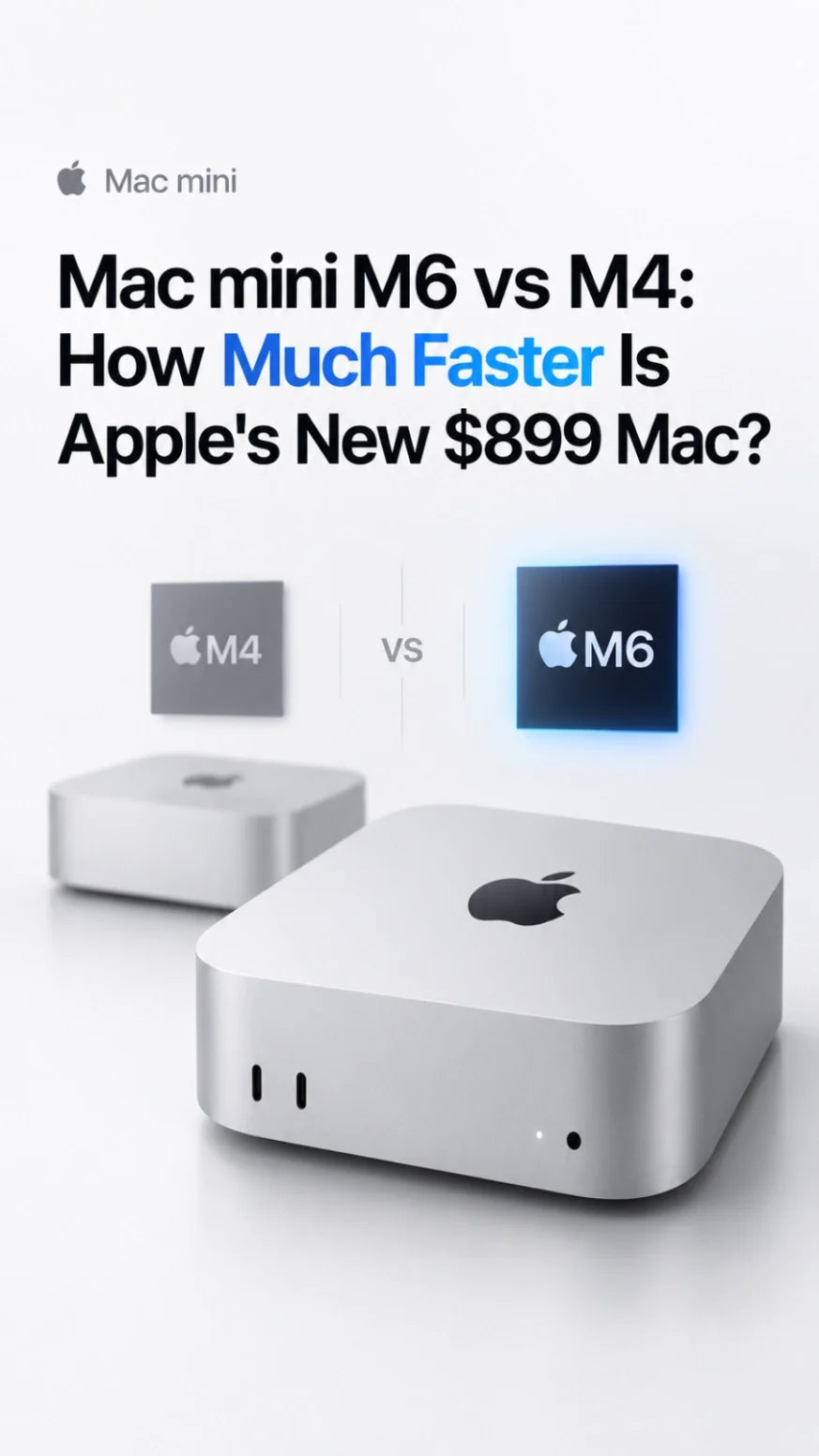
The M6 Mac mini is much faster than M4 on paper, but most M4 owners still do not need to upgrade.
An early Geekbench 7 result scores 4,071 single-core and 22,783 multi-core, roughly 24% and 48% above current M4 Mac mini averages.
Apple also claims up to 2x faster graphics and storage, up to 4x faster AI performance, and memory bandwidth rising from 120GB/s to 170GB/s.
The catch is price: M6 starts at $899, 50% above the M4's original $599 launch price, while still starting with 16GB memory and a 256GB SSD.
Upgrade only if AI, GPU, storage, networking, or sustained production work is already limiting your M4. We will update this guide after retail-unit reviews arrive.
Updated September 21, 2026. The M6 Mac mini becomes available on September 22. Benchmark conclusions below are based on pre-release Geekbench entries and Apple's published claims, not a full independent retail review.
Mac mini M6 vs M4 Benchmark: The Numbers So Far
The first widely shared Geekbench 7 result for a Mac18,5 with Apple M6 reports a 4.78GHz 12-core processor, 32GB of unified memory, and macOS 27.0. It scores 4,071 in single-core and 22,783 in multi-core.
Follow-up entries for the same model land close to that first result: 4,035 single-core and 22,582 multi-core, followed by 4,035 and 22,680. That consistency is encouraging, but these are still public database entries rather than a controlled review suite.
About 24% faster
M4 Mac mini chart average versus the first widely shared M6 result.
About 48% faster
The two extra CPU cores help M6 make a much larger multi-core jump.
For the M4 baseline, we are using the current Geekbench 7 Mac chart average for the 10-core M4 Mac mini: 3,278 single-core and 15,348 multi-core. This keeps both chips on Geekbench 7. Geekbench 6 and Geekbench 7 scores should not be mixed.
CPU Performance: M6 Is Faster, but M4 Is Still Fast
Apple moved from a 10-core CPU in M4 to a 12-core design in M6. The new layout contains two super cores, four performance cores, and six efficiency cores. Apple describes M6 as having its fastest CPU core and claims up to 40% faster CPU performance than M4.
The leaked Geekbench 7 result tells a more useful story. Single-core performance rises by about 24%, which should improve short code builds, app launches, browser-heavy work, and other lightly threaded tasks. Multi-core performance rises by roughly 48%, helped by both architectural gains and the 20% increase in total CPU cores.
That is a meaningful generational jump. It does not mean every task finishes 48% sooner. Exporting video may lean on the media engine, GPU, memory, storage, or cooling rather than CPU alone. Daily browsing and office work may simply feel a little more responsive because the M4 was already fast.
Intel or M1 owners: major upgrade. M4 owners: upgrade only if compile times, CPU rendering, batch processing, or heavy multitasking already costs you time.
GPU Performance: Two More Cores and Up to 2x Graphics
M6 increases the GPU from 10 to 12 cores and adds Neural Accelerators to every GPU core. It also retains hardware-accelerated ray tracing. Apple says graphics performance can be up to 2x faster than M4, including up to 2x faster ray-traced performance in Cyberpunk 2077: Ultimate Edition.
“Up to 2x” is a best-case claim, not a universal frame-rate promise. The largest gains should appear in workloads built for the newer GPU architecture: ray tracing, AI-assisted image work, some 3D rendering, and apps that can use the Neural Accelerators.
We have not yet seen enough verified M6 Metal, Blender, game, and creator-app results to assign one reliable real-world GPU percentage. That is one of the most important areas to update after independent reviews arrive.
AI Performance: This Is the Biggest M6 Upgrade
The M4 Mac mini has a 16-core Neural Engine. M6 introduces a Dual 16-core Neural Engine and places Neural Accelerators inside all 12 GPU cores. Apple says the dual Neural Engine provides up to 2x the peak compute of previous generations, while the whole M6 Mac mini can deliver up to 4x faster AI performance than M4 in selected workloads.
Apple's most aggressive example is LM Studio, where it claims up to 4.8x faster LLM prompt processing than M4. That does not mean every local model runs 4.8x faster. Model size, quantization, app optimization, memory capacity, and whether the task uses the GPU or Neural Engine all matter.
The 32GB memory ceiling also remains important. M6 is much faster for local AI, but it does not turn the standard Mac mini into an unlimited large-model workstation. If the model does not fit comfortably in unified memory, the faster chip cannot solve the capacity problem. Buyers needing more than 32GB should compare M6 with the M5 Pro Mac mini rather than over-configuring the base model.
Neural Engine, with a conventional 10-core GPU.
Neural Engine plus Neural Accelerators in every GPU core.
Storage Speed: Up to 2x Faster, but Capacity Still Matters
Apple says M6 storage is up to 2x faster than the previous M4 generation. That could improve large file transfers, cache-heavy creative work, project loading, local model loading, and swap-heavy workflows.
There is an important footnote: Apple's “up to” storage comparison uses selected configurations, and SSD performance can change with capacity and NAND layout. A 2TB test system does not prove that the base 256GB model will deliver the same read and write speeds.
That makes the first independent 256GB, 512GB, and 1TB tests unusually important. Until those arrive, do not buy the 256GB M6 solely because of the 2x claim. Buy it only if the capacity is enough for your apps and active files, or if you already plan to use a fast external SSD.
External storage is also easier to change later than unified memory. For many buyers, 24GB of memory plus external storage may be more sensible than spending heavily on Apple's internal SSD upgrade.
Memory Bandwidth: 120GB/s vs 170GB/s
M6 raises unified memory bandwidth from 120GB/s on M4 to 170GB/s. That is an increase of about 42%.
Bandwidth matters when several parts of the chip need to access the same data quickly. GPU rendering, local AI inference, large photo operations, complex timelines, and memory-heavy multitasking should benefit more than email or basic document work.
16GB standard; configurable capacity depends on the original M4 configuration.
About 42% more bandwidth, with 16GB standard and up to 32GB.
More bandwidth is not the same as more capacity. A 16GB M6 can move data faster than a 16GB M4, but it still has only 16GB available. If your M4 is already running out of memory, choose 24GB or 32GB rather than assuming bandwidth alone will fix the bottleneck.
Price: M6 Is Faster, but the Value Story Is Harder
The original M4 Mac mini launched at $599 with 16GB of unified memory and 256GB of storage. The M6 model starts at $899 with the same headline memory and storage capacities. That is a $300 increase, or 50%, in a launch-price comparison.
Apple did raise and reshape the M4 lineup before M6 arrived, so late-2026 shelf prices do not always match the original $599 MSRP. Still, the launch-to-launch comparison is the clearest way to judge generational value.
10-core CPU, 10-core GPU, 16GB memory, 256GB SSD.
50% higher, with 12 CPU and GPU cores but the same base memory and SSD capacity.
The M6 has a stronger chip, faster storage, Wi-Fi 7, Bluetooth 6, and standard 2.5Gb Ethernet. Those are real upgrades. The question is whether they are worth replacing a fully functional M4, not whether M6 is faster.
Should M4 Mac mini Owners Upgrade to M6?
Your M4 already slows down your paid work.
- Local AI inference is a daily workflow.
- You need materially faster GPU or ray tracing.
- Long code builds or CPU renders cost real time.
- Faster internal storage affects active projects.
- You need Wi-Fi 7 or standard 2.5Gb Ethernet.
Your current Mac still feels fast.
- You mainly browse, write, stream, or use office apps.
- Your coding and creative work already runs smoothly.
- You do not use local AI or ray-traced workloads.
- Your external SSD already solves storage needs.
- You would pay $899 mainly for a newer chip name.
For most M4 owners, the best decision is to wait. A 24% single-core gain is visible in benchmarks but unlikely to transform everyday use. The larger multi-core, GPU, AI, and storage gains matter only when your software can use them.
Users coming from Intel, M1, or an older Windows desktop have a much easier decision. They gain the compact current design, much faster CPU and GPU performance, modern media engines, stronger AI acceleration, better networking, and support for up to three external displays.
If you are buying new, the M6 is the current mainstream Mac mini. If you already own M4, think of M6 as a workload-specific upgrade rather than a necessary replacement.
What We Need From the First M6 Mac mini Reviews
The early CPU scores answer only one part of the upgrade question. Retail reviews should test the following before the M6 vs M4 verdict is final:
- Sustained CPU performance: Does the 48% Geekbench multi-core lead hold during 20- to 60-minute workloads?
- GPU performance: Metal, Blender, gaming, ray tracing, video effects, and AI-assisted creator apps.
- SSD by capacity: Separate 256GB, 512GB, 1TB, and 2TB read/write results.
- Local AI: Tokens per second, time to first token, supported model sizes, and memory pressure.
- Thermals and acoustics: Surface temperature, internal sensors, fan speed, noise, and throttling.
- Power efficiency: Performance per watt at idle, during bursts, and under sustained load.
For sustained workloads, cooling matters more than a short benchmark suggests. Our guide to Mac mini M6 and M4 heat explains what temperature behavior is normal, while the MacFrost Pro test guide focuses on longer high-load sessions.
Final Verdict: M6 Wins the Benchmark, M4 Wins the Upgrade Test
The M6 Mac mini is clearly faster. Early Geekbench 7 data points to roughly 24% higher single-core and 48% higher multi-core performance. Apple also promises up to 2x graphics and storage performance, up to 4x AI performance, and 42% more memory bandwidth.
But an upgrade decision is not a benchmark contest. M6 costs $899, 50% above the original M4 launch price, while the base configuration still includes 16GB of memory and a 256GB SSD.
Most M4 users should keep their current Mac. Upgrade if your workflow can directly convert M6's AI, GPU, memory-bandwidth, storage, or multi-core gains into saved time. Otherwise, the M4 remains one of Apple's strongest compact desktops—and waiting another generation will produce a more noticeable return on your money.
Sources
- Apple: M6 chip architecture and AI compute announcement
- Apple: Mac mini M6 performance, pricing, and availability
- Apple: Mac mini technical specifications
- Geekbench 7: early Apple M6 result, 4,071 / 22,783
- Geekbench 7 Mac chart: M4 Mac mini average scores
Frequently Asked Questions
How much faster is the M6 Mac mini than M4?
An early Geekbench 7 result is about 24% faster in single-core and 48% faster in multi-core performance than the current M4 Mac mini chart average. Apple separately claims up to 40% faster CPU, 2x graphics and storage, and 4x AI performance in selected workloads.
Is the M6 Mac mini worth upgrading from M4?
Usually no. Upgrade if you regularly use local AI, ray tracing, sustained CPU work, GPU rendering, or storage-heavy projects. For browsing, office work, light coding, and normal creative tasks, M4 remains fast.
Does the M6 Mac mini have faster storage?
Apple says storage is up to 2x faster than M4. Independent tests are still needed for each SSD capacity, especially the base 256GB model.
Does M6 support more memory than M4?
The M6 Mac mini starts at 16GB and can be configured with 24GB or 32GB. Its memory bandwidth rises to 170GB/s, but the maximum capacity remains 32GB.
Is M6 better for local AI?
Yes. M6 adds a Dual 16-core Neural Engine and Neural Accelerators in every GPU core. Apple claims up to 4x faster AI performance and up to 4.8x faster LM Studio prompt processing than M4 in selected tests.
Should I buy an M4 Mac mini on sale instead?
If an M4 model is substantially cheaper and meets your memory and storage needs, it can still be the better value for ordinary work. Choose M6 when its AI, GPU, storage, networking, or multi-core gains matter to your workflow.
Related Mac mini Guides