
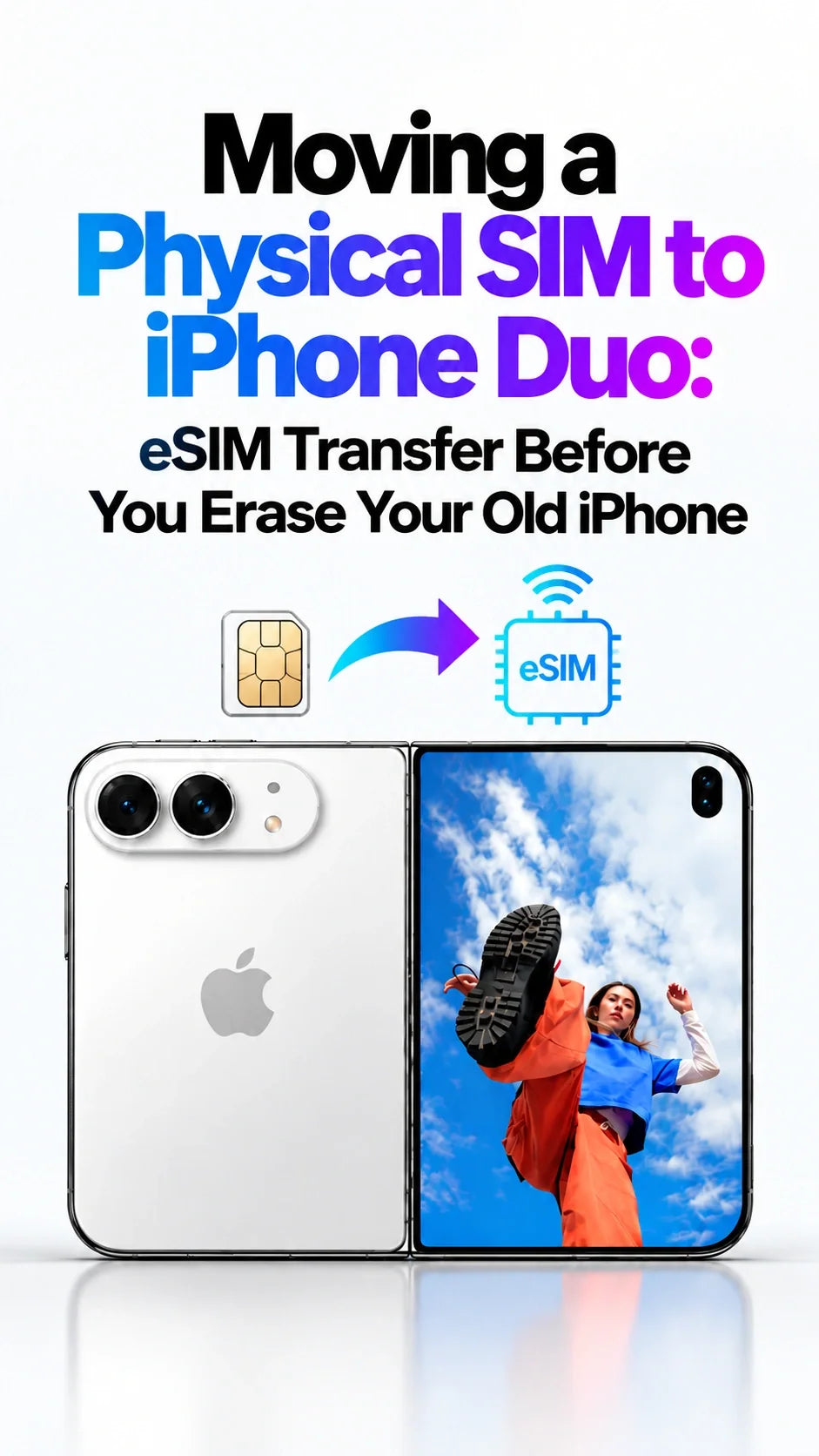
Quick Answer
Keep your old iPhone available until your existing number works on iPhone Duo. Duo uses eSIM rather than a physical SIM card.
If your carrier supports it, transfer the physical-SIM number directly to Duo using eSIM Quick Transfer; converting it on the old phone first is not a universal requirement.
Otherwise, ask your carrier to activate the same number on Duo through its supported eSIM process.
Test incoming and outgoing calls, ordinary SMS and cellular data on Duo before erasing or handing over the old iPhone.
When the transferred plan activates on Duo, the previous SIM stops working. Keep the old phone for transfer approvals and account checks until the move is complete. [1] [2]
Can you move a physical SIM number to iPhone Duo?
Yes, if your carrier supports activating that line on Duo as an eSIM. You keep the number by moving its service, rather than inserting the plastic card. Apple's US specifications list Duo as incompatible with physical SIM cards. [1]
For a same-carrier move, ask to replace the SIM for your existing line. Do not choose a new number or an additional line by accident. Carrier eligibility is specific to your account and device; check the exact Duo model before buying an imported phone.
US-focused guide · Checked October 18, 2026. International carriers, prepaid accounts and business lines may use different activation procedures. Charging accessories are optional and do not affect eSIM activation.
What should you have ready before starting?
Keep both phones and your account access ready
For Quick Transfer, Apple currently requires the same Apple Account, nearby unlocked iPhones with Bluetooth on, and iOS 18.4 or later on both. Connect Duo to Wi-Fi. [2]
Have the carrier account login and required account authorization available. Know which number you are moving if the old phone has two lines. Choose a time when you can finish the process and contact the carrier if approval fails.
Decide your fallback before you lose access
Ask the carrier: “Can you move my existing physical-SIM number to this iPhone Duo as an eSIM? Does my account support Quick Transfer, or should I use your activation process?”
Keep a separate way to reach support. Do not make the phone number being moved your only route into the carrier account during the change. If the carrier account belongs to someone else, arrange their authorization first.
How do you transfer the physical SIM number directly to Duo?
If the option is offered during initial setup, follow the cellular-transfer prompts. You can also add the line after reaching the Home Screen; skipping cellular setup does not require you to restart the entire phone setup. [3]
- On iPhone Duo, open Settings → Cellular → Set Up Cellular or Add eSIM.
- Choose the existing number, or select Transfer From Nearby iPhone.
- Approve the transfer on the old iPhone and enter a displayed verification code if requested.
- Wait for activation to finish, then perform the service checks below. [2]
Leave the old phone intact during this process. If the number is missing or the request cannot complete, move to the carrier-supported route rather than erasing either phone.
Must you convert the SIM on the old iPhone first?
No—not as a general prerequisite. A supported direct transfer can handle the physical-SIM line. Conversion on the old phone is a separate option when that iPhone and carrier support it.
If your carrier specifically asks you to convert first, select the physical-SIM number in Cellular settings and follow Convert to eSIM. Confirm service on the old phone before moving onward. After conversion, the plastic SIM no longer works. An older phone without this option does not by itself rule out carrier activation on Duo. [3]
What if “Transfer From Nearby iPhone” is missing?
Ask the carrier for its supported method for moving your existing line to a different device. An eSIM offer alone does not establish that every account supports Apple's nearby-transfer workflow. Ask support to check device eligibility, account authorization and any carrier-lock restriction. If the carrier cannot activate your Duo, keep your old service available while arranging a supported option.
Use the activation method assigned to your line
The carrier may send an activation notification, provide a QR code, use its app, or require help in a store. Confirm which route applies before trying unrelated activation instructions. [3]
For example, Verizon separates moving an existing number from adding a new line, and directs prepaid and business customers to different instructions. Use the route that matches your account rather than a generic “Add a Line” flow. [4]
Have the number, exact error message, account credentials and Duo's IMEI or EID available for official support. Find the device identifiers in Settings → General → About. [5]
Suggested wording: “Please activate my existing number on this Duo's eSIM. I am replacing my old phone, and I want to keep the same line.” If you are also changing carriers, confirm the number-porting process with the receiving carrier; that is an additional task.
Which checks must pass before you erase the old iPhone?
ZEERA's practical recommendation: check the actual services you rely on, rather than treating a restored Home Screen or a visible phone-number label as proof. Test in an area where your carrier normally has coverage.
1. Outgoing calls
Call a trusted contact from Duo using the transferred line. Ask them to confirm the number shown on their phone.
2. Incoming calls
Have that contact call your usual number. Confirm Duo itself rings and answers; do not rely on another Apple device receiving the call.
3. Ordinary SMS
Send and receive a normal carrier SMS, not only an iMessage. If account access depends on text codes, also check a legitimate verification message you request yourself. Do not share that code.
4. Cellular internet
Turn Wi-Fi off briefly. Select the transferred line for cellular data and load a fresh webpage. If another eSIM is installed, make sure it is not supplying the data for this test.
5. Account access
Open the carrier account and essential sign-in apps on Duo. Check any authenticator app separately: receiving SMS does not prove that app-based authentication moved successfully.
If any check fails, keep the old phone available and resolve the issue first. Do not test emergency numbers. Once the checks pass, restore your normal Wi-Fi and preferred line settings.
If your separate apps-and-data migration is stuck, see our iPhone Quick Start troubleshooting guide. A data-transfer problem and a carrier-activation problem need different checks.
What should you do if activation stalls or Duo shows SOS?
With Duo connected to Wi-Fi, check whether the intended line appears in Cellular settings and is enabled. Apple's troubleshooting includes toggling Airplane Mode, toggling the affected line, restarting, and checking for carrier-settings updates under General → About. If activation still fails, contact the carrier with the details above. [5]
Keep the eSIM while you troubleshoot
Do not delete Duo's eSIM as a general retry step. Apple advises doing so only when directed by the carrier; a deleted profile can require a replacement. Deleting an eSIM also does not cancel the cellular subscription. [6]
A working old SIM means you still have a useful service path while the request is unresolved. If the old SIM has already stopped and Duo still cannot connect, tell the carrier exactly that. Erasing the old phone will not establish the missing network service.
When is it safe to erase or trade in the old iPhone?
For this guide's cellular handover, wait until the service checks pass. Separately confirm that your personal data and account access are ready. Apple's handover guidance calls for backing up and transferring information before removing personal information from the old device. [7]
- Complete the checks on Duo and keep a current backup of anything you still need.
- Follow Apple's sign-out and handover instructions, including any Apple Watch steps that apply.
- On the old iPhone, use Settings → General → Transfer or Reset iPhone → Erase All Content and Settings. If selling or trading a device with stored eSIMs, follow Apple's instruction to erase its eSIM profiles too. [7]
- Remove the physical SIM before handing the old phone over. Keep the active eSIM on Duo. Follow your trade-in provider's packaging instructions.
Do not manually delete synced photos or contacts to “clean” the old phone while signed into iCloud; Apple warns this can delete them across connected devices. Use the proper erase flow. [7] If timing is tight, read our iPhone Duo trade-in deadline guide and confirm your own provider's deadline.
Once your number is working, choose protection for the new phone in the ZEERA iPhone Duo case collection. Cases and stands are optional purchases; they do not change the SIM-transfer process.
Keeping an iPhone 18 Pro or Pro Max as a second device? The following case module is for those compatible models. Its cases do not fit iPhone Duo.
For readers retaining a compatible Pro-series iPhone, the camera accessories below have their own model restrictions. Check the listed fit; they are separate from Duo accessories and cellular activation.
FAQ: Moving a Physical SIM Number to iPhone Duo
Can I keep my number if my old iPhone cannot convert to eSIM?
Ask the carrier to confirm Duo and account eligibility. The absence of an on-device conversion option is a reason to use its supported activation process, not a reason to abandon the number.
Does this require a second line or a number-sharing add-on?
The request here is to move an existing line to its replacement phone. Ask the carrier about any applicable SIM-replacement or device-change charges, and verify that the order keeps the intended number and account arrangement.
Why does the old physical SIM stop working?
Activation moves the transferred plan to Duo, so the previous SIM is deactivated. Do not count on putting that card back into the old phone to reverse the move. Ask your carrier for a supported return-transfer process. [2]
Does a successful iCloud restore prove the phone number moved?
No. Treat restored content and working cellular service as separate acceptance checks. Complete the call, SMS and data tests before using the old phone’s erase option.
How long should I allow for the transfer?
Plan enough time for approvals, activation and the service checks, with a way to reach support. Use the carrier’s estimate for your own account; there is no dependable universal completion time for every transfer.
I already erased my old iPhone. Have I lost the number?
Erasing a phone does not itself tell you the status of your carrier account. Contact the carrier to verify the line and arrange activation or a replacement eSIM. Have the account authorization and Duo identifiers ready. [5] [6]
Related Articles
- iPhone Quick Start Stuck? Troubleshooting Guide
- iPhone Duo Trade-In Deadlines and Delayed Delivery
- iPhone Duo Preorder and Delivery Guide
- iPhone Duo Case Buying Guide
- iPhone Duo Dimensions: Folded vs Unfolded
- iPhone Duo MagSafe Wallet and Battery Fit
Sources and Scope
- Apple: iPhone Duo technical specifications — SIM support
- Apple: Set up eSIM on iPhone — eligibility and Quick Transfer
- Apple iPhone User Guide: cellular activation and physical-SIM conversion
- Verizon: eSIM activation — existing lines, new lines and account types
- Apple: If you cannot set up an eSIM — troubleshooting and carrier identifiers
- Apple: Erasing an eSIM — replacement and subscription guidance
- Apple: What to do before selling, giving away or trading in an iPhone
Written by Guichang Chen · ZEERA WIRELESS. Official instructions and product links checked October 18, 2026. This guide covers an ordinary same-number move to a replacement phone. Carrier eligibility and procedures control activation. The service checklist is ZEERA's practical recommendation; this article does not claim a hands-on Duo carrier-transfer test.
Reposting notice: Please credit Guichang Chen · ZEERA WIRELESS when sharing or republishing this article.






