Quick Answer
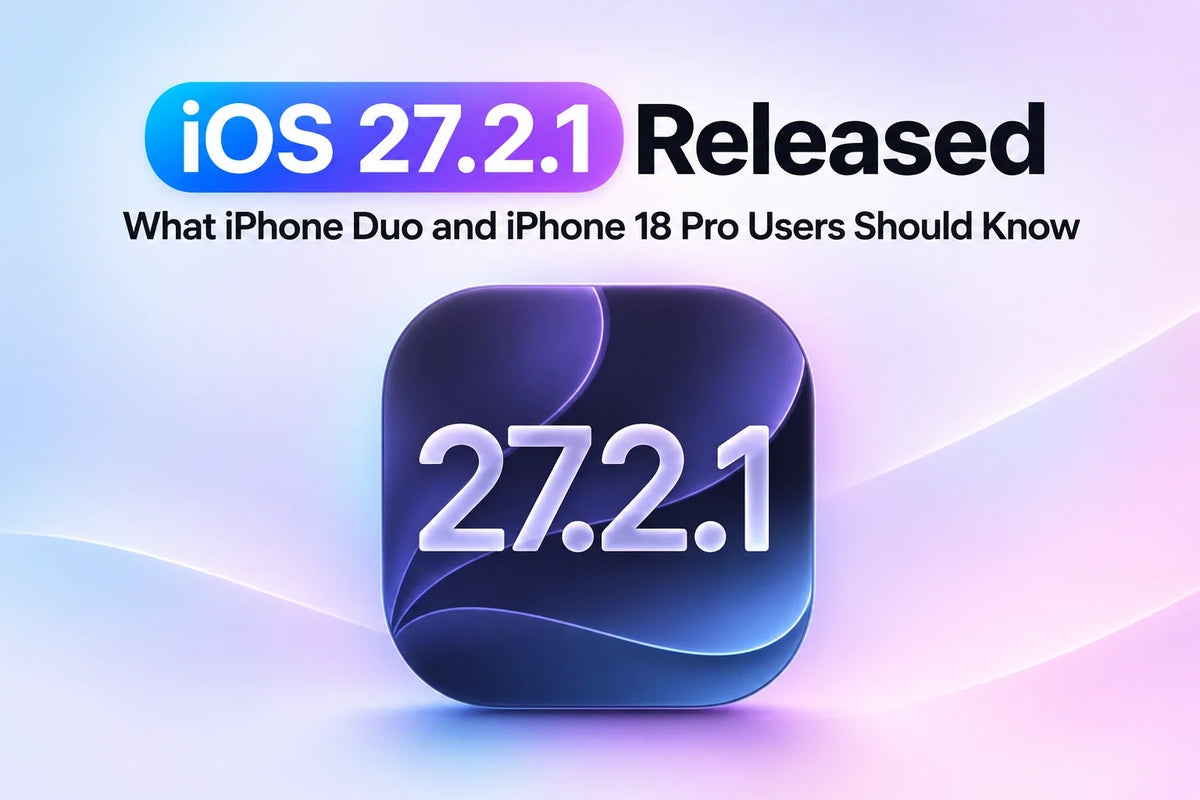
Apple released iOS 27.2.1 on November 9, 2026, with bug fixes and security patches for iPhone Duo, iPhone 18 Pro, and iPhone 18 Pro Max. The confirmed security fixes cover issues in group iMessage chats, Bluetooth pairing, AirPlay, and other system components.
If you’re on iOS 27.2, install the update for the security fixes. Apple’s public notes leave specific fixes for Duo app layouts, StandBy, and 18 Pro camera preview stutter unconfirmed. Open Settings → General → Software Update to check for it. Apple’s iOS 27 release notes · Apple’s security bulletin
Which iOS 27.2.1 build should your iPhone show?
Apple published two builds under the same iOS version. iPhone Duo uses 24B91034, while iPhone 18 Pro and iPhone 18 Pro Max use 24B156. Software Update selects the correct build for your phone. Apple Developer release listings · Duo firmware listing · 18 Pro and Pro Max firmware listing
What does iOS 27.2.1 fix?
Apple’s security bulletin lists nine vulnerabilities addressed in iOS 27.2.1. Three areas stand out for everyday use. Apple’s security bulletin
- Group iMessage privacy. Apple fixed two flaws involving who could receive a group’s messages and which older messages a newly added member could access.
- Bluetooth pairing. The update tightens checks against unauthorized pairing and fixes a separate Bluetooth memory issue.
- AirPlay pairing. Apple fixed issues involving limits on pairing-code attempts.
iPhone Duo: Check the app version and both screens
If an app still leaves a black strip or stays in portrait mode, open the same view on the cover screen and then on the unfolded display. Check the App Store for an update to the affected app. Google Maps is one example where the version matters. MacRumors observed full-screen support on both Duo displays after the app’s own 26.44.4 update. MacRumors’ report · ZEERA’s Google Maps layout breakdown
iPhone 18 Pro and Pro Max: Retest the camera preview
If the viewfinder was choppy before the update, open Apple’s Camera app in Photo mode and try the same lens, lighting, and framing again. Then open the saved shot in Photos. A choppy live preview and a blurry saved photo are different symptoms. Recording which one you see makes it easier to compare the behavior or describe it to Apple Support. ZEERA’s camera preview troubleshooting guide
How to install iOS 27.2.1 and verify the update
- Back up your iPhone, connect to Wi-Fi, and plug it into power.
- In Settings → General → Software Update, select iOS 27.2.1 if it appears and follow the prompts.
- After the restart, open Settings → General → About → iOS Version to check the installed version and build.
If the update is missing from Software Update on a phone running an older public release, Apple also offers a computer-based update. Apple’s iPhone update instructions
Related Reading
iOS 27.2.1 FAQ
Can I switch from iOS 27.3 beta to iOS 27.2.1?
Turning off Beta Updates stops future beta downloads. If iOS 27.3 beta is already installed, returning immediately to a public release requires erasing and restoring the iPhone. Check that you have a compatible backup first. Apple’s beta removal instructions
Why might my battery drain faster right after updating?
Apple says background tasks after an update can temporarily affect battery life and temperature. Check Settings → Battery for an Ongoing iOS Update notice. If battery life is lower than usual, compare it again after a few days. Apple’s battery guidance