
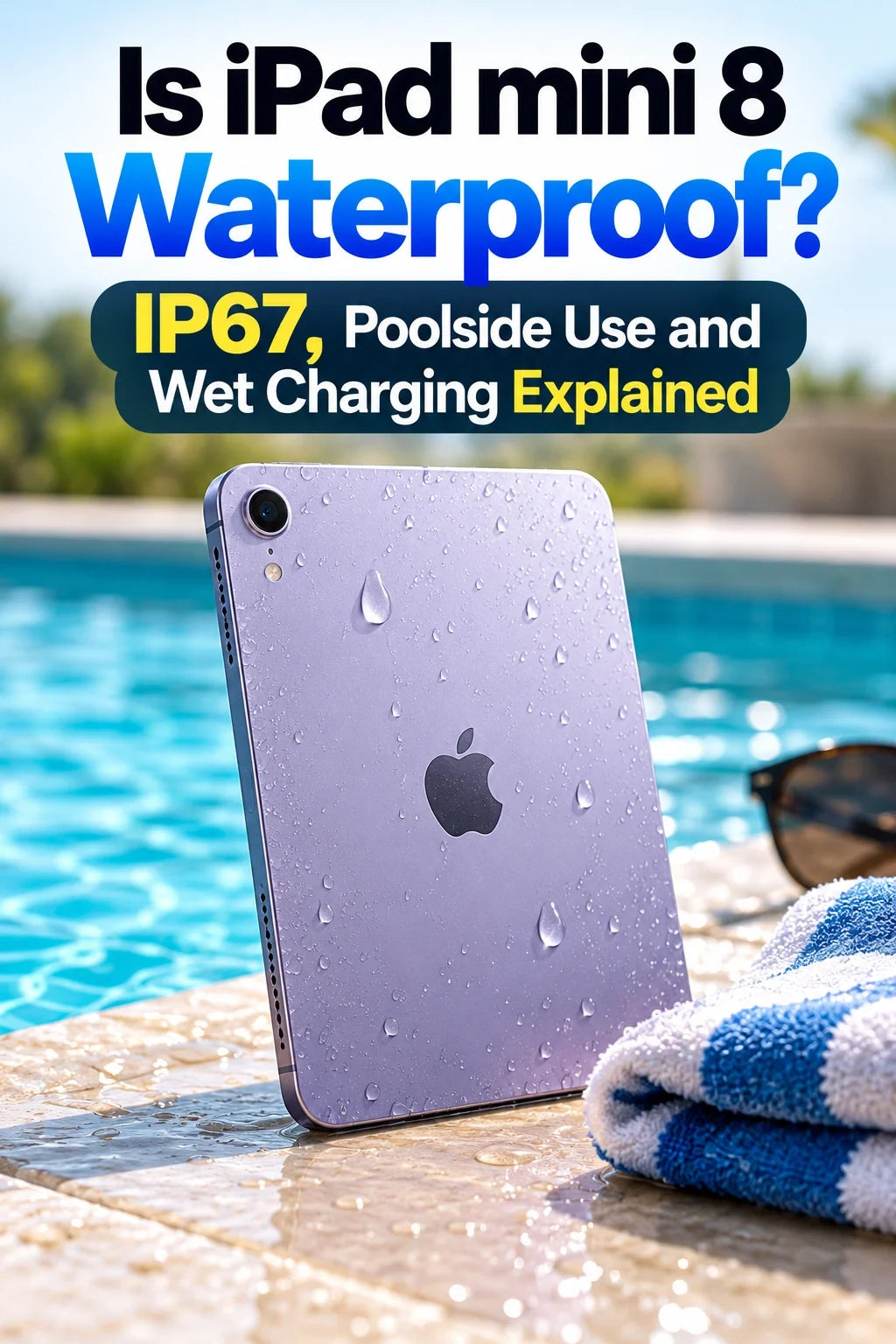
Quick Answer
iPad mini 8 is IP67 water-resistant, but it is not a waterproof tablet for swimming. Apple's rating covers controlled testing at a maximum depth of 1 meter for up to 30 minutes.
You can take it to the pool for reading on a dry lounger or table. Keep it out of the water and move it away from repeated splashes.
After a splash or spill, disconnect cables and follow the drying steps below before charging.
What does iPad mini 8's IP67 rating mean?
The 2026 model, officially called iPad mini (A20 Pro), has an IP67 splash, water and dust resistance rating under IEC 60529. Apple's technical specifications give the water-test limit as 1 meter for up to 30 minutes under controlled laboratory conditions.
That test describes a measured level of protection. It is not a 30-minute allowance for underwater reading, filming or games. Treat the rating as a buffer against accidents when deciding how to use the tablet.
Can you take iPad mini 8 to the pool?
Yes, for poolside use. Apple specifically mentions reading by the pool in its iPad mini announcement. A shaded seat with a dry table is a sensible setting for that use.
Keep the reading spot dry
Our practical recommendation: dry your hands, place the mini back from the pool edge, and store it in a dry bag before getting into the water. Charge it indoors before the trip so a cable does not need to cross a wet pool deck.
Leave it behind for swimming
Keep it out of swimming pools, baths, showers and steam rooms. Minimize contact with pool water, salt water and sunscreen.
For a brighter outdoor reading setup, see our iPad mini 8 nano-texture vs standard glass guide.
What should you do if iPad mini 8 gets wet?
Move it to a dry spot, then follow these steps from Apple's iPad handling guide:
Disconnect, wipe and let it dry
- Unplug cables. Wipe the exterior with a soft, lint-free cloth.
- Drain excess liquid gently. Hold the USB-C port downward and tap the iPad lightly against your hand.
- Allow airflow. Leave it somewhere dry; a fan blowing cool air toward the port can help.
- Avoid shortcuts. Do not use external heat or push cotton swabs, paper towels or other objects into the port.
If pool water or sunscreen leaves residue, switch off the iPad before cleaning. Use a soft, slightly damp, lint-free cloth, keeping moisture out of openings. Do not rinse it under a tap or spray cleaner onto it. Apple's cleaning instructions also rule out compressed air, household cleaners and abrasives.
When can you charge it after water exposure?
Both conditions must be met
Wait at least 5 hours, and wait until the iPad is completely dry. The same minimum applies before connecting USB-C accessories, including Apple Pencil (USB-C). If moisture remains after five hours, keep waiting.
Check the cable and adapter as well. A dry tablet does not make a wet connector safe. Apple warns in its iPad safety guide that charging with moisture present can cause damage or electric shock. Use a dry, ventilated charging location and keep wet hands away from the power adapter.
Once everything is dry, choose the adapter for your normal charging needs. Our 20W vs 35W iPad mini 8 charging guide explains the power options.
Where does water resistance stop helping?
Apple says resistance can decrease with normal wear and that liquid damage is not covered by its warranty. A rating on a new device is therefore not a promise that every later spill will end harmlessly.
For everyday use, let IP67 make an accidental splash less worrying while still choosing a dry place to read, carry and charge. A folio or ordinary protective case does not create a new water-resistance rating. If you need a sealed enclosure, check its exact model fit and the manufacturer's stated limits; use our mini 8 case compatibility guide before reusing an older case.
FAQ
Does the IP67 rating also protect Apple Pencil or the Smart Folio?
The rating belongs to the iPad mini (A20 Pro). Do not assume a connected or attached accessory shares it; check that accessory's own care instructions. Apple specifically says to keep moisture out of Apple Pencil.
What if liquid got inside or the iPad starts malfunctioning?
Stop using it if you suspect damage. If liquid has entered the device, Apple recommends getting help from an Apple Store or Apple Authorized Service Provider as soon as possible. A successful restart alone does not establish that the tablet is undamaged.
Related Reading
- iPad mini 8 Hub: Buying Guides, Comparisons and Setup
- How iPad mini 8's Acoustic Display Works
- Which Apple Pencil Works With iPad mini 8?
- iPad mini 8 Fast Charging: 20W vs 35W
- Will iPad mini 7 Cases and Screen Protectors Fit mini 8?
- iPad mini 8 Nano-Texture vs Standard Glass
Last updated: October 29, 2026.






