
Quick Answer
Yes—the touchscreen MacBook Pro is worth the extra $400 for buyers who regularly work on its built-in display. The premium brings tandem OLED, Touch, Dynamic Island, a thinner and lighter design, and the returning glowing Apple logo. The screen and lower weight make the strongest practical case; the logo adds personality. If you spend most of your time connected to an external monitor, the standard model remains the better-value choice.
What does the extra $400 actually buy?
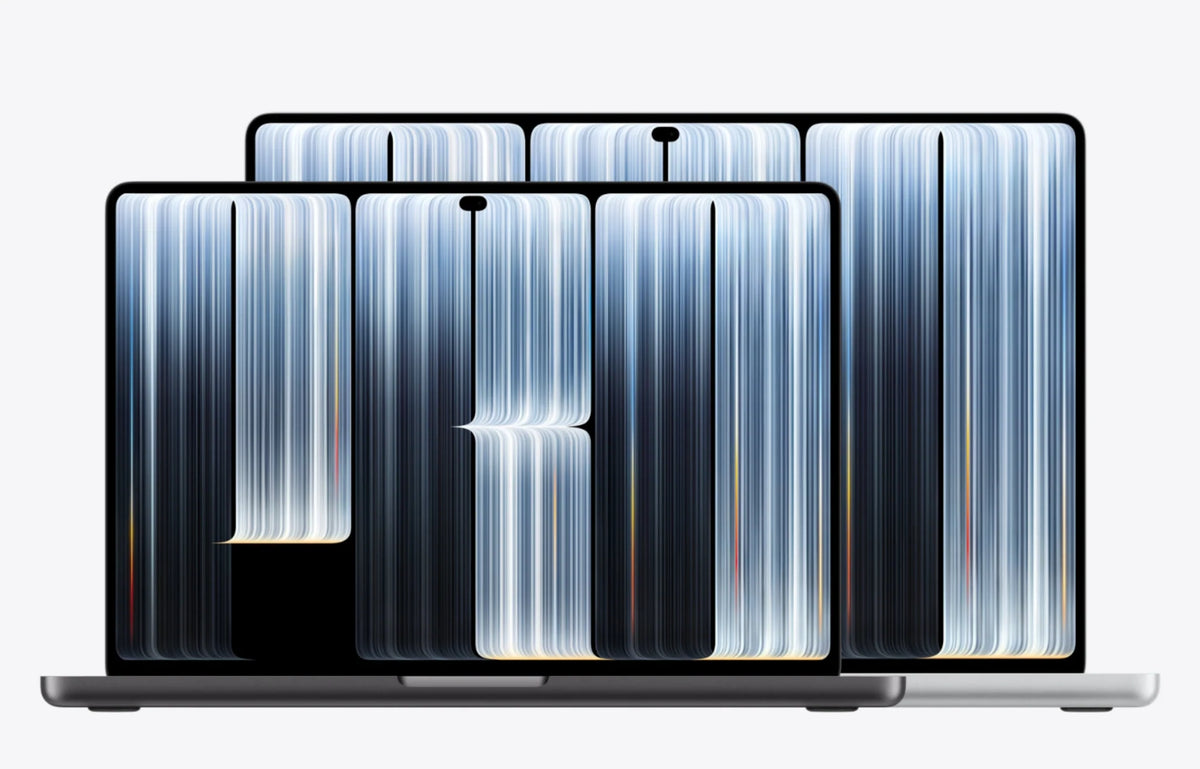
The new MacBook Pro with PROLED XDR Display changes several things you interact with every day: the picture, the way you navigate, and the weight you carry. Those improvements make a more convincing purchase than touch alone would.
Both versions use M5 Pro or M5 Max. Our buying judgment is that the premium makes sense for a better portable workspace, rather than an expected jump in processing speed. If raw performance is your priority, compare the chip, memory and storage before paying for the redesign.
Touchscreen vs. standard MacBook Pro: U.S. price difference
These are the corresponding standard-glass starting configurations at U.S. list prices, using the same chip, memory and SSD. Each comparison adds $400 before sales tax. Retail discounts can widen the actual gap.
14-inch M5 Pro · 24GB / 1TB
Standard: $2,499 → PROLED XDR: $2,899
Premium: $400 · approximately 16%
16-inch M5 Pro · 24GB / 1TB
Standard: $2,999 → PROLED XDR: $3,399
Premium: $400 · approximately 13.3%
14-inch M5 Max · 36GB / 2TB
Standard: $4,099 → PROLED XDR: $4,499
Premium: $400 · approximately 9.8%
16-inch M5 Max · 36GB / 2TB
Standard: $4,399 → PROLED XDR: $4,799
Premium: $400 · approximately 9.1%
Price comparison checked October 29, 2026. PROLED pricing: Apple’s launch announcement. Standard-model reference prices also appear in Apple’s refurbished listings as the original “Was” prices; the discounted refurbished prices are excluded here.
Tandem OLED is the strongest reason to upgrade
Apple’s PROLED XDR technical paper describes two self-emitting OLED layers. Each pixel controls its own light, allowing deep blacks beside bright details without backlight blooming. That is particularly relevant when reviewing dark footage, photographs or high-contrast graphics.
The useful display upgrades: P3 and Adobe RGB color support, up to 2,000 nits peak HDR brightness, and up to 1,000 nits sustained full-screen brightness. Peak brightness and sustained full-screen brightness describe different conditions; the screen does not run at 2,000 nits across its entire surface continuously.
For a photographer choosing prints or an editor checking shadows away from the studio, this is the part of the premium with the clearest purpose. Even if you rarely touch the screen, you still benefit from the panel whenever the laptop is open. The standard mini-LED display remains capable; the OLED model’s appeal is the quality of the workspace you use for hours.
Touch and Dynamic Island add useful shortcuts
Apple’s product page shows direct gestures for zooming, rotating, drawing and manipulating content. Dynamic Island brings controls and live information to the top of the screen. Their value depends on how often these interactions help you finish a task.
Think of a quick adjustment while showing someone a design, or a tap on a music control between other tasks. Touch can be useful in these short moments while the keyboard and trackpad handle longer sessions. Buyers who prefer traditional input can still justify the upgrade through the display and portability.
A lighter MacBook—and a familiar glowing logo
Apple lists the new 14-inch model at 3 pounds, around half a pound lighter than before. The 16-inch model drops to 4 pounds, a reduction of about 0.7 pounds. Both are thinner, too. For someone carrying a laptop between home, work and client visits, the weight reduction is more meaningful than a small change in thickness.
The illuminated Apple logo returns as well, as shown in the launch coverage by 9to5Mac. It adds a recognizable visual signature. Our glowing Apple logo article looks more closely at that return. Here, it is a welcome finishing touch to an upgrade whose practical value comes mainly from the screen and lower weight.
Who should pay the premium?
Choose PROLED XDR for work on the move
We would pay the extra $400 when buying a new MacBook Pro for regular photo editing, video work, design or frequent travel. Spread across four years of ownership, that is $100 per year, or about $8.33 per month as a simple ownership-cost calculation. You need to value the daily screen and carrying experience for that trade to make sense.
Choose the standard model for a fixed desk
If your MacBook usually stays closed beside an external monitor, much of the redesign’s value goes unused. Keep the savings or put them toward the memory and storage your work needs. If you are comparing less expensive laptops too, our M6 MacBook Pro vs. discounted M5 guide covers that separate buying decision.
FAQ
When does the touchscreen MacBook Pro arrive?
Apple announced it on October 28, 2026. Preorders opened that day, with availability beginning November 6, 2026.
Should an existing M5 Pro or M5 Max owner replace their laptop?
Compare the full replacement cost after any resale or trade-in credit. The $400 figure describes choosing between corresponding new models; it is not the cost of exchanging a laptop you already own. A recent machine that meets your needs is easier to keep than to replace for this redesign alone.
Related Reading
- The glowing Apple logo returns to MacBook Pro
- M6 MacBook Pro vs. discounted M5: comparing value
- ZEERA Mac mini and Mac Studio aluminum accessories
- MagTri Gen2 for companion iPhone, Watch and AirPods charging
- SnapLens filters for iPhone photography
- SnapLens Trio rotating CPL lens protector
Guichang Chen · ZEERA WIRELESS · October 29, 2026






