
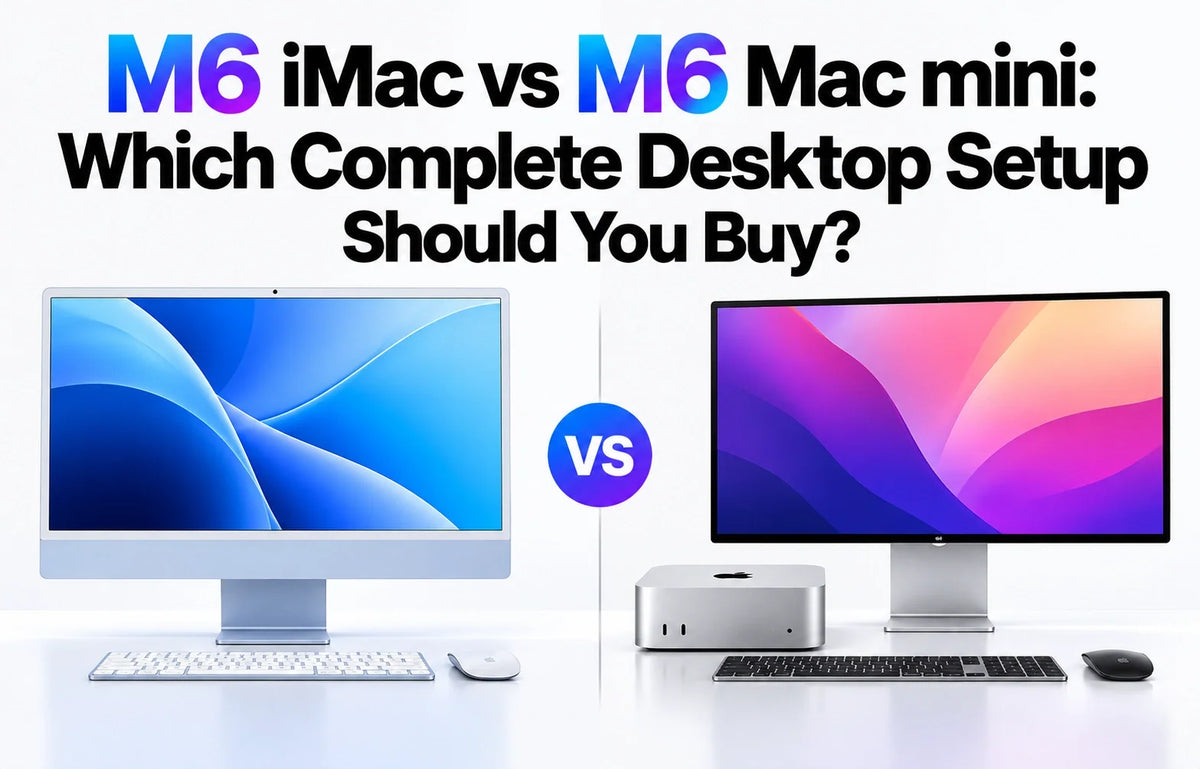
Quick Answer
Buy the M6 iMac if you are starting from an empty desk and want a complete, coordinated setup. Buy the M6 Mac mini if you already own good peripherals, want a larger screen, or expect to replace the computer separately from the display.
The $899 Mac mini leaves $600 for peripherals before reaching the $1,499 iMac price. Our illustrative new-peripheral builds total $1,339 and $1,598; a Mac mini with Studio Display, Touch ID keyboard and Magic Mouse totals $2,726.
The chip comparison matters too: the entry iMac has a 10-core CPU/GPU, while the Mac mini has 12 of each. The 12-core iMac starts at $1,699. Choose around the screen and accessories you actually need.
Start with the $600 peripheral budget
Apple prices the M6 iMac from $1,499 and the M6 Mac mini from $899. That $600 gap must cover everything missing from your desk: screen, input devices, video-call equipment and any cables. The mini is already available; the new iMac arrives November 6.
These starting configurations both have 16GB memory and 256GB storage, but different core counts. Against the $1,699 12-core iMac, the mini has an $800 peripheral allowance. That is a closer chip-tier comparison, although matching core counts alone does not establish identical sustained performance.
What does a complete setup cost?
Price basis: regular US prices, checked October 30, 2026, before sales tax. The two third-party builds below are itemized spending allowances, not retailer quotes or claims of iMac-equivalent quality. All totals use the entry 16GB/256GB computer. Add the cost of any memory, storage, backup drive or optional accessories you choose.
M6 iMac: $1,499 or $1,699
The standard package includes the display, camera, microphones, speakers, Magic Keyboard and Magic Mouse. No separate display cable is needed for its built-in screen.
$1,499: 10-core CPU/GPU, two Thunderbolt ports and standard Magic Keyboard.
$1,699: 12-core CPU/GPU, four Thunderbolt ports, included 2.5Gb Ethernet and Magic Keyboard with Touch ID. Both start with 16GB/256GB. See Apple’s iMac specifications.
Mac mini with your existing equipment: from $899
Reuse a suitable monitor, keyboard, mouse, webcam and audio equipment, and the new-computer cost can stay at $899. If you only own some of these, price the missing items individually.
Check the actual monitor connection and any receiver adapters before treating the peripheral cost as zero. An older screen that you immediately want to replace is not much of a saving.
Value Mac mini build: $1,339
- M6 Mac mini
- $899
- 27-inch 4K monitor allowance
- $250
- Mac-compatible keyboard and mouse allowance
- $60 combined
- Webcam with microphone allowance
- $60
- Desktop speakers allowance
- $50
- Display cable or adapter allowance
- $20
Total: $1,339 — $160 below the base iMac. This prioritizes screen size and price. Check the panel, stand, camera and microphone quality of the products you find within these allowances.
More comfortable Mac mini build: $1,598
- M6 Mac mini
- $899
- 27-inch 4K monitor allowance
- $399
- Keyboard and mouse allowance
- $100 combined
- Webcam with microphone allowance
- $100
- Desktop speakers allowance
- $80
- Display cable or adapter allowance
- $20
Total: $1,598 — $99 above the base iMac, or $101 below the 12-core iMac. This creates room to shop for a better stand, input feel and video-call setup. Spending more does not by itself guarantee a better panel or sound system.
Mac mini with Apple Studio Display: $2,726
- M6 Mac mini
- $899
- Studio Display, standard glass and tilt-adjustable stand
- $1,599
- Magic Keyboard with Touch ID, US English
- $149
- White Magic Mouse
- $79
- Additional webcam, microphone and speakers
- $0 — included in Studio Display
The total is $1,227 above the base iMac and $1,027 above the 12-core iMac. This buys a separate 27-inch 5K display that can stay when the computer changes.
Sources: Studio Display, Touch ID keyboard and Magic Mouse. The display’s included Thunderbolt cable adds no separate expense; a premium stand or nano-texture glass increases the total.
For either third-party build, remove the $20 cable allowance if the monitor includes the cable you need. Also remove any speaker or webcam allowance covered by equipment you will actually use. An included low-quality speaker or microphone may still justify a separate purchase.
The display is the biggest buying decision
iMac: sharp text in a compact workspace
The iMac’s 23.5-inch viewable panel provides 4480 × 2520 resolution, 218 pixels per inch, 500-nit brightness and P3 color. Its appeal is the combination of image quality and integration. A larger budget 4K monitor is not automatically an equivalent replacement.
Mac mini: choose the workspace you want
A 27-inch or 32-inch display gives you a different physical canvas; an ultrawide or high-refresh monitor may suit your work better still. Compare pixel density, usable scaling, brightness, color requirements and stand adjustment alongside diagonal size.
For perspective, a 27-inch 4K screen is about 163 pixels per inch, calculated from its resolution and diagonal. A 27-inch 5K screen is about 218. For setup guidance, read why text can look blurry on a Mac mini monitor.
Choose the monitor before dividing the remaining budget. Someone who wants a 32-inch workspace should not buy a 24-inch all-in-one solely because its accessories are bundled. Someone happy with the iMac’s size should not assume an inexpensive larger panel delivers the same experience.
Keyboard, camera and speakers: count what you will use
Keyboard and mouse: comfort can outweigh the bundle
The iMac includes a coordinated pair, which is valuable if you like them. If you immediately replace both with an ergonomic keyboard and mouse, their practical value shrinks. For the mini, a standard third-party keyboard does not add Touch ID; include the Apple keyboard expense if fingerprint authentication matters.
Camera and microphone: a complete video-call chain
The iMac has a 12MP Center Stage camera with Desk View and a three-microphone array. With a mini, check whether the monitor supplies both a camera and a usable microphone. Our example builds budget for a webcam with a microphone so that video-call audio is not accidentally left out.
Speakers: the Mac mini is not silent
The Mac mini has a built-in speaker; external speakers are optional. The iMac’s six-speaker system is a more substantial integrated audio solution. If you always use a headset, deduct the speaker allowance and make sure the headset also handles your call microphone needs.
Ports, expansion and the next upgrade
Mac mini: more connection choices at the entry price
The M6 mini has two front USB-C ports at up to 10Gb/s, three rear Thunderbolt 4 ports, HDMI and standard 2.5Gb Ethernet, with a 10Gb Ethernet configuration option. It supports up to three external displays within Apple’s resolution and refresh-rate limits.
Reserve rear ports for permanent display and storage connections, and keep the front accessible for daily use. A screen, webcam, drive and legacy keyboard receiver can consume connections quickly. The M6 model uses Thunderbolt 4; Thunderbolt 5 belongs to the M5 Pro mini.
iMac: the $200 tier change also buys connectivity
The base iMac supports one external display in addition to its own screen; the 12-core model supports up to two, subject to Apple’s display-mode limits. If your plan includes an SSD, card reader and another screen, compare the two-port and four-port models before buying adapters. Our $1,499 vs $1,699 M6 iMac guide covers that upgrade.
Expansion means peripherals, not a new internal GPU
Choose sufficient unified memory when ordering either Mac. External storage can hold growing archives and projects, but it does not add RAM. An enclosure or stand can organize a Mac mini desk; it does not turn the machine into a tower with interchangeable graphics cards.
For external drives, compare the SSD, enclosure, cable and port as one chain. Both Macs can use external storage. The mini’s long-term advantage is that you can replace the computer while retaining a separately purchased monitor, camera and audio setup.
A simple ownership example shows why that matters: if you later replace a $899 mini at the same illustrative computer price and retain all $440 of the value-build peripherals, two computer purchases total $2,238. Two $1,499 iMac purchases would total $2,998 before resale. This is a constant-price illustration, not a forecast; resale values, repairs, changing needs and future prices affect the real difference.
Which setup would we buy?
For a new family desk or simple office: iMac
Choose the $1,499 iMac if its display size suits you and the included accessories match how you work. Consider the $1,699 model when Touch ID, wired networking and more ports make the bundle more useful. Starting from scratch, the integrated camera, sound and clean layout have real value.
For an existing desk or a custom workstation: Mac mini
Choose the mini when you can keep good equipment or want a particular screen, keyboard or audio system. Build the actual basket first. Our $1,339 example leaves a modest saving; the $1,598 example makes sense because you prefer its components, rather than because a complete mini setup is always cheaper.
For a premium separate screen: Mac mini + Studio Display
Choose this combination when the separate 27-inch 5K screen is itself the purchase you want. The $2,726 package is a different budget category. Its case rests on display preference and the ability to retain the display through future computer upgrades.
Spend in this order: the screen you can comfortably use, enough memory and storage, then input and call equipment. Optional accessories come afterward. ZEERA MacForge Gen3 offers a Mac Pro-style enclosure and desk organization; MacFrost Pro adds a thermoelectric cooling stand. Neither is a requirement for a complete Mac mini setup, so neither is included in the totals above. Choose the relevant version and include its power requirements in your final budget. Our Mac mini M6 desk setup guide shows the arrangement options.
FAQ
Can I buy an iMac now and use its screen with a Mac mini later?
No, the M6 iMac does not offer a direct monitor-input mode. Apple’s Target Display Mode support applies to much older iMacs under specific hardware and software conditions. Do not budget a future mini upgrade around reusing the M6 iMac as an ordinary wired monitor.
Can my iPhone replace a separate Mac mini webcam?
Yes, with a compatible iPhone and Mac using Continuity Camera. It can provide both camera and microphone input. Account for a stable mount and charging arrangement, and whether you want your phone occupied throughout calls.
Do I need a dock for a new Mac mini?
Only if your chosen devices require more connections or different connectors. A suitable monitor can connect directly, and Bluetooth input devices do not require USB receivers. Buy a dock for a defined need such as additional USB-A sockets or a card reader, rather than adding one automatically.
Related Reading






