
Quick Answer
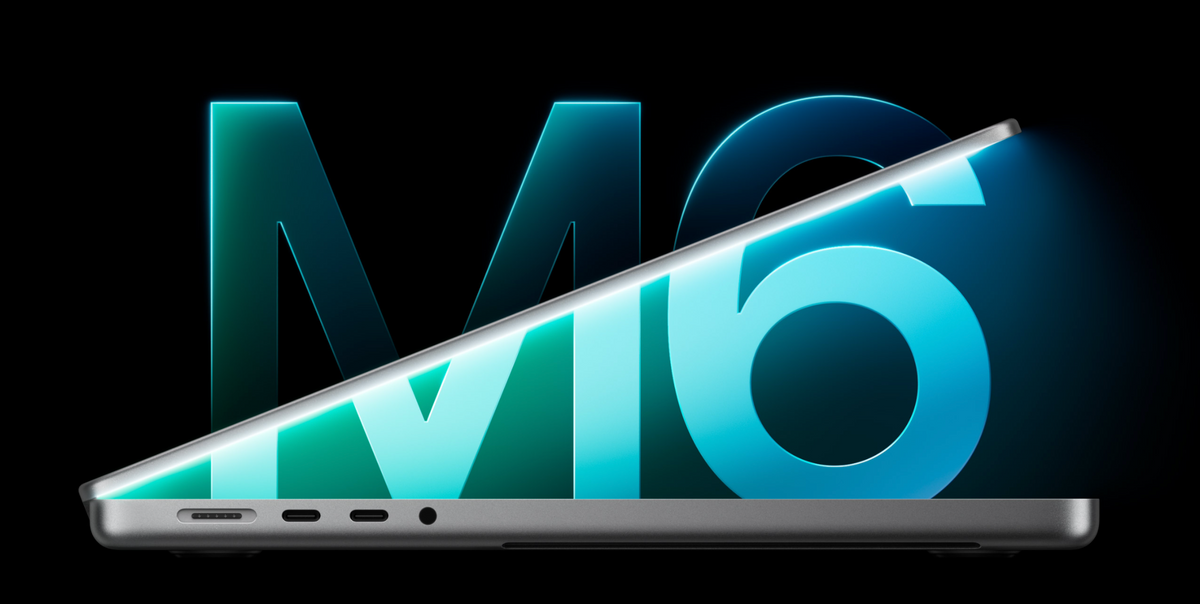
Apple’s 14-inch MacBook Pro with M6 is official, starting at $1,999 in the U.S. It combines a 12-core CPU, 12-core GPU and Dual 16-core Neural Engine with a 1TB starting SSD and up to 32GB of unified memory. Pre-orders open October 28, 2026, at 10:10 a.m. Pacific Time, with availability beginning November 6. The laptop features a Liquid Retina XDR display with ProMotion up to 120Hz, N1 wireless connectivity and up to 24 hours of battery life. M6 joins the existing M5 Pro and M5 Max options in Apple’s MacBook Pro range.
M6 MacBook Pro: Official Specs at a Glance
Price & launch
From $1,999 U.S.
Pre-order: October 28, 10:10 a.m. PT
Available: November 6, 2026
M6 processor
12-core CPU + 12-core GPU
Dual 16-core Neural Engine
GPU Neural Accelerators and hardware ray tracing
Memory & storage
16GB / 24GB / 32GB unified memory
1TB / 2TB / 4TB SSD
Memory bandwidth: 153GB/s at 16GB; 170GB/s at 24GB/32GB
Liquid Retina XDR display
14.2-inch · 3024 × 1964
ProMotion up to 120Hz · 1600-nit peak HDR
Standard glass or optional nano-texture
Battery & charging
Up to 24 hours video streaming
Up to 16 hours wireless web · 72.4Wh
70W adapter included; 96W+ USB PD for fast charging
Ports & external monitors
3 × Thunderbolt 4 · up to 40Gb/s
HDMI · SDXC · MagSafe 3 · 3.5mm audio
Up to two external displays
Wireless & video calls
Apple N1 · Wi-Fi 7 · Bluetooth 6
12MP Center Stage camera with Desk View
Six-speaker audio · three-mic array
Size & finishes
Space Black or Silver
31.26 × 22.12 × 1.55cm · 1.55kg
100% recycled aluminum enclosure
When Can You Buy the M6 MacBook Pro?
Apple lists an October 28 pre-order opening and a November 6 release for the new 14-inch M6 model. The U.S. starting configuration pairs 16GB of unified memory with a 1TB SSD for $1,999. Space Black and Silver are the two finish options.
The announcement refreshes the base-chip 14-inch Pro. Apple’s MacBook Pro store also lists M5 Pro and M5 Max configurations in both 14-inch and 16-inch sizes. Custom configuration delivery dates depend on the order.

What Does the M6 Chip Bring?
The M6’s 12-core CPU combines 2 super cores, 4 performance cores and 6 efficiency cores. It adds CPU and GPU cores compared with the preceding base M5 model, alongside a Dual 16-core Neural Engine. Apple also integrates a Neural Accelerator into each GPU core, giving AI applications another route to accelerate supported workloads.
The GPU supports hardware-accelerated ray tracing and Dynamic Caching. The media engine accelerates H.264, HEVC, ProRes and ProRes RAW, with AV1 decoding. That combination serves local language models, AI photo tools, video enhancement and creative apps. Capacity still matters: the model and project must fit the available memory, so a faster AI processor does not remove the reason to consider a memory upgrade.
Apple’s M6 Performance Figures
The following are Apple’s application-specific comparisons against a 13-inch M1 MacBook Pro. The M5 column uses the same M1 baseline; the numbers are speed multipliers, rather than percentage gains.
Local AI & rendering
LLM prompt processing: M6 13.0×; M5 10.3×.
Blender ray-traced rendering: M6 11.7×; M5 9.2×.
Topaz Video enhancement: M6 7.1×; M5 4.9×.
Creative work, code & games
Affinity image processing: M6 3.3×; M5 2.8×.
Xcode builds: M6 2.5×; M5 2.0×.
Logic Pro track bounce: M6 2.9×; M5 1.7×.
Cyberpunk 2077: M6 3.2×; M5 2.5×.
The headline “up to 13×” result concerns time to first token in a local AI test against M1, not general CPU performance or a 13× improvement over M5. Apple used a 14-billion-parameter model, 4-bit quantization and a 16K-token prompt for that comparison. Different tasks produce different gains.
Which Memory and SSD Configuration Makes Sense?
The 1TB starting SSD gives the new M6 model room for applications, photo libraries and active projects. Apple lists 2TB and 4TB configurations for larger local collections. The 8TB option belongs to the M5 Max tier.
16GB: everyday productivity
A sensible starting point for documents, browsing, study, business apps and lighter creative projects. This configuration has 153GB/s of memory bandwidth.
24GB: more multitasking room
Our balanced pick for users who keep creative apps, development tools and many browser tabs open together. It raises capacity and memory bandwidth to 170GB/s.
32GB: heavier local work
The M6 memory ceiling is better suited to larger photo projects, virtual machines and local AI workloads. Choose the capacity for the projects you actually run.
More than 32GB? Compare Pro or Max
Apple lists up to 64GB with M5 Pro and 128GB with M5 Max. These tiers also offer more GPU resources and higher-bandwidth connectivity.
Display: Liquid Retina XDR and Optional Nano-Texture
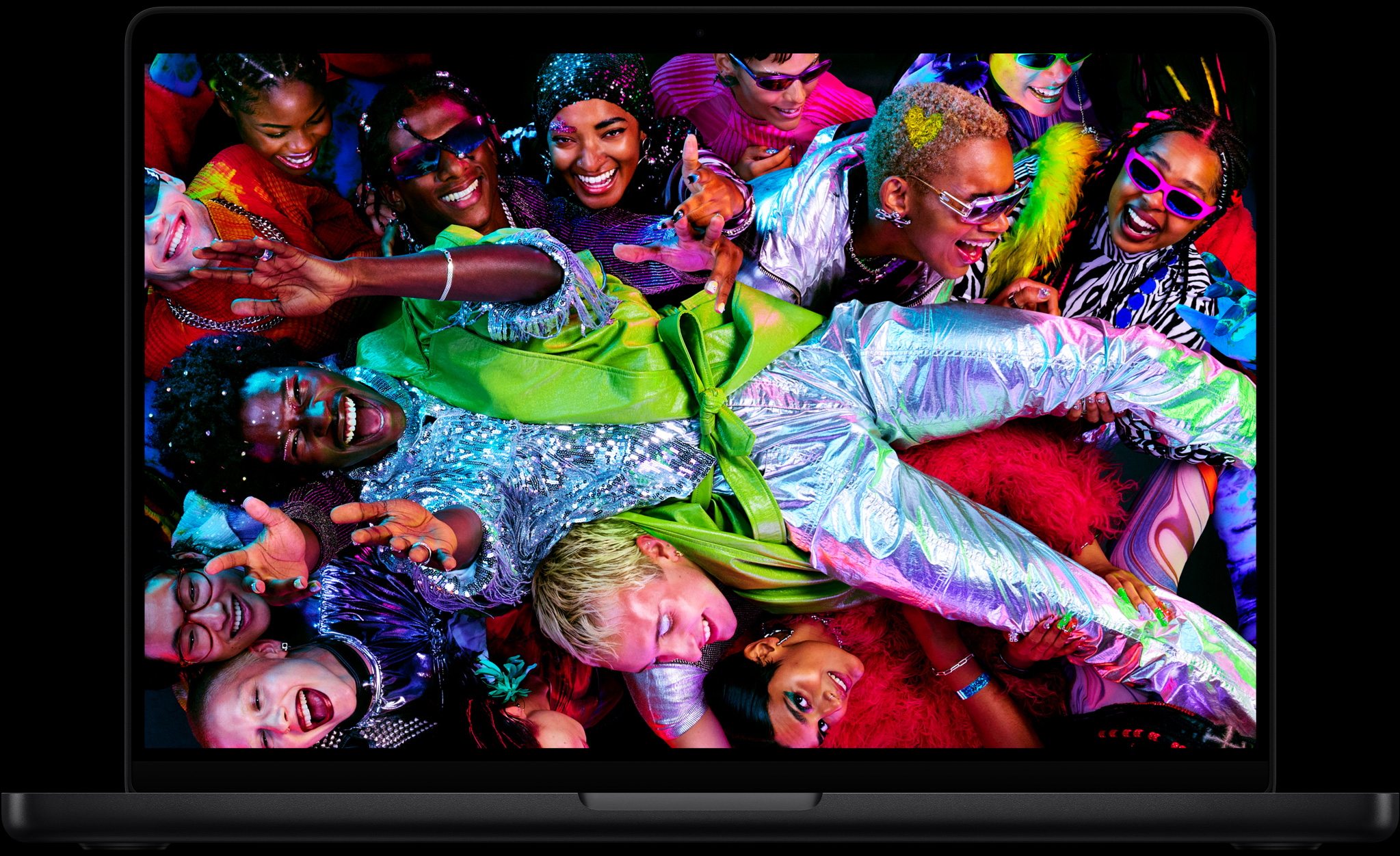
The M6 MacBook Pro uses Apple’s Liquid Retina XDR display, with adaptive ProMotion refresh rates up to 120Hz. For buyers weighing it against the OLED MacBook Pro discussed in earlier reports, this is the released M6 model’s display specification.
Apple rates the panel at 1600 nits peak HDR brightness and up to 1000 nits sustained HDR brightness, with a 1,000,000:1 contrast ratio and support for one billion colors. SDR brightness reaches up to 1000 nits in bright conditions, while the screen can dim to 1 nit in dark rooms.
Is the Nano-Texture Option Worth Considering?
Nano-texture is aimed at reducing distracting reflections in bright rooms and outdoor workspaces. Apple’s U.S. store lists the starting M6 configuration with nano-texture at $2,149, a $150 premium over standard glass. Choose it for glare control; the chip, memory and SSD are separate configuration decisions.
Battery Life and Fast Charging
Apple’s up-to-24-hour figure is a video-streaming rating. Wireless web is rated separately at up to 16 hours, so these are two different usage scenarios. Long renders, games and local AI jobs place a different load on the system.
The box includes a 70W USB-C adapter and 2-meter USB-C to MagSafe 3 cable. Apple specifies a 96W or higher USB PD source for fast charging; its approximately 50%-in-30-minutes test used a 96W adapter and MagSafe cable. The included adapter handles regular charging, while fast charging calls for the higher-power option.
Ports, Wi-Fi 7 and External Displays
The M6 model’s three Thunderbolt 4 ports support charging, displays and storage. HDMI, SDXC, a 3.5mm headphone jack and MagSafe 3 round out the connections. M5 Pro and M5 Max instead use Thunderbolt 5, with Apple advertising speeds up to 120Gb/s for supported connections.
For a desk setup, M6 supports up to two external displays while keeping its built-in screen active. Apple specifies two 6K/60Hz or 4K/165Hz displays, or one 8K/60Hz, 5K/120Hz or 4K/240Hz display. The higher tiers support up to three external displays with M5 Pro and four with M5 Max.
The Apple-designed N1 wireless chip brings Wi-Fi 7 and Bluetooth 6 across the listed range. Wi-Fi 7 availability varies by country, and the network equipment you use also affects the connection you get.
Camera, Audio and Everyday Design
A 12MP Center Stage camera keeps the caller framed as they move, while Desk View lets them show the workspace below. The studio-quality three-microphone array and six-speaker system support calls, editing and media playback, with Spatial Audio and Dolby Atmos support.
Touch ID handles fingerprint authentication and payments. The MacBook Pro enclosure uses 100% recycled aluminum; Apple also lists 45% recycled material by weight and 100% fiber-based packaging. For travel, the M6 model weighs 1.55kg and measures 1.55cm thick.
Apple Intelligence, Siri AI and Pro Apps
Apple’s current MacBook Pro page presents Siri AI as a more conversational assistant with a dedicated Mac app. It describes continuing conversations between Mac and iPhone, asking about onscreen files or images, and taking actions in supported apps. Siri AI is available in English, and usage limits may apply.
Other examples include Safari Notify Me for monitoring page changes and creating Shortcuts from a written description. Apple combines on-device processing with Private Cloud Compute for supported requests that need larger server-based models.
Apple’s store also lists a free three-month Apple Creator Studio trial with a new Mac, including apps such as Final Cut Pro, Logic Pro and Pixelmator Pro. Standalone, preinstalled purchases of Final Cut Pro and Logic Pro remain options.
M6 vs M5 Pro vs M5 Max: Where Does It Fit?
A newer generation number does not settle a comparison across chip tiers. The base M6 is designed for a broad mix of portable work, while M5 Pro and M5 Max retain higher memory ceilings, more GPU cores and Thunderbolt 5.
14-inch M6 · from $1,999
12-core CPU / 12-core GPU
16GB starting memory · up to 32GB
1TB starting SSD
Best fit: everyday work, study and portable creative projects.
M5 Pro · from $2,499 / $2,999
14-inch / 16-inch starting prices
Up to 18-core CPU / 20-core GPU
Up to 64GB unified memory · 1TB starting SSD
Best fit: heavier development, creative and technical workflows.
M5 Max · from $4,099 / $4,399
14-inch / 16-inch starting prices
18-core CPU / up to 40-core GPU
Up to 128GB unified memory · 2TB starting SSD
Best fit: demanding 3D, video and memory-heavy AI projects.
For owners of an Intel Mac or a 13-inch M1/M2 MacBook Pro, the combined display, connectivity and performance changes make the M6 worth comparing. For someone already using an M5 laptop comfortably, the specific application gains and memory needs matter more than the chip name.
If the computer will stay at a desk, our MacBook Pro and Mac mini workflow comparison explores that choice. The Mac mini vs MacBook Air/Pro budget guide also explains how owning a monitor and peripherals changes the total cost.
FAQ
Can Apple Help Transfer My Files to the New Mac?
Yes. Apple describes iPhone-assisted setup for Wi-Fi and Apple Account sign-in, with iCloud bringing over supported data. Migration Assistant transfers documents, apps, accounts and settings from an existing Mac or PC. Buying directly from Apple also includes access to online Personal Setup sessions.
Are Education Discounts Available?
Apple offers an Education Store for eligible buyers. Eligibility and verification vary by country; use the regional education store for the applicable M6 configuration and price.
Can I Trade In an Older Mac?
Eligible devices can receive credit through Apple Trade In. The amount depends on the device and its verified condition. Devices without trade-in value can be recycled through Apple.
Official sources: Apple MacBook Pro overview · Apple technical specifications · Apple U.S. store. Information checked October 27, 2026; prices above are U.S. prices before sales tax.
Related Reading
- M5 Pro MacBook Pro vs M4 Pro Mac mini vs M6 Mac mini
- Best Mac Under $1,000: Mac mini vs MacBook Air and Pro
- OLED MacBook Pro vs M6: The Earlier Buying Debate
- October Mac Preview: What Was Reported Before Launch
Explore ZEERA iPhone Duo cases · Explore ZEERA iPhone 18 Pro Max cases






