
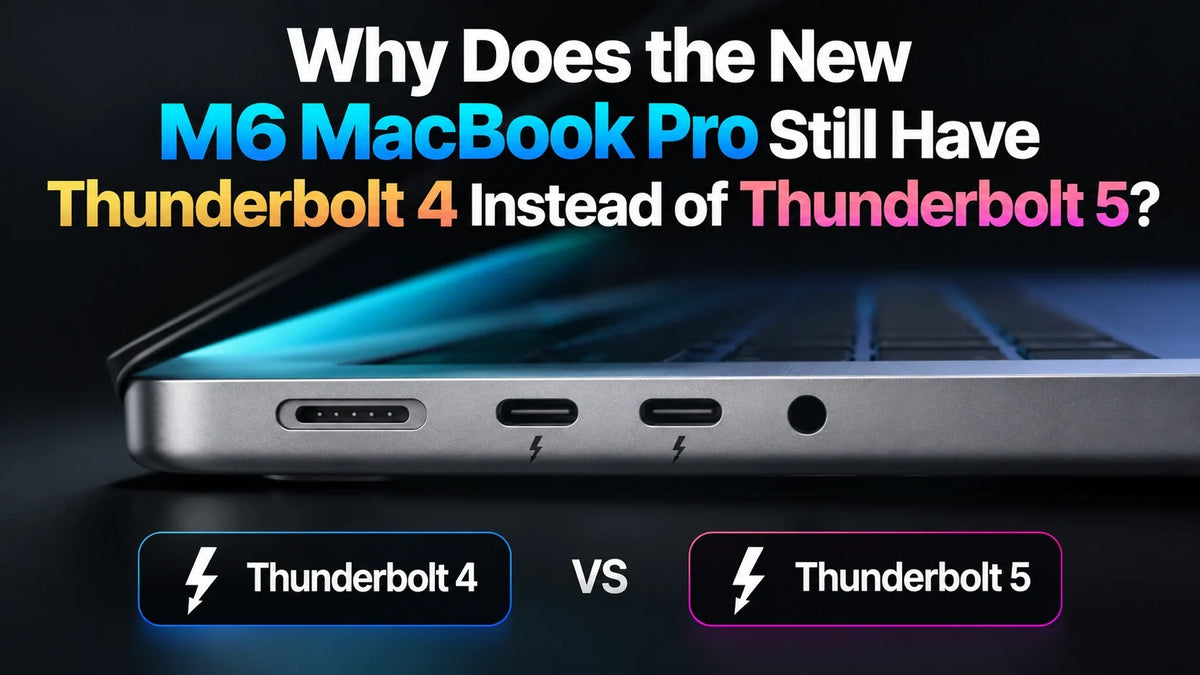
Quick Answer
The standard M6 MacBook Pro has three Thunderbolt 4 ports rated at up to 40Gb/s. M5 Pro and M5 Max models have Thunderbolt 5. Apple has not given a specific reason for this split; our assessment is that it reflects the different hardware tiers, rather than the chip generation number alone.
For external SSDs, the meaningful Thunderbolt 5 upgrade is its 80Gb/s bidirectional link and greater PCIe bandwidth. The advertised 120Gb/s figure describes a display-oriented Bandwidth Boost mode. Thunderbolt 4 remains useful for everyday storage and docking; demanding SSD transfers and heavily loaded single-cable workstations are where Thunderbolt 5 matters most.
Why can M6 have an older Thunderbolt standard?
The number and the suffix describe different things. M6 is the newer chip generation; Pro and Max identify higher chip tiers. A newer standard chip therefore does not automatically inherit every connection feature of an earlier Pro or Max chip. The M6 MacBook Pro launch guide covers the rest of the refresh.
Apple’s published specifications confirm the port difference. They do not establish whether cost, power, controller design or another engineering choice drove it. Calling this product segmentation is a reading of the lineup, not proof that Apple disabled an otherwise available Thunderbolt 5 feature.
Thunderbolt 4 vs 5: what the speed numbers mean
Thunderbolt 4: up to 40Gb/s
This is the connection’s link rate, shared by traffic using that connection. It is not a promise of 5GB/s SSD transfers: protocol overhead and the storage path reduce usable throughput. A fast CPU cannot remove that external connection limit.
Thunderbolt 5: 80Gb/s, with a 120Gb/s display mode
Intel’s Thunderbolt comparison specifies 80Gb/s in both directions, with Bandwidth Boost reallocating the link to as much as 120Gb/s in one direction and 40Gb/s in the other for demanding display traffic. The minimum PCIe data bandwidth also rises from 32Gb/s to 64Gb/s.
USB-C is the connector shape. A USB-C SSD, dock or cable can use a slower USB protocol or a faster Thunderbolt connection. Matching plugs do not guarantee matching speeds. Choose by the supported protocol across the Mac, cable, dock and drive enclosure.
External SSDs: where Thunderbolt 4 becomes a limit
Ordinary USB SSDs: little reason to upgrade the Mac for the port
A USB SSD limited to 10Gb/s remains a 10Gb/s device on either Mac. For backups, documents and many photo libraries, moving from Thunderbolt 4 to 5 will not change that drive’s interface limit. Faster storage helps only when the storage itself and the workload can use it.
Fast NVMe storage: Thunderbolt 5 can make a visible difference
As a concrete manufacturer example, OWC’s Envoy Ultra specifications list roughly 2.8–3.8GB/s over Thunderbolt 4 and more than 6GB/s over Thunderbolt 5 under its stated conditions. Those figures illustrate the interface gap; they are not measurements of the new M6 MacBook Pro.
For a sense of scale, copying 100GB at a constant 3GB/s takes about 33 seconds; at 6GB/s it takes about 17 seconds. This is simple transfer arithmetic. Actual copies depend on both drives, file sizes and sustained write performance. OWC also notes that long writes can fall well below the initial burst rate as the drive’s cache is exhausted.
The strongest case for Thunderbolt 5 is frequent movement of large media sets or editing workloads that actually saturate the drive connection. It will not halve an export that is mainly limited by the CPU, GPU or video encoder. Our USB-C and Thunderbolt SSD speed guide explains how cables and enclosures create bottlenecks too.
Docks: more sockets still share one upstream link
A dock sends its connected devices back to the Mac through one upstream connection. Running a fast SSD, Ethernet and displays together can place more demand on that link than using a keyboard, mouse and one monitor. This is where the extra bandwidth of Thunderbolt 5 can improve a single-cable desk setup.
Choosing a dock for the M6 MacBook Pro
A Thunderbolt 5 dock with documented Thunderbolt 4 host compatibility can work with M6, but its connection to the Mac stays within the host’s capabilities. Check the exact Mac compatibility list, supported display combinations and host charging output before paying for it. The dock cannot turn a Thunderbolt 4 host into Thunderbolt 5.
Also check the socket used for the SSD: a dock may advertise Thunderbolt upstream while providing ordinary 10Gb/s USB downstream ports. For heavy transfers, try the SSD directly on another Mac port and connect a display through HDMI where suitable. That removes those devices from the same dock uplink, although it does not guarantee that every other system bottleneck disappears.
External displays: check the Mac’s limits, not just the dock
Standard M6: up to two external displays
Apple lists support for two external displays, including a pair at up to 6K/60Hz, while retaining the built-in display. A compatible single-display arrangement can reach 8K/60Hz or 4K/240Hz. Its Thunderbolt ports use DisplayPort 1.4; the connection, adapter and display must support the chosen mode.
M5 Pro / Max: more room for a larger workstation
Apple’s M5 Pro and M5 Max technical specifications allow up to three external displays on M5 Pro and four on M5 Max, with DisplayPort 2.1 over Thunderbolt 5. The chip’s display engines and the permitted resolution combinations matter alongside link bandwidth.
For one normal 4K work monitor, Thunderbolt 4 is unlikely to be the deciding limitation. For several high-resolution or high-refresh displays sharing a dock with storage, verify the exact arrangement. Adding a dock with more video connectors does not increase the Mac’s native external-display allowance.
Should Thunderbolt 5 change which MacBook Pro you buy?
Choose around the work you repeat
M6 is a reasonable fit if your existing SSD is an ordinary USB model, your display setup is within its limits and bulk file copies are occasional. Prioritize the memory and storage capacity your projects need; our 16GB vs 24GB vs 32GB M6 memory guide helps with that separate decision.
Give M5 Pro or Max more weight if your daily work depends on a Thunderbolt 5 NVMe drive, repeated large transfers or a demanding docked workstation. Buy that capability because it removes a recurring bottleneck, rather than assuming the newer chip number always delivers the faster external workflow.
FAQ
Can a macOS update add Thunderbolt 5 to M6?
A software update cannot upgrade a Thunderbolt 4 port to the Thunderbolt 5 hardware standard. Buy the connection capability listed for the model you choose.
Does Thunderbolt 4 limit the internal SSD?
No. The internal SSD uses a separate internal storage connection. Its performance is not capped by the Thunderbolt 4 rating on the external ports.
Related Reading
- M6 MacBook Pro: official specifications, price and release date
- M6 MacBook Pro: 16GB vs 24GB vs 32GB memory
- Why the base M6 MacBook Pro still starts with 16GB
- Mac mini external SSD speeds: USB-C vs Thunderbolt
- Mac mini external SSD not showing up: connection checks
- Mac mini 4K monitor scaling and resolution settings
Specifications checked October 28, 2026. Sources: Apple technical specifications, Intel Thunderbolt documentation and OWC’s published storage specifications, linked above.






