
Quick Answer
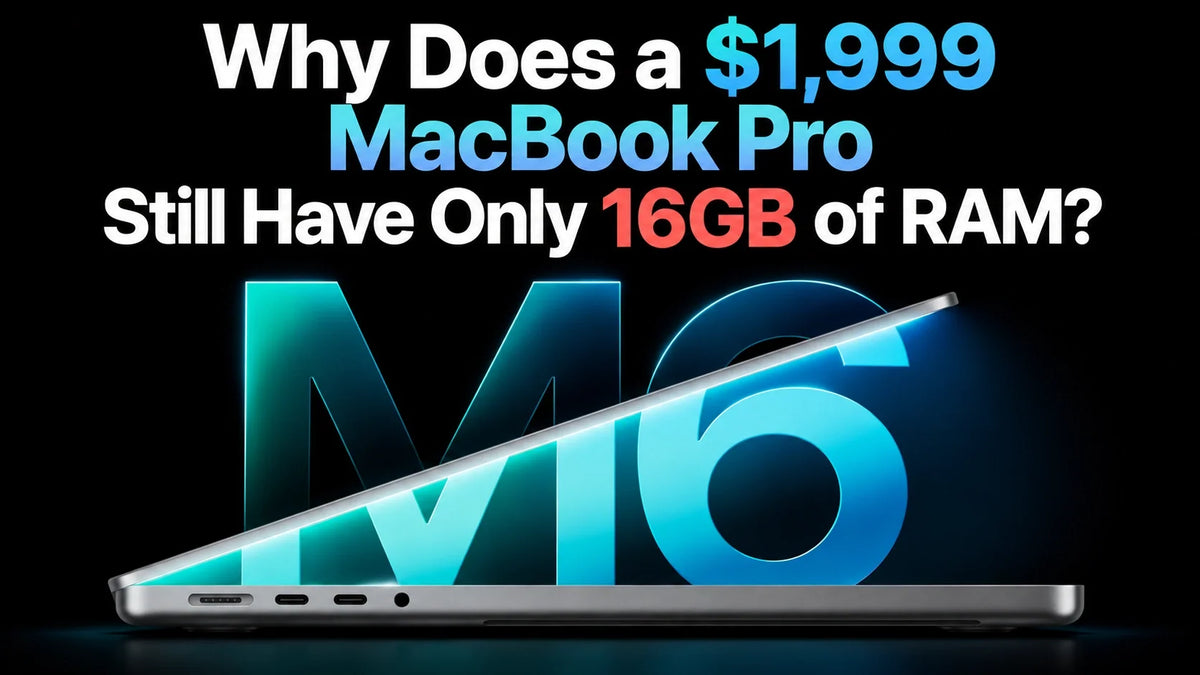
The $1,999 14-inch M6 MacBook Pro starts with 16GB of unified memory because that is Apple’s entry configuration; the chip also supports higher capacities. For everyday work, 16GB remains useful. For a laptop bought to handle several years of demanding creative work or local AI, we would favor 24GB or 32GB.
The value concern is fair: a premium “Pro” price does not guarantee generous memory headroom. Apple’s tiered hardware choices deserve scrutiny, but the M4 iPad Pro’s reported 12GB-inside/8GB-usable finding does not establish that this MacBook contains hidden RAM.
What does $1,999 actually buy?
Apple’s October 27 announcement sets the U.S. starting price at $1,999. The base configuration combines the standard M6 chip, 16GB of memory and a 1TB SSD. This is a MacBook Pro by product name; it does not contain a Pro-tier chip.
You are also paying for the display, battery, chassis and connectivity. Those can make the whole laptop attractive, while its memory allowance still feels conservative. Our M6 MacBook Pro launch guide covers the rest of the hardware.
Why keep the base memory at 16GB?
The clearest explanation is commercial positioning: a usable entry configuration preserves an upgrade ladder for buyers who need more. That is our assessment of the lineup, rather than a confirmed explanation of Apple’s internal pricing decision.
Apple’s own technical specifications show that moving up the memory ladder changes two things:
The published memory tiers
16GB: 153GB/s memory bandwidth.
24GB or 32GB: 170GB/s memory bandwidth.
That makes the higher bandwidth rating about 11% greater. It does not mean every app runs 11% faster: the benefit depends on whether the workload is limited by memory throughput.
The practical criticism is stronger than “16GB cannot run professional software.” It can. The issue is how much room a $1,999 machine leaves for several demanding applications to grow together.
Is this another M4 iPad Pro memory lock?
The comparison is understandable. Apple’s M4 iPad Pro specifications tie 256GB/512GB storage to 8GB RAM and a 9-core CPU, while 1TB/2TB versions receive 16GB and a 10-core CPU. Higher storage purchases therefore bring other hardware differences too.
As we covered in our M4 iPad Pro hidden-memory article, the more provocative finding came from teardown chip markings.
What the 12GB finding establishes
In the original chip-marking investigation, layerstack identified two Z8DMS packages on photographed lower-storage boards. The reported Micron decoding points to nominally 6GB per package, totaling 12GB.
Those markings do not establish that all 12GB is functional, explain the restriction mechanism, or prove Apple disabled usable memory solely to encourage upgrades. Manufacturing choices and product segmentation remain possible explanations.
Apple clearly sells differentiated hardware tiers. Calling every difference a software lock goes beyond the evidence. For the M6 MacBook Pro, the documented issue is a modest base allocation and a lower bandwidth tier; the iPad finding cannot tell us what memory packages are inside this laptop.
Why AI makes the memory question harder
A faster processor helps execute a task. Memory determines how much working data can stay readily available while it runs. Unified memory is shared by the CPU and GPU, so 16GB is the total pool serving the system and applications.
For local language models, allow space for model weights, the conversation cache and runtime overhead, alongside macOS and your other apps. The MLX LM documentation warns that models large relative to available RAM can run slowly; its cache documentation also explains memory savings from cache quantization.
A useful sizing example
Eight billion parameters stored at exactly four bits each would occupy about 4GB in decimal units for the weights alone. This is arithmetic, not a measured model footprint: quantization metadata, caches and runtime allocations add more. A model file fitting on the SSD does not mean its full workload fits comfortably in RAM.
Cloud AI has a different balance because the large model runs remotely. A buyer who mainly uses online assistants has less reason to pay for maximum memory than someone planning local inference alongside an IDE or creative suite.
Which memory tier makes sense for the next few years?
Choose around the work you expect to do concurrently. “Photoshop,” “coding” or “4K video” alone is too broad to determine a memory requirement; project size, effects, simulators and background apps matter.
16GB: a reasonable fit for a lighter workload
Consider it for office work, browsing, online AI, lighter development and occasional photo or video projects. The strongest case is a familiar workload that already runs comfortably within this capacity.
24GB: our preferred starting point for a main work laptop
For buyers planning four or five years of mixed creative work, development and multitasking, the additional capacity offers useful room without automatically buying the maximum. It is a budget judgment, not a promise that future apps will need a particular amount.
32GB: choose it for identifiable memory demands
Favor it when local models, virtual machines, containers, larger creative projects or sample libraries are central to your work. Check the requirements of the actual projects and models you intend to run; some workloads justify a higher-capacity Mac altogether.
Our view: 16GB is usable, but 24GB would make the $1,999 “Pro” proposition easier to recommend. Buyers are right to question having to pay extra for that margin, especially when Apple presents AI as a major reason to upgrade.
FAQ
How can I tell whether my current work needs more memory?
Run a representative project with your usual background apps, then open Activity Monitor → Memory. Apple’s memory-pressure guide identifies green as efficient use, yellow as a sign more RAM may be needed and red as insufficient RAM. Persistent pressure and slowdowns are more informative than a nearly full “Memory Used” number alone.
Can a bigger SSD or external drive compensate for less RAM?
Extra storage holds more files; it does not expand the unified-memory pool. macOS can use the startup disk for swap, as Apple explains in its memory-usage guide, but swap is not equivalent to additional RAM. Treat this MacBook’s memory capacity as a purchase-time decision rather than planning a conventional RAM-module upgrade later.
Related Reading
- M6 MacBook Pro: official specifications, price and release date
- M4 iPad Pro: the 8GB versus 12GB memory finding
- M6 Mac mini: memory capacity and bandwidth explained
- Local AI: why model memory requirements matter
- Mac mini M6 for Logic Pro and development
- OLED MacBook Pro versus M6: buying considerations
Guichang Chen · ZEERA WIRELESS · October 28, 2026. U.S. starting price; regional pricing and taxes vary.






