
Mac mini buying guide · Updated September 23, 2026
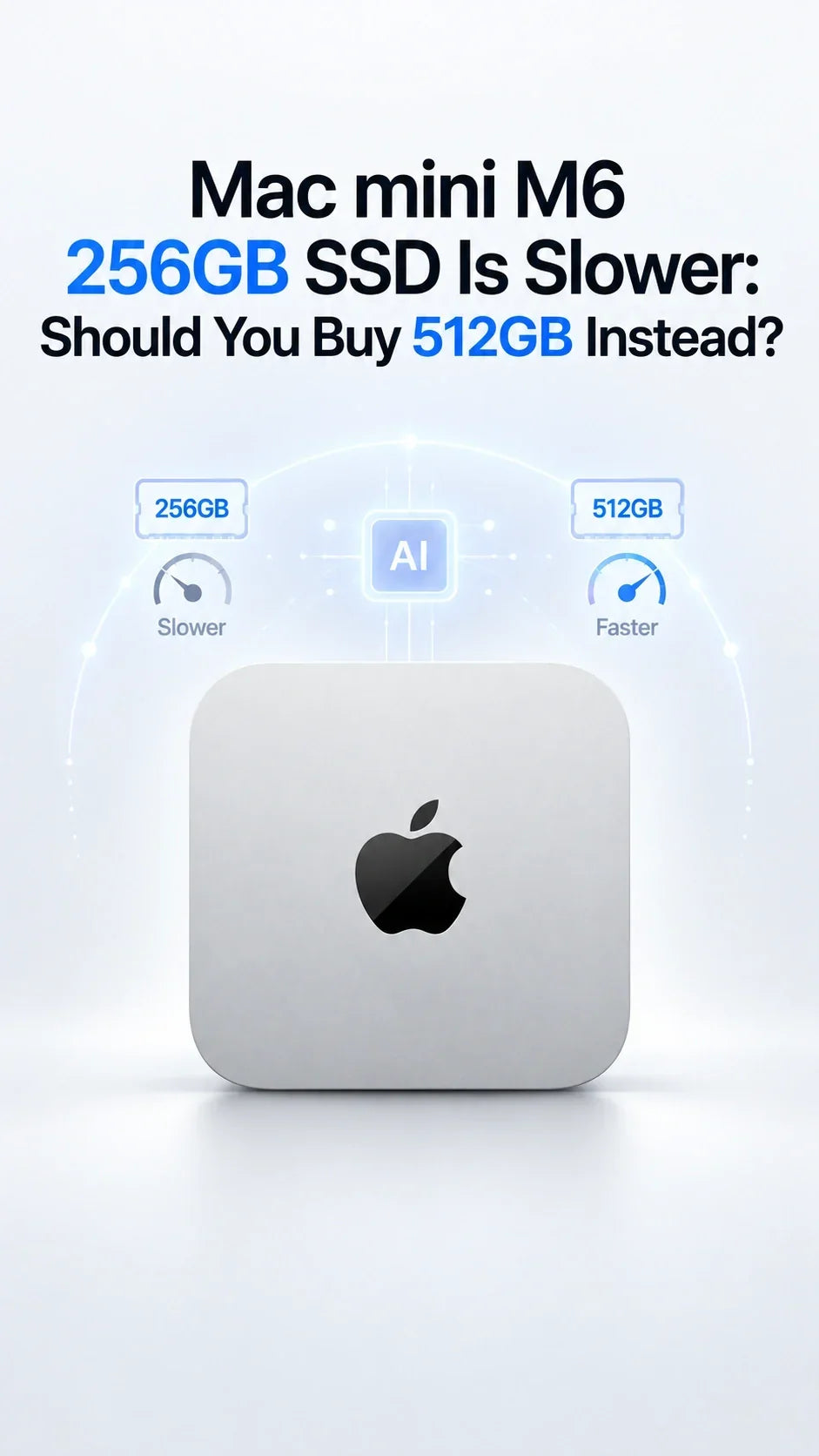
The base M6 Mac mini is fast, but its 256GB SSD does not deliver the same storage performance as the 512GB model. New third-party Blackmagic tests show a much larger gap than capacity alone suggests.
Quick Answer
Yes—the M6 Mac mini 256GB SSD is substantially slower than the 512GB SSD in sequential tests.
The tested 256GB model reached about 3,000MB/s write and 3,217MB/s read; the 512GB model reached about 6,577MB/s write and 6,372MB/s read.
Most browsing and office work will not feel twice as fast on 512GB, but large transfers, swap-heavy workloads, video caches and local-AI model loading can benefit.
Buy 512GB for a primary Mac or demanding workflow. Buy 256GB only if saving $200 matters and you already plan to use external storage.
How Much Slower Is the Mac mini M6 256GB SSD?
The difference is close to two-to-one. AAPL Ch. tested the 256GB M6 Mac mini with Blackmagic Disk Speed Test using a 1GB workload. Its results were compared with published 512GB testing from Tom’s Hardware.
Blackmagic Disk Speed Test · Third-party results
M6 · 256GB SSD
3,000.2 MB/sSequential write
3,216.8 MB/sSequential read
M6 · 512GB SSD
6,577.4 MB/sSequential write
6,371.5 MB/sSequential read
What the numbers mean: the 512GB result was about 119% faster in sequential writes and 98% faster in sequential reads. Different drive fill levels, file sizes and test conditions can change exact results.
This is not ZEERA lab testing. It is a synthesis of published third-party results. Independent review units with 512GB storage also landed in the same general range: 9to5Mac reported roughly 6,000–6,400MB/s writes and 6,000–6,300MB/s reads.
Why Is the 256GB SSD Slower?
The tested 256GB configuration uses a single NAND package, while higher-capacity configurations can access more NAND in parallel. Think of the 512GB SSD as having more lanes available for data: the total capacity is larger, but the parallel layout is what produces the higher sequential throughput.
This does not mean the M6 chip itself is slower in the 256GB model. CPU, GPU and Neural Engine performance are separate from SSD throughput. A processor benchmark should be broadly similar when memory configuration, cooling and test conditions are equal.
Important context: 3,000MB/s is still fast. The 256GB M6 result is not a “slow computer” result; it is slow relative to the unusually fast 512GB M6 SSD.
Will You Notice the Difference in Everyday Use?
Usually little difference
- Safari, email and office apps
- Streaming and video calls
- Launching small applications
- Light coding and photo edits
- Files already held in memory
More likely to matter
- Copying very large files
- Video caches and scratch media
- Large Xcode or Docker workloads
- Memory pressure that triggers swap
- Loading large local AI models
Sequential benchmarks measure ideal large-file throughput. They do not predict every click. Small-file performance, latency, application design, available unified memory and CPU/GPU work can matter more than maximum sequential speed.
For local AI, storage speed mainly affects model loading and moving model files. Once a model fits in unified memory, inference speed depends much more on the chip and memory subsystem. If the system runs short of memory and begins swapping heavily, the faster SSD becomes more valuable—but buying enough unified memory is the better first defense. See our Mac mini M6 local AI memory guide.
Should You Pay $200 More for 512GB?
For most buyers using the M6 Mac mini as a primary desktop, yes. The upgrade gives you twice the capacity, roughly twice the measured sequential read speed, more than twice the measured write speed and more room before storage management becomes a weekly concern.
Buy 256GB
Best for browser-first work, a secondary Mac, a home server with separate data storage, or a strict budget.
Buy 512GB
Best for a main desktop, normal app growth, creative work, development and fewer storage compromises.
Buy 1TB+
Best when large active projects must remain internal and external storage would interrupt the workflow.
Apple lists 256GB and 512GB configurations in the official Mac mini technical specifications. At current U.S. pricing, the 16GB/256GB M6 starts at $899 and 512GB adds $200, bringing the configuration to $1,099. Check the live Apple Store before purchasing because regional pricing can differ.
Is 256GB Plus an External SSD a Better Value?
It can be. The M6 Mac mini includes three rear Thunderbolt 4 ports rated up to 40Gb/s, so a good USB4 or Thunderbolt NVMe drive can provide excellent project and media storage. External capacity is also much cheaper per terabyte than Apple’s internal upgrades.
But an external SSD does not make the internal 256GB drive disappear. macOS, recovery data, applications, caches, updates and swap still need internal space unless you deliberately relocate compatible libraries and workflows. External storage also adds an enclosure, cable, port use and another item that needs a backup.
256GB + external SSD works when…
You are comfortable managing locations, most large files are media or archives, and the computer stays on one desk.
512GB internal is better when…
You want a simple main Mac, keep active projects local, use large apps, or do not want storage decisions to shape daily work.
For most owners, the balanced setup is 512GB internally for macOS, apps and active work, then an external SSD for completed projects, media libraries and backups. Mac mini’s fixed desktop role makes this hybrid arrangement particularly practical.
Choose Memory Before Excess Storage
If your budget forces a choice between more unified memory and a very large internal SSD, memory is often harder to work around. Storage can be expanded externally; unified memory cannot.
- 16GB / 512GB: the best everyday configuration for most buyers.
- 24GB / 512GB: the stronger value for development, heavier multitasking, moderate local AI and creative work.
- 32GB / 512GB: better when memory-heavy work is central and large archives can live externally.
- 16GB / 1TB: sensible only when local capacity matters more than memory-heavy workloads.
Storage speed is only one part of the purchase. Our M6 vs M5 vs M4 performance comparison explains the processor gains, while the M6 vs M4 upgrade guide is the better place to decide whether the new generation is worth buying at all.
Final Verdict
The 512GB M6 Mac mini is the safer buy for most people. Its advantage is not merely double the capacity. Published tests show nearly double the sequential read speed and more than double the write speed of the tested 256GB model.
That does not make 256GB unusable. The base SSD still reaches around 3GB/s and remains suitable for browsing, office work, a secondary computer or a carefully planned external-storage setup. The problem is value and longevity: a $899 desktop with only 256GB leaves less space and gives up the headline storage performance demonstrated by 512GB review units.
Choose 256GB when the budget limit is firm and external storage is already part of the plan. Choose 512GB when you want the M6 Mac mini to be a simple, fast primary Mac that remains comfortable for years.
Mac mini M6 256GB vs 512GB FAQ
Is the M6 Mac mini 256GB SSD slow?
No. Around 3,000MB/s is fast for everyday computing. It is slow only in comparison with the 512GB M6 SSD, which tested near 6,400–6,600MB/s.
Does the 256GB SSD make the M6 chip slower?
No. CPU and GPU performance are not reduced simply because the SSD is smaller. Storage-heavy tasks and memory swapping can finish more slowly, but pure processor performance is separate.
Will 512GB make apps open twice as fast?
Usually not. Maximum sequential bandwidth is only one factor. Many launches depend on small-file access, latency, caching and the application itself.
Can I upgrade the internal SSD later?
Do not plan on it. Teardown reporting indicates that the M6 and M5 Pro Mac mini use onboard NAND rather than the M4 generation’s removable storage module. Treat the capacity selected at checkout as permanent.
Is a fast external SSD as good as 512GB internal storage?
It is excellent for projects, media and archives, but it does not add space to the internal system volume automatically. The 512GB internal SSD also has higher measured throughput than typical Thunderbolt 4 external storage.
Should I choose 24GB/256GB or 16GB/512GB?
Choose 24GB/256GB for memory-heavy work only if you accept external storage from day one. Choose 16GB/512GB for general use, lighter creative work and the simpler all-around experience.
Sources and Testing Disclosure
- AAPL Ch.: M6 Mac mini 256GB and 512GB SSD benchmark comparison
- 9to5Mac: M6 Mac mini review and 512GB Blackmagic results
- Tom’s Guide: M6 Mac mini review and 512GB file-copy testing
- Apple: Mac mini technical specifications
ZEERA did not independently benchmark the two SSD capacities. Results are attributed to the original third-party publications and may vary with workload, software version, drive capacity used and test conditions.









