
Mac mini buying guide · Updated September 24, 2026
Quick Answer
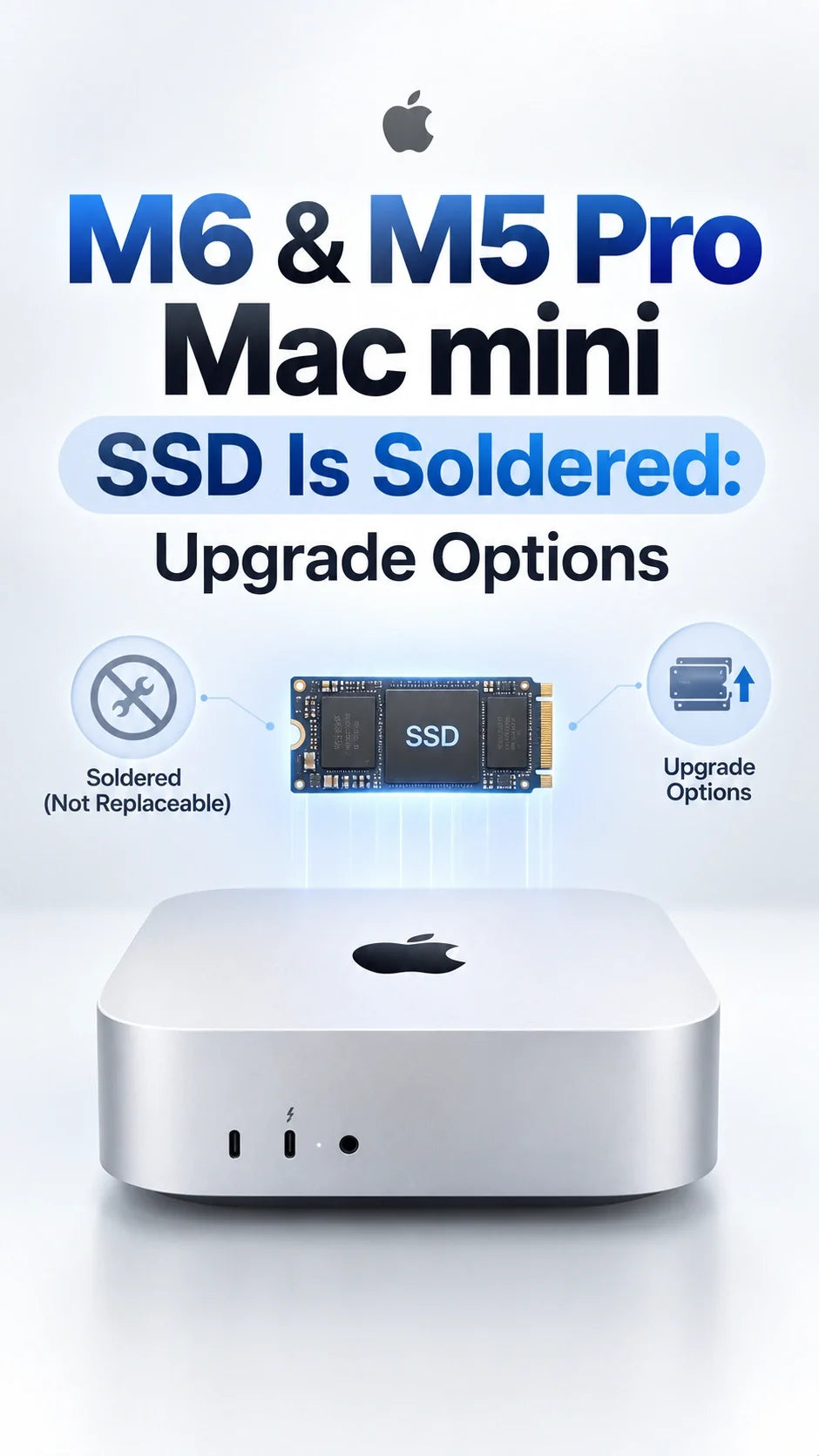
The M6 and M5 Pro Mac mini do not have the M4 generation’s removable internal SSD module.
Third-party upgrade maker Expand Mac mini opened both 2026 machines and found NAND storage soldered to the logic board.
Its M4 and M4 Pro replacement modules do not fit the new models. Choose the internal capacity you expect to keep.
An external USB or Thunderbolt SSD can add space for libraries and projects; it does not upgrade the built-in drive.
For a primary M6 desktop, 512GB is the safer starting point. The 256GB model still works for light use with a deliberate external-storage plan.
What changed inside the M6 and M5 Pro Mac mini?
Expand Mac mini’s September 22 teardown shows soldered NAND on the M6 and M5 Pro logic boards. The company sells replacement storage modules for the M4 and M4 Pro Mac mini, but says those modules will not fit either 2026 model. This is third-party physical inspection, not an Apple announcement of an upgrade program.
The M4 generation’s removable storage module created an unusual aftermarket path, even though Apple did not offer it as a normal customer upgrade. On the M6 and M5 Pro, there is no equivalent slot to receive that module. “Soldered” describes the hardware layout; it does not prove that every imaginable board-level repair will forever be impossible. For a buyer, however, there is no practical supported internal capacity upgrade to plan around.
Removable internal module; third-party alternatives exist.
NAND soldered to board; M4 replacement modules do not fit.
External storage remains an option for files and workflows.
Can an external SSD replace an internal upgrade?
For capacity, often yes; for a larger built-in SSD, no. Keep media libraries, large project folders, video footage, archives or local models on an external NVMe drive. Apple documents moving a Photos library to external storage, and it also documents installing macOS on an external drive as a startup disk. An external startup setup adds complexity and should not be treated as a physical upgrade of the onboard NAND.
Match the enclosure and cable to your Mac: Apple lists three rear Thunderbolt 4 ports on the M6 and three rear Thunderbolt 5 ports on the M5 Pro. Actual transfer speed depends on the SSD, enclosure, interface and workload. A fast external drive also does not change the throughput of the internal 256GB SSD or turn a 256GB internal configuration into a 512GB one.
Keep a separate backup. An attached SSD expands working space; it is not a second copy of a file that exists only on that SSD.
Which internal capacity should you buy now?
Apple’s Mac mini specifications list a 256GB entry M6 configuration, while M5 Pro configurations start at 512GB. Select storage for the years you expect to keep the computer, then use an external drive for files that are easy to relocate.
Light, cloud-first or secondary Mac; external storage is part of the plan from day one.
Most primary desktops; room for macOS, apps, caches and active files.
Large local apps, VMs, active media or projects that must stay on the internal disk.
This buying advice has two separate reasons. First, a missing internal upgrade path makes an undersized purchase harder to correct. Second, published third-party sequential tests found the M6 256GB drive near 3,000MB/s and the 512GB version around 6,400–6,600MB/s under their respective test conditions. The speed gap is covered in our 256GB versus 512GB SSD benchmark guide; do not interpret those large-file numbers as a promise that every app will run twice as fast.
What if you already bought the 256GB M6 Mac mini?
You do not need to replace it just because the storage is soldered. Check how much space your actual work uses. Put large movable libraries and projects on a quality external SSD, keep enough free internal room for macOS updates and active work, and maintain a backup. If you are still in a return window and already know that 256GB will constrain your primary workflow, compare the cost of changing the configuration now with the external-drive setup you would otherwise need.
Do not buy an M4/M4 Pro internal module or assume an external SSD enclosure replaces the internal NAND. If you want a clean desk with an external drive, a Mac mini enclosure or stand can organize the hardware, but it does not modify internal storage.
FAQ
Will an M4 Mac mini SSD upgrade kit fit the M6 or M5 Pro?
No. Expand Mac mini says its M4 and M4 Pro modules will not fit the new boards.
Can a repair shop add more NAND later?
There is no established customer upgrade path. Board-level work is different from swapping an SSD module, and you should not make a purchase assuming it will become available.
Is the M5 Pro Mac mini’s storage soldered too?
Yes. The same teardown found soldered NAND on both M6 and M5 Pro models.
Does a Thunderbolt SSD make a 256GB Mac mini a 512GB model?
No. It adds separate external capacity. Your internal drive stays 256GB, although many files and libraries can live outside it.
Related ZEERA guides
- Mac mini M6 256GB SSD Is Slower: Should You Buy 512GB?
- Mac mini M6 256GB vs 512GB: Which Storage Should You Buy?
- Mac mini M6 256GB and Apple Intelligence storage
- Mac mini M6 vs M5 vs M4: Real Performance Compared
- Mac mini M6 desk setup with an external SSD
- Mac mini cooler: stand vs fan vs active cooling
- Mac mini M6 price, specs and buying guide
Sources: Expand Mac mini teardown; Apple Mac mini specifications; Apple external startup disk guidance; Apple Photos library guidance. ZEERA did not perform this teardown or the cited SSD benchmarks.









