
Quick Answer
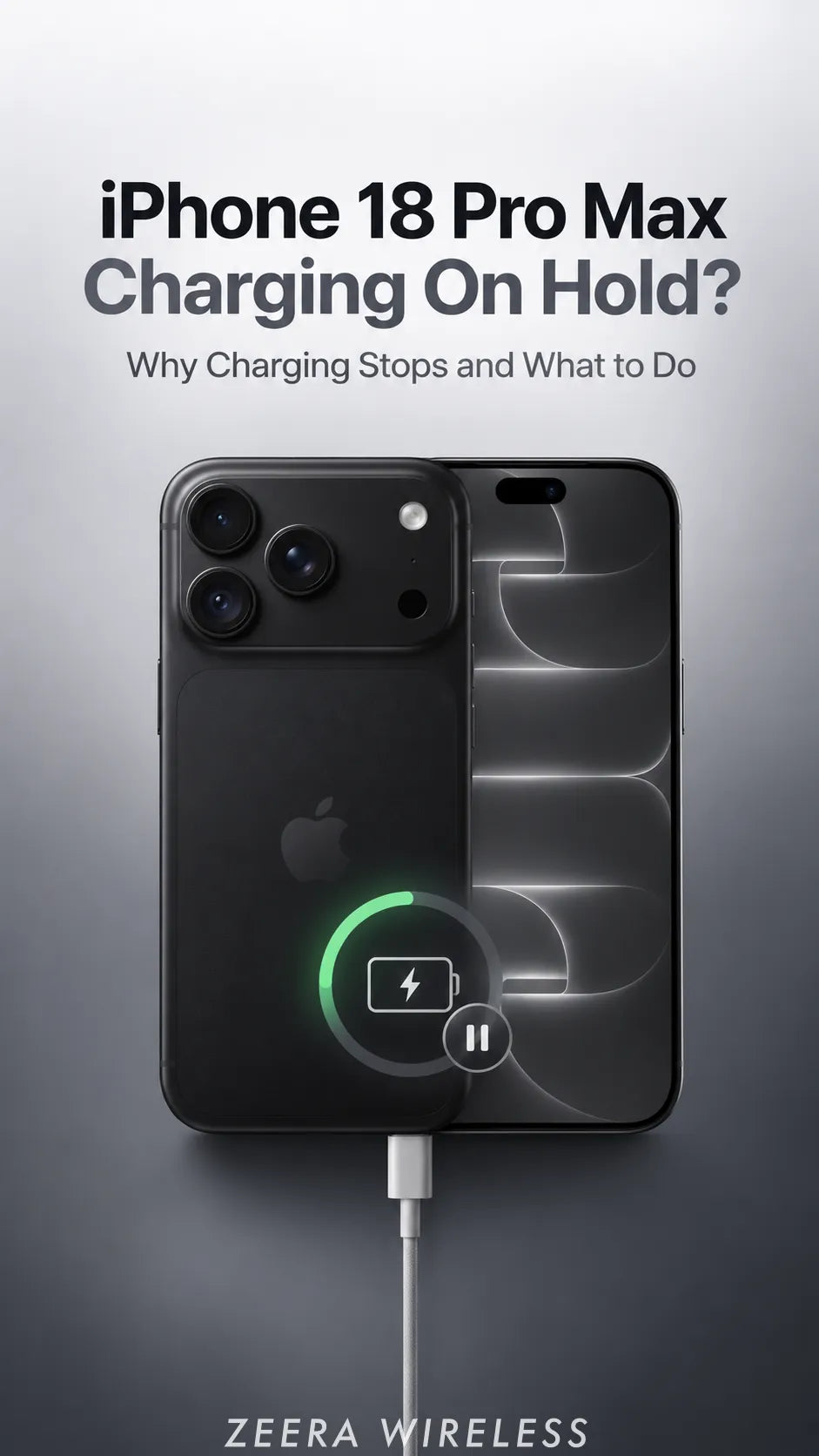
“Charging On Hold” means your iPhone 18 Pro Max is temporarily too hot or too cold to charge.
Move it away from direct sunlight, stop using it, and let it return to a normal temperature. Charging should resume automatically.
If the warning keeps returning in a cool room after setup is complete, check your charging setup and contact Apple if it continues.
What Does “Charging On Hold” Mean?
It is a temperature protection message. Apple says an iPhone can slow or pause charging when its temperature moves outside the normal charging range. The message can appear when the device is too hot or too cold; it does not, by itself, identify a bad battery or charger.
“Charging On Hold” is different from a charge limit set to 80%, 85%, 90%, or 95%. Check the exact message on the Lock Screen or in Settings → Battery before troubleshooting.

What Should You Do Right Now?
- Move the phone to a moderate-temperature room. Keep it out of direct sun and away from a hot dashboard or bedding.
- Stop demanding tasks and lock the screen. Pause navigation, video recording or gaming while it cools.
- Give it time. Charging resumes automatically when the battery reaches a safe temperature. Do not put the phone in a refrigerator or freezer.
- If it happens again, isolate the conditions. Note whether it occurs with a cable, a wireless charger, a particular outlet, or only in the car.
If the phone displays the full “iPhone needs to cool down” temperature warning, follow Apple’s advice to turn it off, move it to a cooler place and let it cool before resuming use.
Why Does an iPhone 18 Pro Max Stop Charging?
New-phone setup and iOS 27 background work
During a first restore or major update, an iPhone may be downloading apps, syncing photos and processing data while it charges. Apple lists initial setup, restoring a backup and finishing a software update as situations that can make a phone warm. This is a possible explanation for a new device, not proof that indexing caused your particular warning. For a full setup checklist, see our iPhone 18 Pro Max setup heat guide.
Charging plus camera, games or a warm room
Camera use and processor-heavy apps create heat of their own. Add charging or direct sunlight and the phone has more heat to manage. A warm exterior alone is not the same as a temperature warning; repeated charging pauses deserve a closer look.
Does a 60W or 100W USB-C charger cause it?
A charger's 60W or 100W rating is its available output, not a claim that the iPhone continuously takes that power. One owner reported a charging stop with both ratings, then found that Siri/Search processing was still in progress. That single account cannot establish a widespread defect or prove the charger was responsible.
If a pause repeats, try a compatible cable and charger in a cooler location, then compare results. For wired-power choices, read our iPhone 18 Pro charger guide.
Can MagSafe or Qi2 wireless charging add heat?
Yes. Apple includes wireless charging among activities that may make an iPhone feel warmer. Magnetic alignment and active cooling can help manage a charging setup, but no charger can override iOS temperature protection or fix a persistent phone fault.
Which Charging Setup Fits Your Day?
Desk, bedside and travel: MagTri Gen2
For a foldable 3-in-1 MagSafe travel charger, MagTri Gen2 combines magnetic Qi2.2 wireless charging with active cooling. It provides separate places for a compatible iPhone, Apple Watch and AirPods, then folds for a bag or suitcase. It suits a desk or hotel nightstand where one portable station replaces several loose chargers.


Navigation and commuting: SuVolt Gen5
For an active-cooling MagSafe car charger, SuVolt Gen5 pairs a magnetic mount with Qi2.2 wireless charging and active cooling. It keeps the phone positioned for navigation while a hot cabin, sunlight, wireless CarPlay and charging may be competing for thermal headroom. Mount the phone securely and set your route before driving; cooling does not make a parked car or direct sun safe for the phone.
Choose by location: MagTri for a foldable 3-in-1 station at home or on trips; SuVolt for a mounted charger in the car.
When Should You Contact Apple?
Keep track of the warning, room temperature, charging method and what the phone was doing. If Charging On Hold repeatedly returns during ordinary charging in a cool room, after the initial restore and downloads are finished, contact Apple Support for a device assessment. Do the same if the phone repeatedly shows a temperature warning or shuts down.
If you are using an iPhone 18 Pro, the same Apple temperature guidance applies. For an iPhone Duo—sometimes called “iPhone Ultra” in older searches—check its specific magnetic charging and accessory fit before buying. A case or magnetic accessory should be compatible and allow proper charger alignment; do not assume a case caused a thermal warning without testing the setup.
FAQ
Will charging resume by itself?
Yes. Apple says charging resumes automatically once the battery returns to a safe temperature range.
Why does it say Charging On Hold when the outside feels cool?
The message concerns the device’s monitored temperature, which may differ from how the exterior feels. Check whether the message says the phone is too hot or too cold.
Is this definitely an iOS 27 bug?
No. Setup, restoring data, charging conditions and heavy apps are possible factors. The warning alone cannot identify a software bug.
Should I buy a new charger to fix Charging On Hold?
First cool the phone and compare charging conditions. MagTri Gen2 and SuVolt Gen5 offer magnetic alignment and active cooling for different locations, but neither is a guaranteed fix for repeated temperature warnings.
Related Guides









